Python game development offers an engaging and practical avenue for programmers to hone their skills, transitioning from fundamental command-line interfaces to sophisticated 2D graphical experiences. This comprehensive learning path is meticulously designed to guide individuals through the intricacies of game creation, encompassing essential elements such as sprites, collision detection, and animation. Upon completion, participants will possess the capability to conceptualize, design, and implement a variety of games, leveraging Python’s robust libraries and frameworks. The curriculum is structured for Python developers already familiar with core programming concepts like functions, loops, and object-oriented programming principles, providing a progressive journey from text-based adventures to visually rich, interactive gaming environments.
From Text-Based Beginnings to Graphical Frontiers
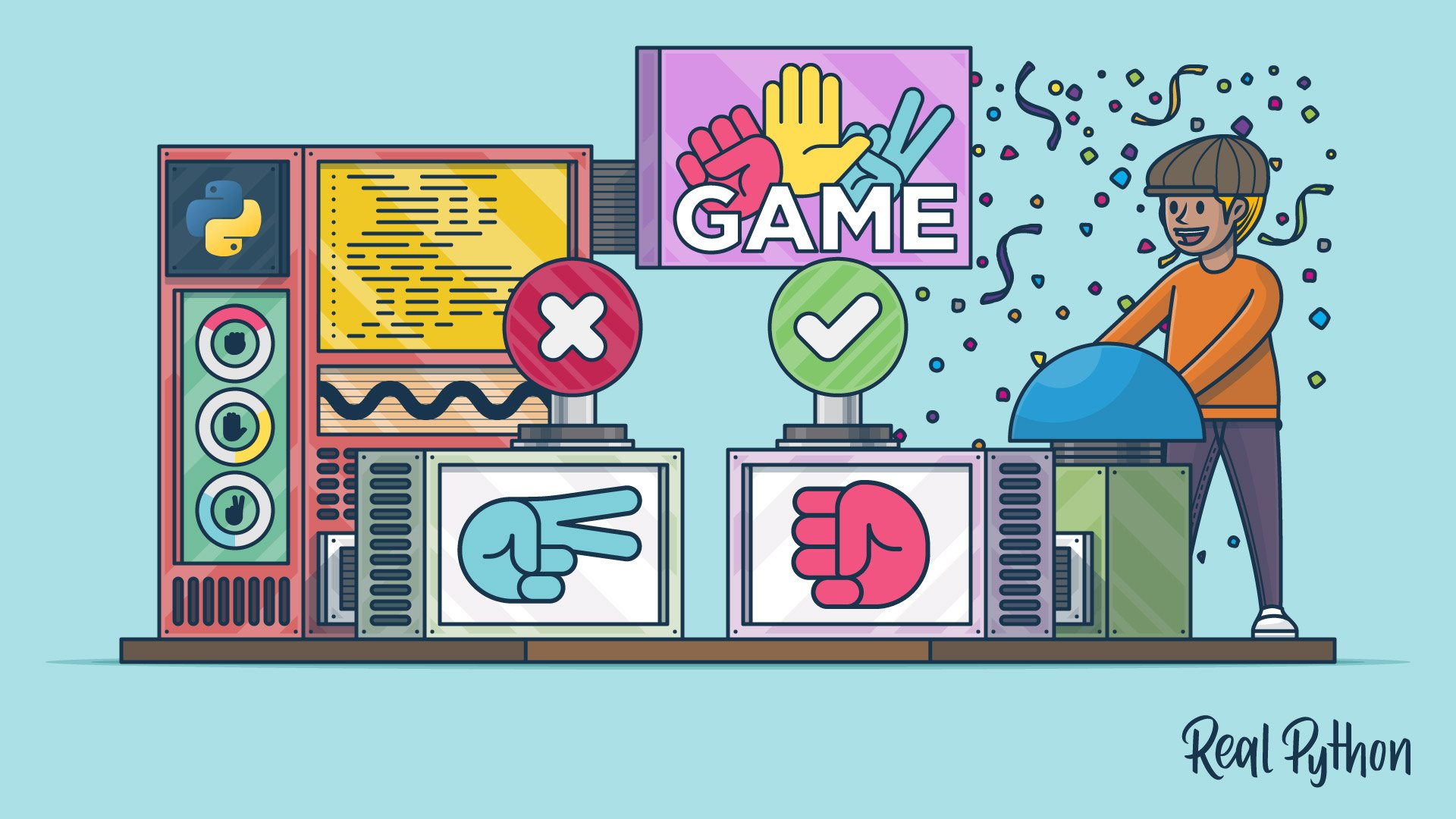
The learning path commences with foundational game development, starting with simple command-line games. This initial phase focuses on building a solid understanding of core programming logic, including user input management, the strategic use of random elements, and the establishment of effective game mechanics. Early projects might include classics like Rock-Paper-Scissors, where players interact through text prompts, reinforcing fundamental programming constructs.
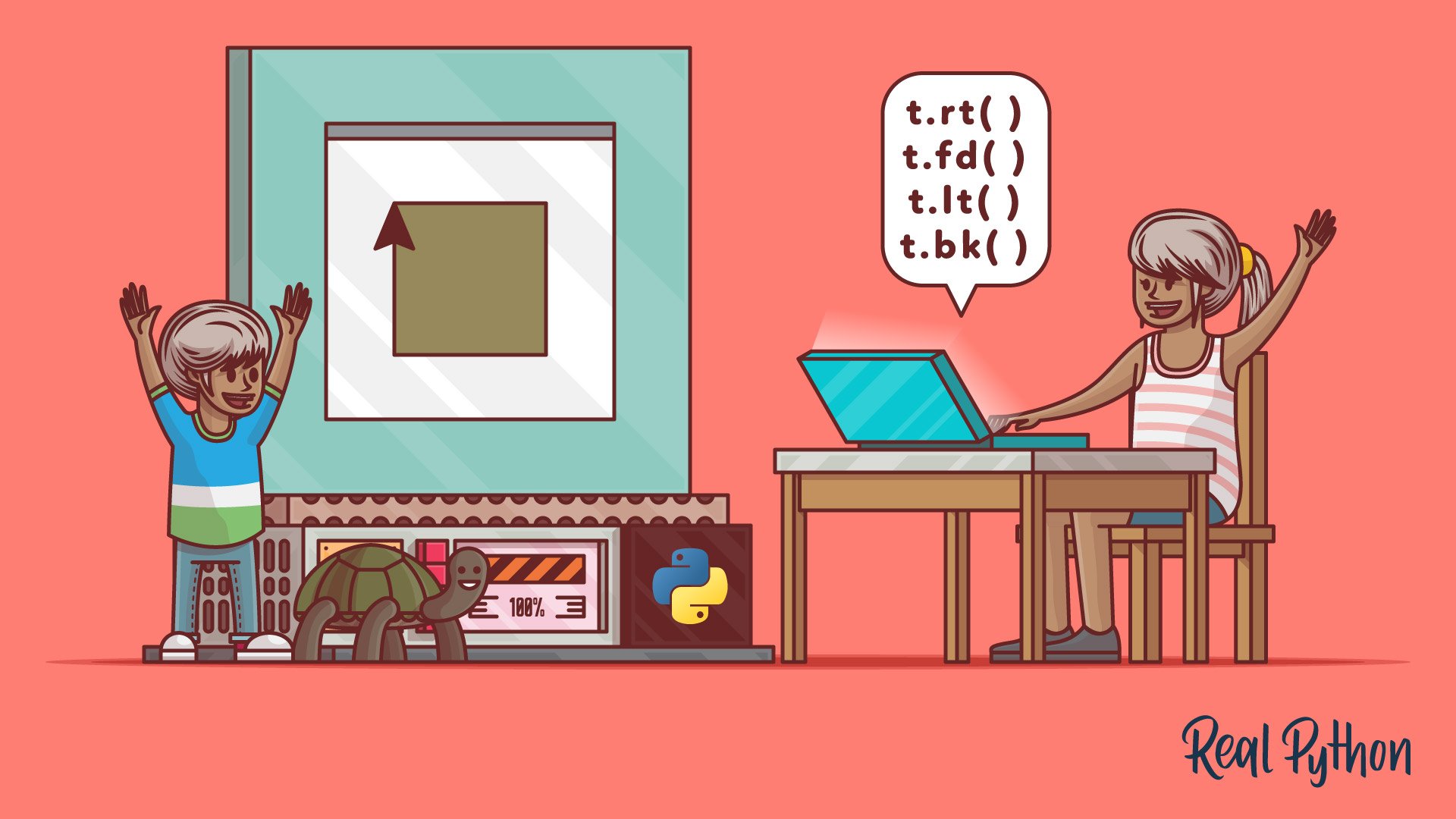
Following the introduction to text-based games, the curriculum smoothly transitions to visual programming with Python’s built-in turtle module. This pedagogical tool, often a first introduction to graphics for many programmers, allows for the creation of drawings and simple animations by controlling a virtual "turtle" on a screen. Learners will explore how to command the turtle to draw shapes, patterns, and ultimately, the building blocks of animated sequences, providing a visual feedback loop that enhances comprehension of programming concepts. This stage is crucial for grasping animation loops and understanding how code can translate into visual output, paving the way for more complex graphical endeavors.
Further exploration with the turtle module includes practical application through game development. Projects such as building a Space Invaders clone demonstrate how to apply learned graphics and animation techniques to create a tangible game experience. This hands-on approach solidifies knowledge of event handling, sprite management (even in a simplified form), and the iterative process of game design.
Expanding Horizons with GUI and Terminal Interfaces
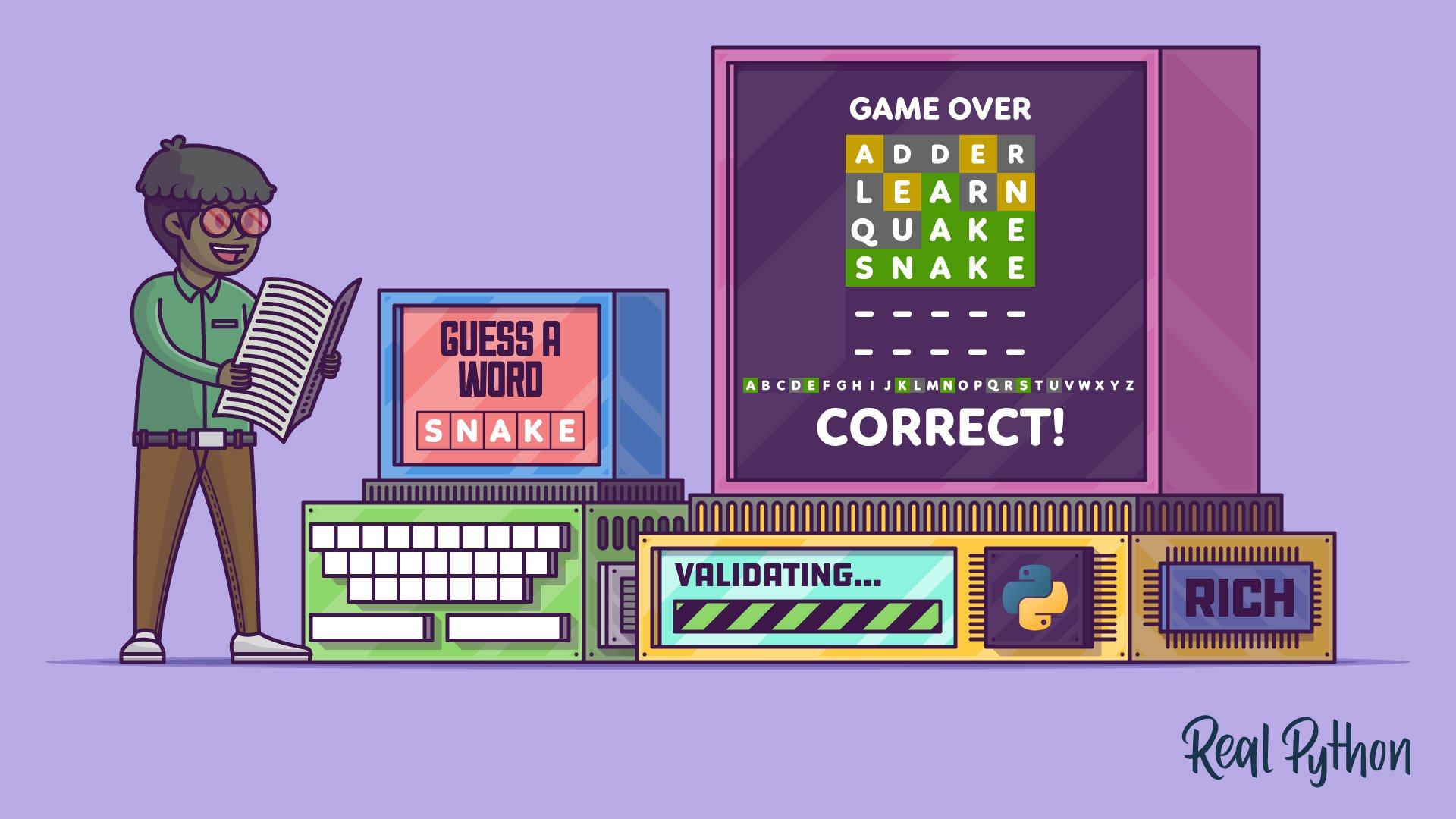
The learning path then broadens to encompass word games, offering two distinct approaches: terminal-based and graphical user interface (GUI) based. For terminal games, the rich library is introduced, a powerful tool for enhancing the aesthetics and interactivity of command-line applications. This allows developers to create visually appealing text-based games, such as a Wordle clone, where typography, color, and layout significantly contribute to the user experience. Building a Wordle clone with rich not only teaches game logic but also delves into the practicalities of creating user-friendly terminal applications, demonstrating how to manage input, display feedback, and structure game states within a text-based environment.
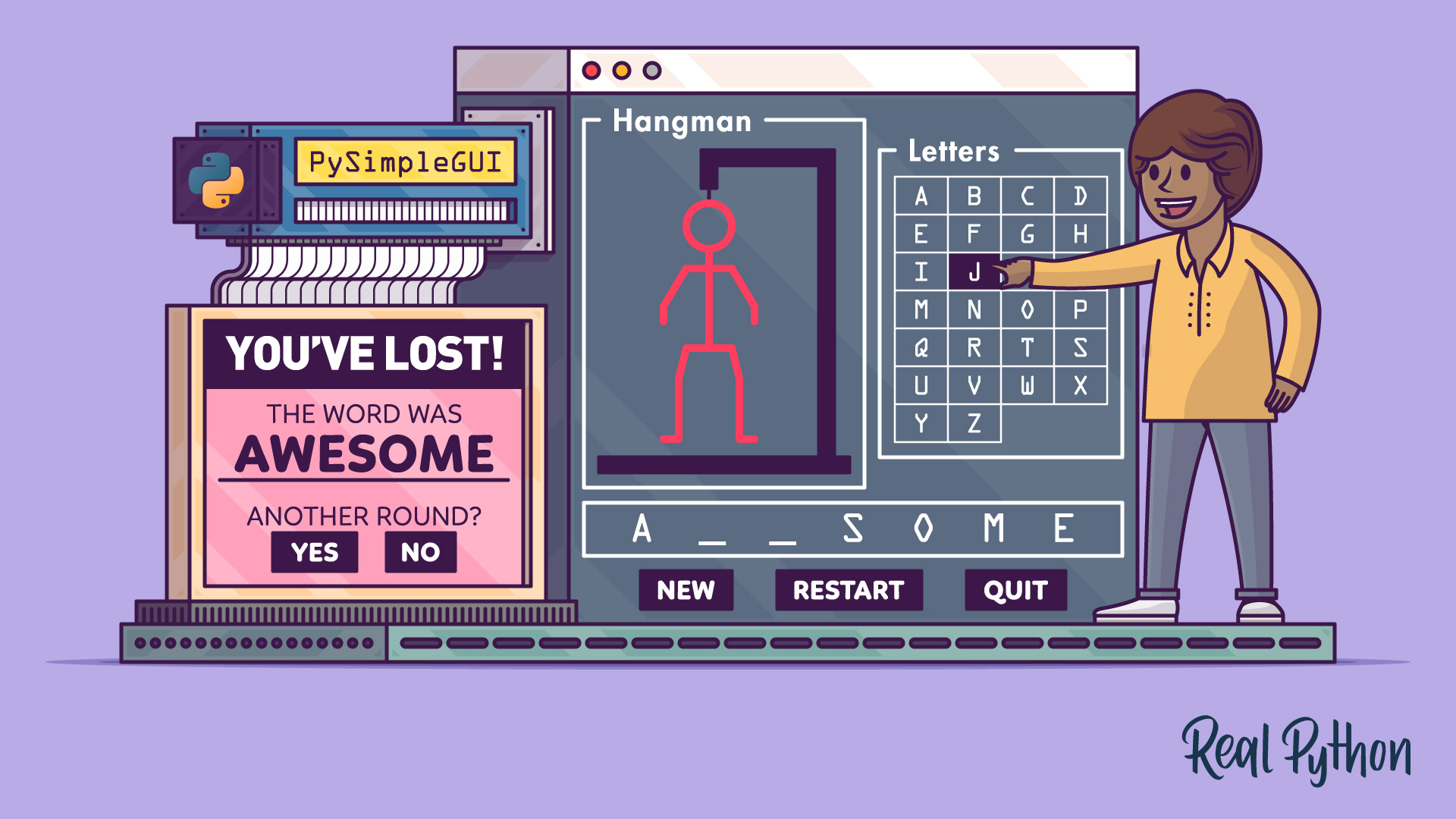
Complementing the terminal experience, the path introduces GUI development for word games using PySimpleGUI. This user-friendly library simplifies the process of creating graphical interfaces, making it accessible even for those new to GUI programming. Developing a Hangman game with PySimpleGUI allows learners to understand event-driven programming, widget manipulation, and the creation of interactive elements that respond to user actions, bridging the gap between pure text interaction and visual interfaces.
Mastering Classic Board Games and Game Engine Fundamentals
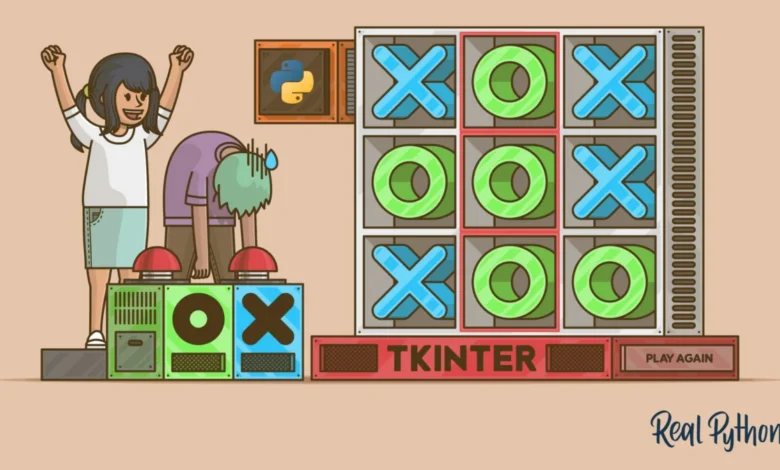
The journey continues with the creation of classic board games, leveraging the Tkinter GUI framework, which is part of Python’s standard library. Building a Tic-Tac-Toe game with Tkinter serves as an excellent introduction to creating graphical board games. This project reinforces concepts such as grid-based layouts, event handling for user clicks, and game state management. Tkinter‘s accessibility makes it an ideal starting point for developing visually interactive applications.

To deepen the understanding of game mechanics and artificial intelligence, the learning path includes building a game engine for Tic-Tac-Toe with an AI player. This advanced project introduces the minimax algorithm, a fundamental concept in game AI, allowing the creation of an unbeatable opponent. The project also explores different front-end implementations, including text-based and graphical interfaces, showcasing the modularity of a well-designed game engine. This stage is critical for understanding the underlying architecture of games and how to implement intelligent behavior.
Exploring the Landscape of Python Game Development Frameworks
Before diving deep into specific game engines, the learning path provides an overview of the diverse landscape of Python game development libraries. A dedicated resource explores various popular game engines, allowing developers to compare their strengths and weaknesses. Through coding simple examples and more complex game prototypes for each engine, learners gain practical insights into their functionalities and best use cases. This comparative approach ensures that developers can make informed decisions about which tools best suit their project requirements.
The Powerhouse of Pygame for 2D Game Development
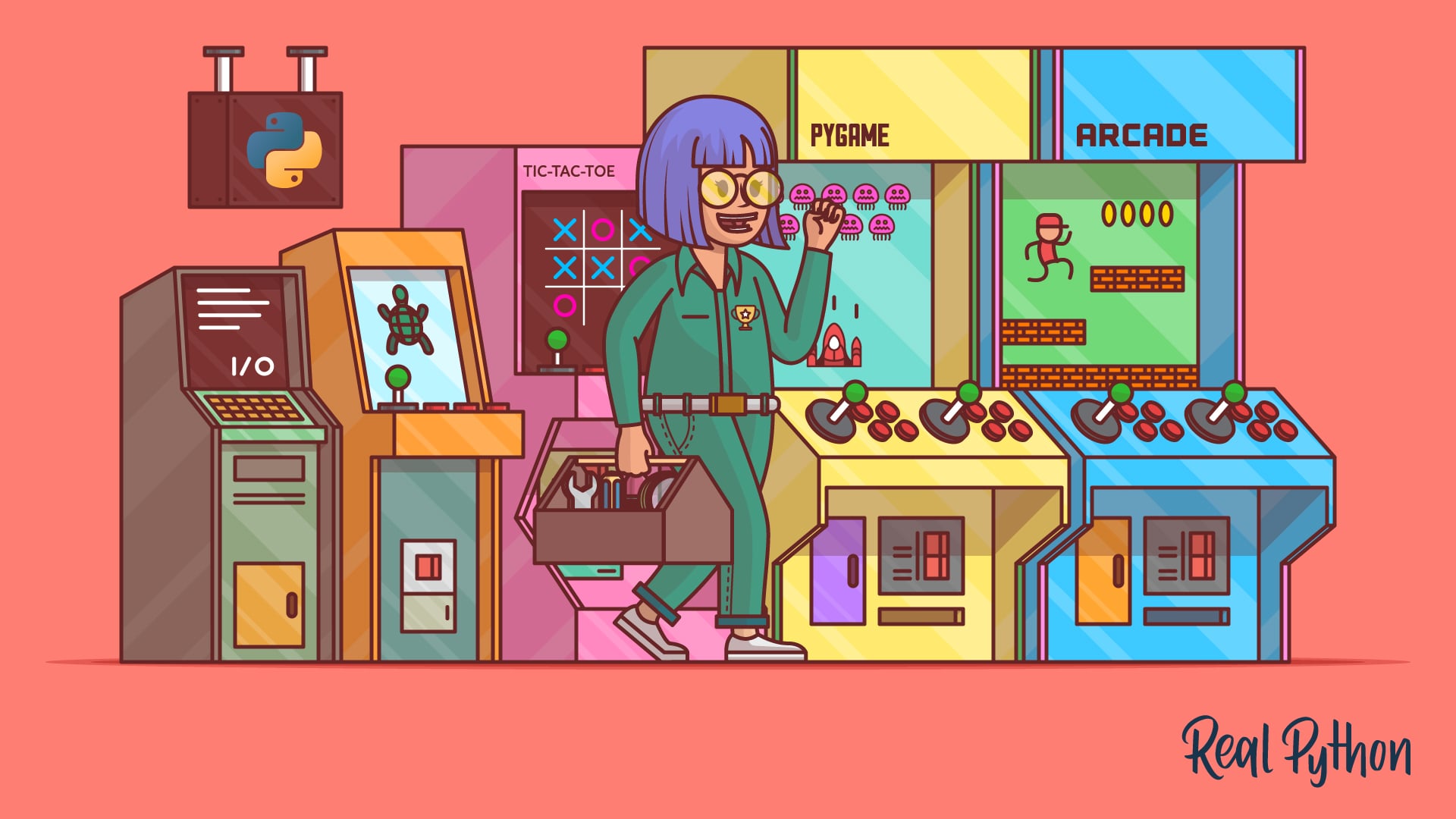
A significant portion of the learning path is dedicated to Pygame, one of the most widely adopted Python libraries for game development. Learners will embark on building complete 2D games, mastering essential techniques such as sprite management, collision detection, sound integration, and music playback. The curriculum includes a course on creating a 2D side-scroller game, which covers the fundamental principles of game loops, drawing elements on the screen, handling user input (keyboard and mouse), and implementing game physics. This hands-on experience with Pygame equips developers with the skills to create engaging and dynamic 2D gaming experiences. Further practical application is provided through building an Asteroids clone, allowing for reinforcement of Pygame‘s capabilities in handling multiple game objects, projectile systems, and scoring mechanisms.
Embracing Modern Game Development with Arcade
The learning path then introduces Arcade, a more modern and object-oriented Python game framework. Arcade is designed to simplify game development with features that cater to Python 3.6 and newer, offering a streamlined approach to creating games with compelling graphics and sound. Learners will explore building a complete platform game, which typically involves intricate level design, asset integration, and the implementation of physics engines. A tutorial on building a platformer game using Arcade covers essential techniques for designing game levels, sourcing and integrating graphical assets, and implementing advanced gameplay features. This section highlights Arcade‘s strengths in providing a modern toolkit for crafting sophisticated Python game experiences, often with a focus on ease of use and performance.
The comparison between Arcade and Pygame is also addressed, providing clarity on when to choose one over the other based on project needs and developer preferences. This comparative analysis helps developers understand the evolving ecosystem of game development tools in Python.
Skill Development and Future Prospects
By engaging with this comprehensive learning path, individuals will acquire a diverse skill set applicable to various aspects of game development. Proficiency in libraries like turtle, rich, PySimpleGUI, Tkinter, Pygame, and Arcade provides a robust foundation. The ability to transition from simple text-based interactions to complex 2D graphical environments, incorporating elements like sprites, collision detection, and advanced AI, positions learners as well-rounded game developers. This pathway not only imparts technical skills but also fosters problem-solving abilities, logical thinking, and creative expression, all of which are invaluable in the dynamic field of software development and particularly within the entertainment technology sector. The demand for skilled game developers continues to grow, and Python’s accessibility and extensive libraries make it an increasingly popular choice for indie developers and larger studios alike. This learning path is an investment in a future where creative coding meets engaging entertainment.
Related posts: