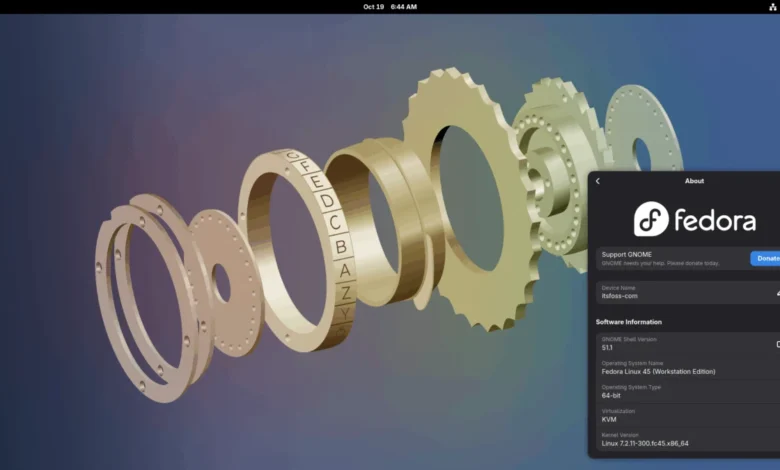
A Chronology of the Fedora 45 Development Cycle
The road to Fedora 45 was defined by a transparent, community-driven change management process. Every feature integrated into the operating system originates as a formal proposal on the Fedora Change Set page. These proposals are meticulously tracked, requiring both an identified owner and an approval status from the Fedora Engineering Steering Committee (FESCo).

The beta version of Fedora 45, which debuted last month, served as the final crucible for these changes. During the final weeks of the cycle, the project maintainers identified late-stage "teething issues"—a common occurrence in complex Linux distributions where interdependent software components must reconcile their release schedules. By opting to defer certain non-critical proposals to Fedora 46, the project ensured that the core experience of the version 45 release remained robust and reliable for its vast user base, which ranges from enterprise developers to casual desktop enthusiasts.
Enhancing Diagnostics: The Web-Based DRM Panic Frontend
One of the most significant user-experience improvements in this release is the modernization of the kernel panic reporting system. Historically, when a Linux system encounters a fatal error, it generates a "kernel panic," often leaving users with an inscrutable wall of text. Since Fedora 42, the project introduced QR codes to these error screens, but the utility was limited by the raw data format, which remained largely incomprehensible to non-engineers.

Fedora 45 introduces a sophisticated web frontend for the DRM (Direct Rendering Manager) Panic component. When a user scans the QR code presented during a system crash, they are now directed to a specialized, Fedora-hosted diagnostic portal. This portal parses the cryptic error trace into actionable information, guiding the user through the potential cause of the crash. Furthermore, the interface provides a streamlined path to opening a formal Bugzilla report, pre-populating it with the system’s hardware specifications and the specific error log, thereby significantly reducing the friction involved in community-driven bug reporting.
The Shift to Kmscon: Modernizing the Virtual Console
For years, the Linux virtual console—the text-only interface accessed via Ctrl+Alt+F3—has relied on the legacy fbcon (framebuffer console) driver. Fedora 45 marks a transition to kmscon, a modern, userspace-based replacement that drastically improves the terminal experience.
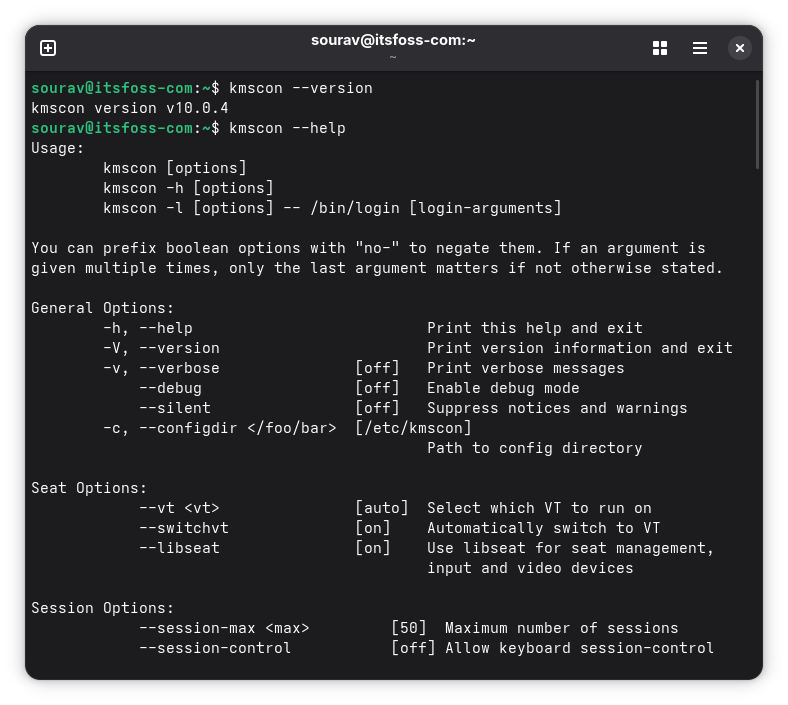
The implementation of kmscon provides features that were previously unavailable in the virtual console, including high-resolution font rendering, comprehensive Unicode support, and the critical ability to use the same keyboard layout as the primary desktop environment. Perhaps most importantly, kmscon introduces scrolling capabilities and mouse support, making administrative tasks in a terminal-only environment significantly more efficient. The transition is designed with redundancy in mind: should kmscon fail to initialize, the system is engineered to automatically fall back to the traditional getty and fbcon setup, ensuring that users are never locked out of their machines.
Hardware Enablement and the Linux 7.2 Kernel
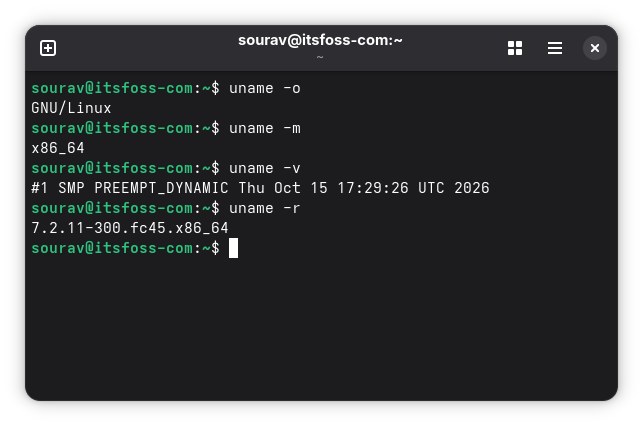
At the heart of Fedora 45 lies the Linux 7.2 kernel, which brings a host of hardware-level improvements. A notable inclusion is the long-awaited support for HDMI 2.1 in the Radeon open-source driver. This development ends a multi-year period of restricted functionality caused by licensing and technical disputes with the HDMI Forum, finally allowing Linux users to utilize high-bandwidth display outputs on supported AMD hardware.
Additionally, the kernel introduces the ISP4 driver, completing webcam support for the HP ZBook Ultra G1a and a variety of emerging Ryzen-based laptops. The support matrix has also expanded to include the ASUS ROG Strix G16, Zephyrus G14, and TUF Gaming F16, along with advanced battery charge limiting for Lenovo hardware and a dedicated platform driver for the 12-inch Microsoft Surface Pro.
The decision to ship with kernel 7.2, rather than the newer 7.3, has invited some discussion among the Linux community, particularly given that other distributions like Ubuntu 26.10 integrated the 7.3 series prior to its official upstream stabilization. While some have speculated that the release delay played a role, the choice likely reflects the Fedora Project’s commitment to a kernel version that has reached a higher state of maturity, prioritizing proven reliability over the absolute latest experimental features.

Desktop Environment Upgrades: GNOME 51 and Plasma 6.7
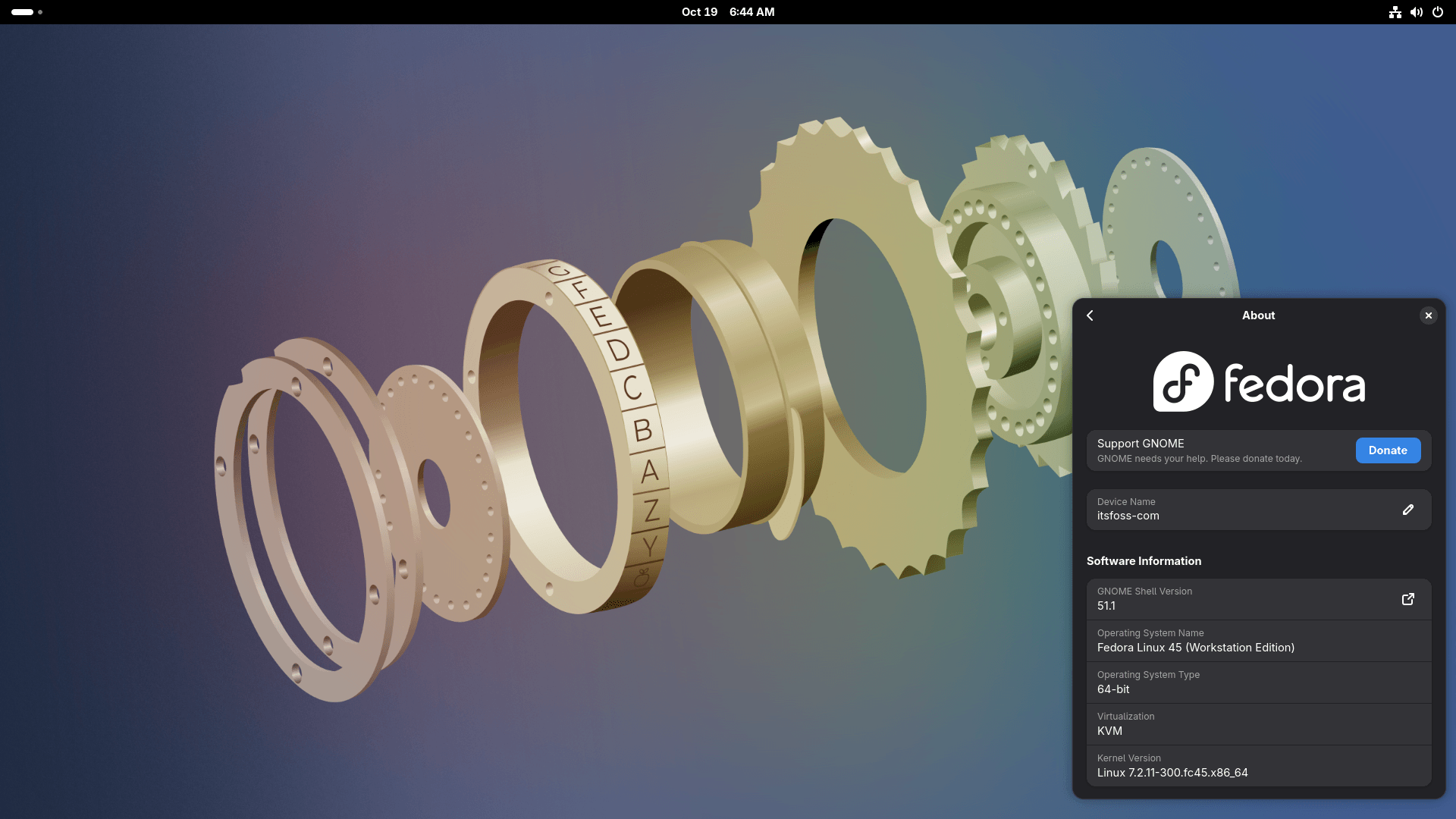
Fedora Workstation 45 continues its tradition of delivering a cutting-edge GNOME experience. The inclusion of GNOME 51 introduces several practical enhancements, such as offline map downloads in the Maps application and a redesigned fingerprint manager within the system settings. A highly requested feature—the ability to save and restore monitor brightness settings across reboots—has also been implemented, addressing a long-standing point of minor frustration for laptop users.
On the alternative desktop front, Fedora KDE Plasma Desktop 45 ships with version 6.7. The standout feature here is the introduction of per-screen virtual desktops. In multi-monitor configurations, users are no longer forced to synchronize their virtual workspace navigation across all displays; each monitor can now function independently, offering a more flexible workflow for power users. Furthermore, the return of the classic "Oxygen" and "Air" themes provides a nostalgic yet polished aesthetic, complemented by a new quick-settings toggle that allows for seamless switching between day and night color themes.

Evolution of Container Infrastructure: Podman 6.1
Container management remains a cornerstone of the Fedora ecosystem, and version 45 brings the platform to Podman 6.1. This release represents a significant architectural shift from the previous 5.x series, as it fully integrates the changes introduced in the major 6.0 milestone.
Key technical changes include the deprecation of legacy technologies such as slirp4netns, CNI, and cgroups v1 in favor of more modern alternatives like Pasta, Netavark, and cgroups v2. The transition is largely automated, including the migration of the legacy BoltDB database to the more robust SQLite format. Beyond these backend improvements, Podman 6.1 introduces user-facing conveniences, such as the podman volume rename command and expanded retry logic for podman manifest push, reinforcing Podman’s position as a daemonless, security-first alternative to traditional container engines.
Implications and Future Outlook
The release of Fedora 45 is a testament to the balance between innovation and stability. By meticulously curating its software stack—opting for the mature 7.2 kernel and ensuring the seamless integration of kmscon and the new DRM Panic frontend—the Fedora Project continues to provide a blueprint for what a modern, community-driven Linux distribution should look like.
While the delays leading up to the November 3 launch may have tested the patience of some, the resulting product is demonstrably more polished. For users and administrators, Fedora 45 offers a refined, highly capable environment that bridges the gap between bleeding-edge software and enterprise-grade reliability. As the project now shifts its focus toward the development of Fedora 46, the success of this release cycle serves as a clear indicator that the project’s rigorous review and release methodology remains the standard-bearer for the open-source community.