
Free VPN Solutions for Linux: A Comprehensive Analysis of Privacy, Performance, and Security

The landscape of Virtual Private Network (VPN) services available to the Linux community has evolved significantly, shifting from obscure, often untrustworthy browser extensions to robust, audited, and open-source applications that cater to both casual users and privacy-conscious professionals. For Linux users, the challenge lies in distinguishing between marketing-heavy "free" services—which often monetize user data—and legitimate, privacy-preserving tools that offer free tiers as a method of brand acquisition. This report evaluates the current state of free VPN options for Linux, categorizing them by technical implementation and analyzing their security architectures, data policies, and practical utility.
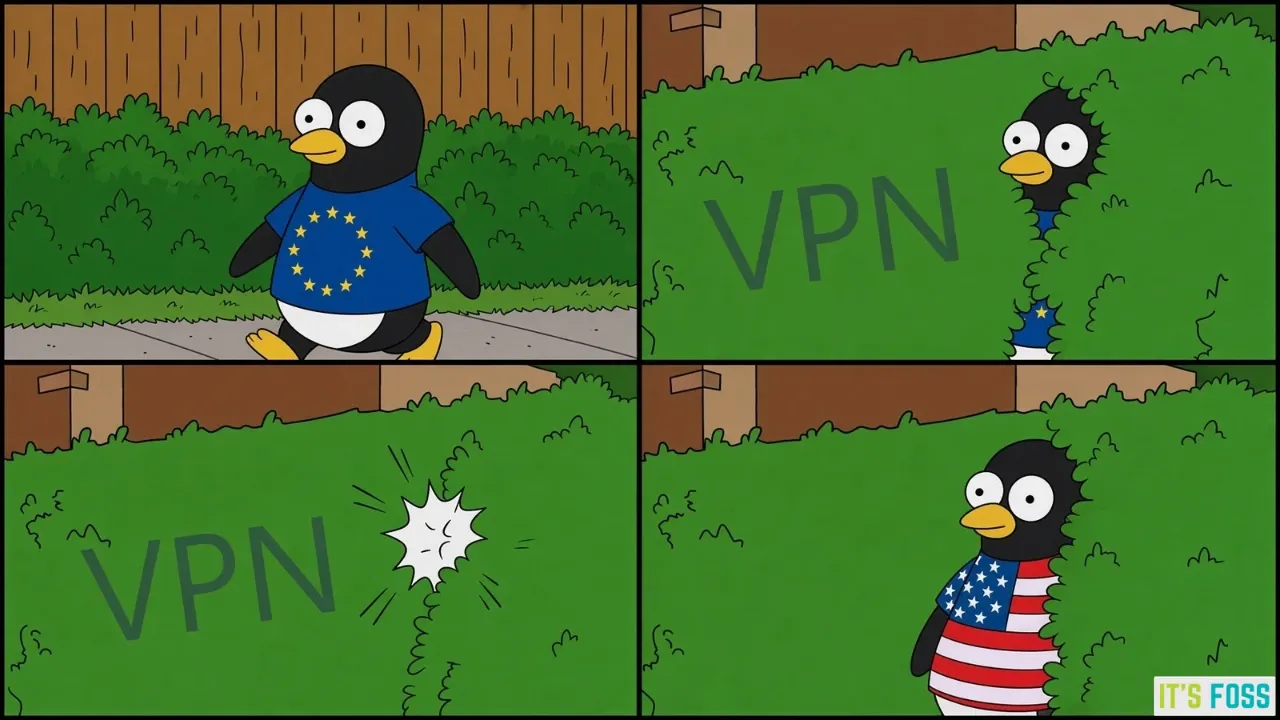
The Economic Reality of Free VPNs
The adage "if you are not paying for the product, you are the product" remains a foundational truth in the cybersecurity sector. Many "free" VPNs offered through browser stores lack the infrastructure to maintain high-speed servers, leading them to recoup costs by logging browsing history, injecting advertisements, or selling bandwidth to third-party botnets. However, a select group of established privacy companies has adopted a "freemium" model. These organizations, often based in jurisdictions with strong privacy protections like Switzerland or Canada, use their free tiers to showcase service reliability. Revenue is generated from paid enterprise or personal subscriptions, while the free tiers are subjected to the same independent security audits as their premium counterparts.
Technical Classification: Browser Proxies vs. System-Wide Clients
To understand the efficacy of a VPN, one must categorize how it interacts with the operating system. Browser-based VPNs function primarily as encrypted proxies. While they secure the traffic within a specific browser instance, they do not protect system-level processes, such as background updates, terminal-based commands, or non-browser applications. Conversely, system-wide VPN clients for Linux encapsulate all network traffic, providing a comprehensive shield that is essential for users operating on public Wi-Fi networks in airports, hotels, or cafes.

Chronology of Development and Market Integration
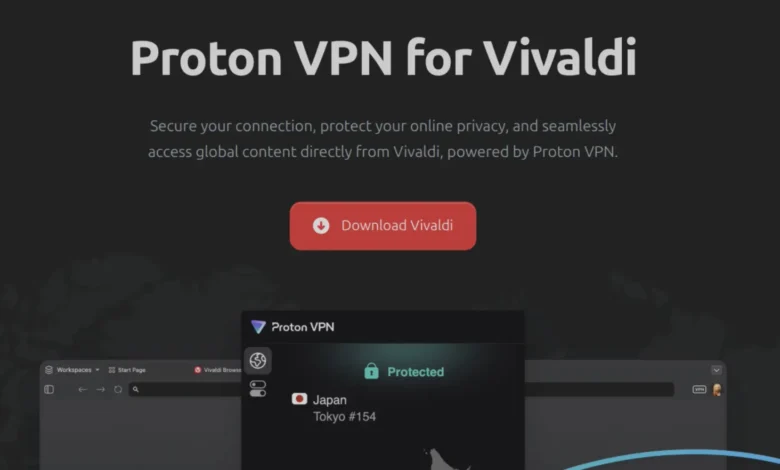
The integration of VPN services directly into browsers began in earnest around 2016, with Opera leading the charge by embedding a free proxy service into its desktop client. By 2025, the market saw a shift toward deeper partnerships, exemplified by Vivaldi’s collaboration with Proton VPN. This move represented a trend of browser developers prioritizing user security as a core feature rather than an add-on. Simultaneously, the proliferation of the WireGuard protocol—a high-performance, open-source VPN protocol—has allowed Linux developers to create lightweight, efficient clients that offer significantly higher speeds and lower CPU overhead than the legacy OpenVPN standard.
Analysis of Leading Free VPN Providers
Proton VPN: The Gold Standard for Transparency
Proton VPN, operated by the Swiss-based Proton AG, remains the most cited recommendation among privacy advocates. Its free Linux client is notable for being open-source and having undergone rigorous independent security audits. Unlike many competitors, it imposes no data caps on its free users. The limitations—specifically the inability to select specific countries and the restriction to one device—are clear, predictable trade-offs. The availability of both a robust Graphical User Interface (GUI) and a Command-Line Interface (CLI) makes it highly compatible with various Linux distributions, including Debian, Ubuntu, and Fedora.

Windscribe: A Data-Centric Approach
Windscribe, a Canadian-based provider, offers a distinct model by providing a 10 GB monthly data allowance for users who register with an email address. This capacity is sufficient for light browsing and secure communication. Windscribe’s inclusion of a "firewall" (a kill-switch implementation) for free users is a critical security advantage, ensuring that data is never leaked if the VPN connection drops. Furthermore, their transparent communication regarding legal requests—highlighting their lack of logs when faced with court orders—provides a layer of assurance that is rare in the free tier market.
hide.me and AdGuard VPN: Niche Utility
hide.me, based in Malaysia, has pivoted toward an unlimited-data free model, though it employs aggressive speed throttling. This makes it an ideal tool for text-based information access rather than media consumption. AdGuard VPN, leveraging the company’s decade-long history in ad-blocking technology, provides a clean, CLI-focused experience. While its 3 GB monthly cap is modest, its integration with broader privacy suites makes it a reliable choice for users already embedded in the AdGuard ecosystem.
RiseupVPN and Lantern: Censorship Circumvention
RiseupVPN and Lantern operate outside the traditional commercial model. Riseup is a collective-run service dedicated to journalists and activists, funded entirely by donations. It is an outlier because it maintains no paid tier, emphasizing a mission-first approach to digital rights. Lantern, meanwhile, is designed specifically for regions with heavy internet censorship. Its ability to remain functional in high-restriction environments makes it an essential tool for users in territories where standard commercial VPNs are frequently blocked by national firewalls.
Supporting Data and Performance Metrics
The utility of these services is often dictated by network architecture. While premium services offer thousands of servers in over 100 countries, free tiers are generally limited to 8–10 server locations. Performance data indicates that free users experience latency spikes during peak hours (typically 6:00 PM to 10:00 PM local time) due to server congestion. Below is a comparative overview of the core offerings:

| Provider | Data Limit | Location Choice | Linux Support |
|---|---|---|---|
| Proton VPN | Unlimited | No | GUI + CLI |
| Windscribe | 10 GB/month | Yes | GUI + CLI |
| hide.me | Unlimited (throttled) | Yes | CLI |
| AdGuard VPN | 3 GB/month | Yes | CLI |
| RiseupVPN | Unlimited | No | GUI (Tray) |
Broader Implications and Security Considerations
The reliance on free VPNs for sensitive tasks involves calculated risk. For users residing in countries with strict surveillance apparatuses, a free VPN may serve as a critical lifeline, but it should not be considered a silver bullet. The primary implication for the Linux user is the necessity of vetting the source code. Unlike proprietary VPN software on Windows or macOS, Linux users have the unique advantage of being able to inspect the packages they install. Choosing services that provide audited, open-source clients is the most effective defense against "man-in-the-middle" attacks or data harvesting.
Furthermore, users must be aware that while a VPN protects traffic between the device and the VPN server, it does not provide anonymity against the websites themselves. Browser fingerprinting, cookies, and logged-in user accounts still provide identifying data to third-party trackers. Therefore, a comprehensive privacy strategy for Linux should involve a VPN in conjunction with privacy-focused browsers, such as Librewolf or hardened Firefox, and strict cookie management.

Official Responses and Industry Stance
Major privacy firms have increasingly taken the stance that providing a secure, free entry point is a public service. Proton AG, in its public statements, has emphasized that their free tier is a core part of their mission to "make privacy accessible to everyone." Similarly, non-profits like the developers behind Riseup argue that providing tools for censorship circumvention is a fundamental requirement for a free and open internet. These stances contrast sharply with commercial VPN providers that prioritize rapid expansion and aggressive marketing over the long-term sustainability of free, privacy-centric tools.
Conclusion: Making the Right Selection
For the Linux user, the choice of a free VPN should be predicated on the specific use case. For general privacy on public Wi-Fi, Proton VPN and Windscribe are the most reliable options due to their transparent data policies and high-quality clients. For users needing to bypass specific regional restrictions or censorship, RiseupVPN or Lantern offer the most resilient, mission-driven alternatives. Regardless of the choice, the user is encouraged to verify the, in-use, security settings—such as ensuring that the kill-switch functionality is active—to maintain the integrity of their system’s connection. As the Linux ecosystem continues to grow, the expectation for high-quality, privacy-focused tooling will only increase, forcing providers to maintain higher standards for their free offerings to remain competitive in a security-literate market.