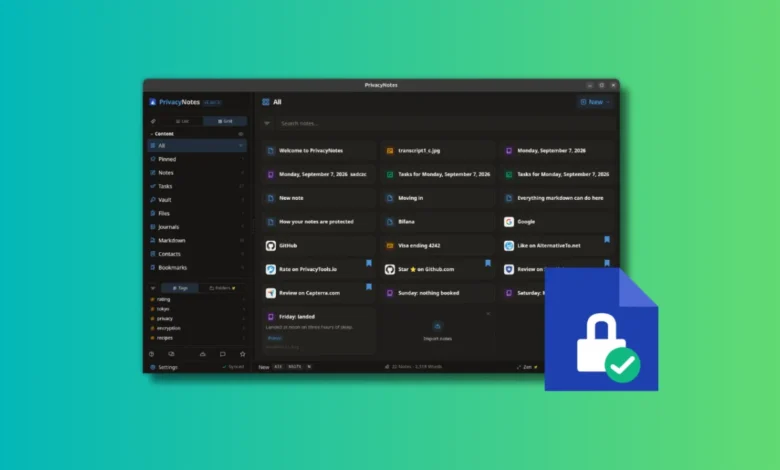
The landscape of digital productivity tools has long been divided between the convenience of cloud-based synchronization and the security of local, offline-first storage. With the release of Privacy Notes, developed by Lifetime Labs, the market sees a new entrant attempting to bridge this divide through a hybrid architecture. By utilizing client-side encryption, the application ensures that sensitive documents, passwords, and journals remain inaccessible to the service provider, effectively establishing a "zero-knowledge" environment that appeals to privacy-conscious users and cybersecurity professionals alike.
The Architecture of Privacy: A Technical Overview
At its core, Privacy Notes operates on a principle of client-side encryption. Unlike conventional note-taking platforms that store data in a plaintext or server-side encrypted format, Privacy Notes processes all information on the user’s device before transmitting it to the cloud. The platform utilizes servers hosted in Switzerland—a jurisdiction known for its stringent data protection laws—but the provider maintains no access to the decryption keys.
This architecture places the entire burden of security on the user. If an individual loses their master key or recovery phrase, the data becomes permanently irrecoverable. This "zero-knowledge" model is a deliberate trade-off, prioritizing user autonomy and data sovereignty over the user-friendly recovery options found in mainstream applications like Google Keep or Notion.

Chronology and Development
The development of Privacy Notes follows a recent trend of developers moving away from the "Software-as-a-Service" (SaaS) model toward "Software as a Product." Lifetime Labs, the organization behind the project, has explicitly stated its opposition to the subscription-heavy ecosystem that dominates modern software.
The project officially launched its cross-platform suite earlier this year, targeting Linux, Windows, macOS, iOS, and Android. The development team has maintained an open-source ethos, hosting their entire codebase on GitHub. By providing transparency into their encryption protocols and threat models, Lifetime Labs aims to build trust within the privacy-focused community, which often demands verification of code integrity before adopting new tools for sensitive data.
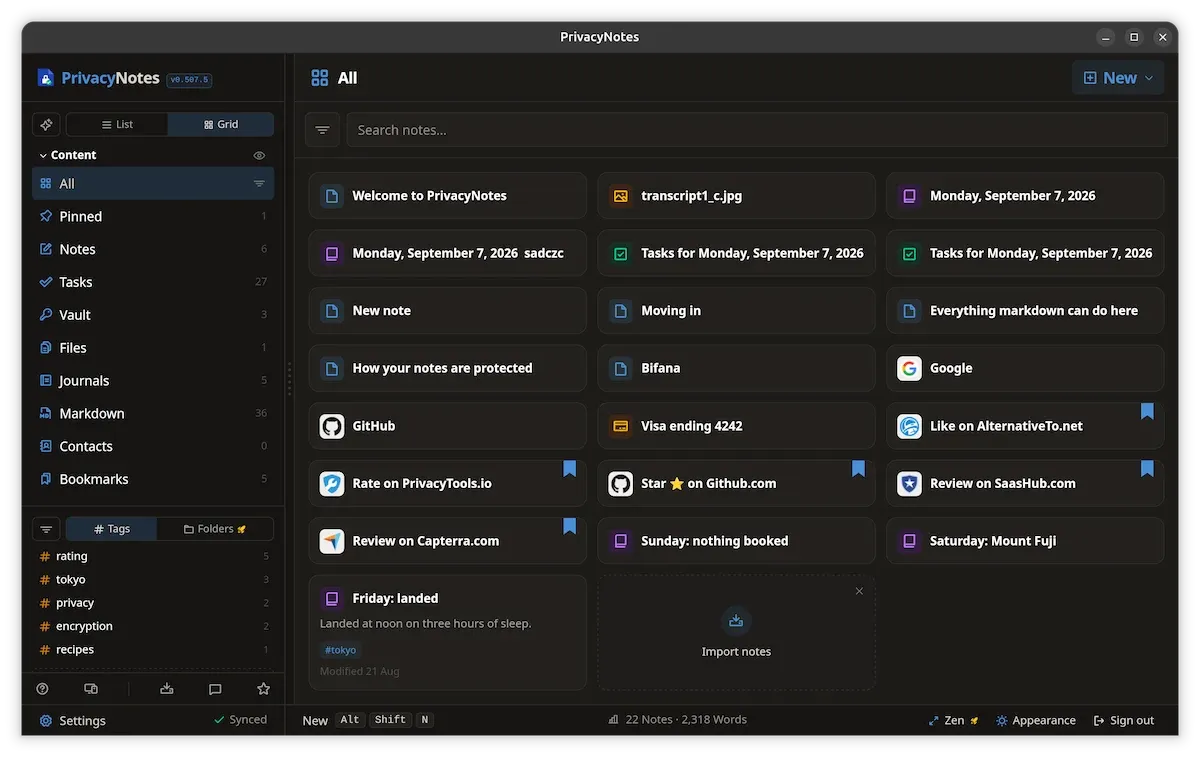
Feature Set: Moving Beyond Simple Notes
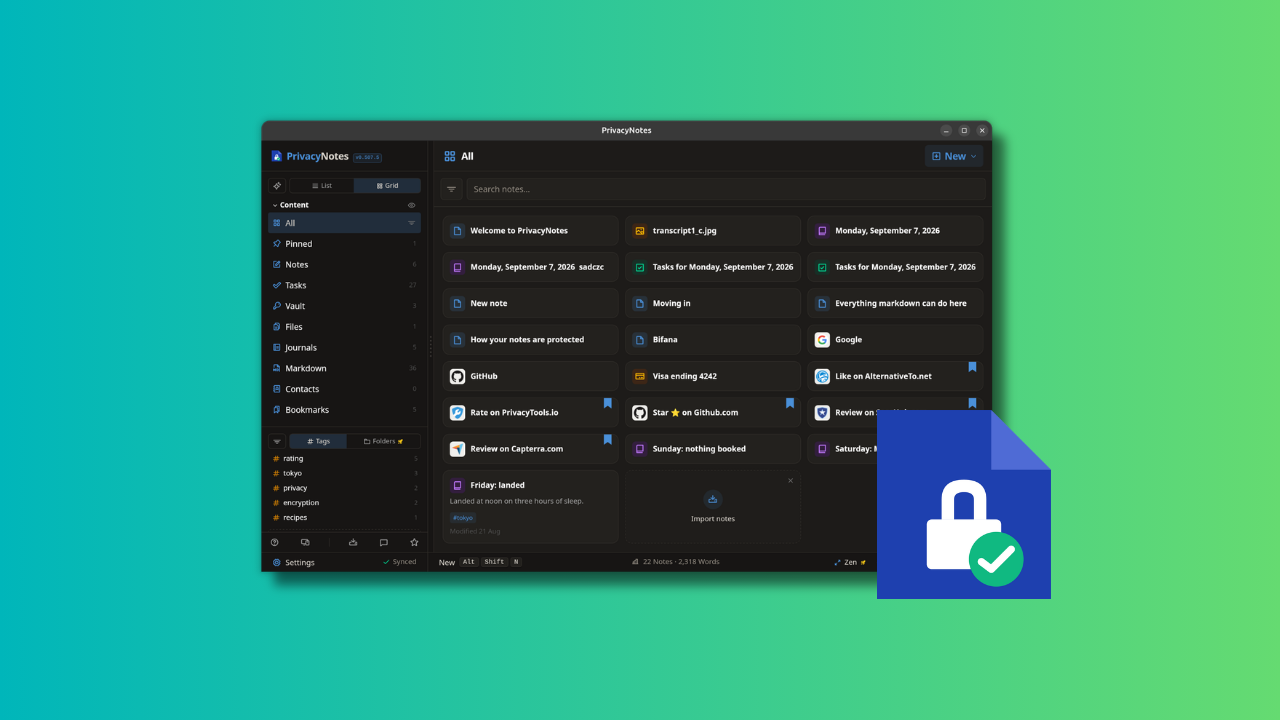
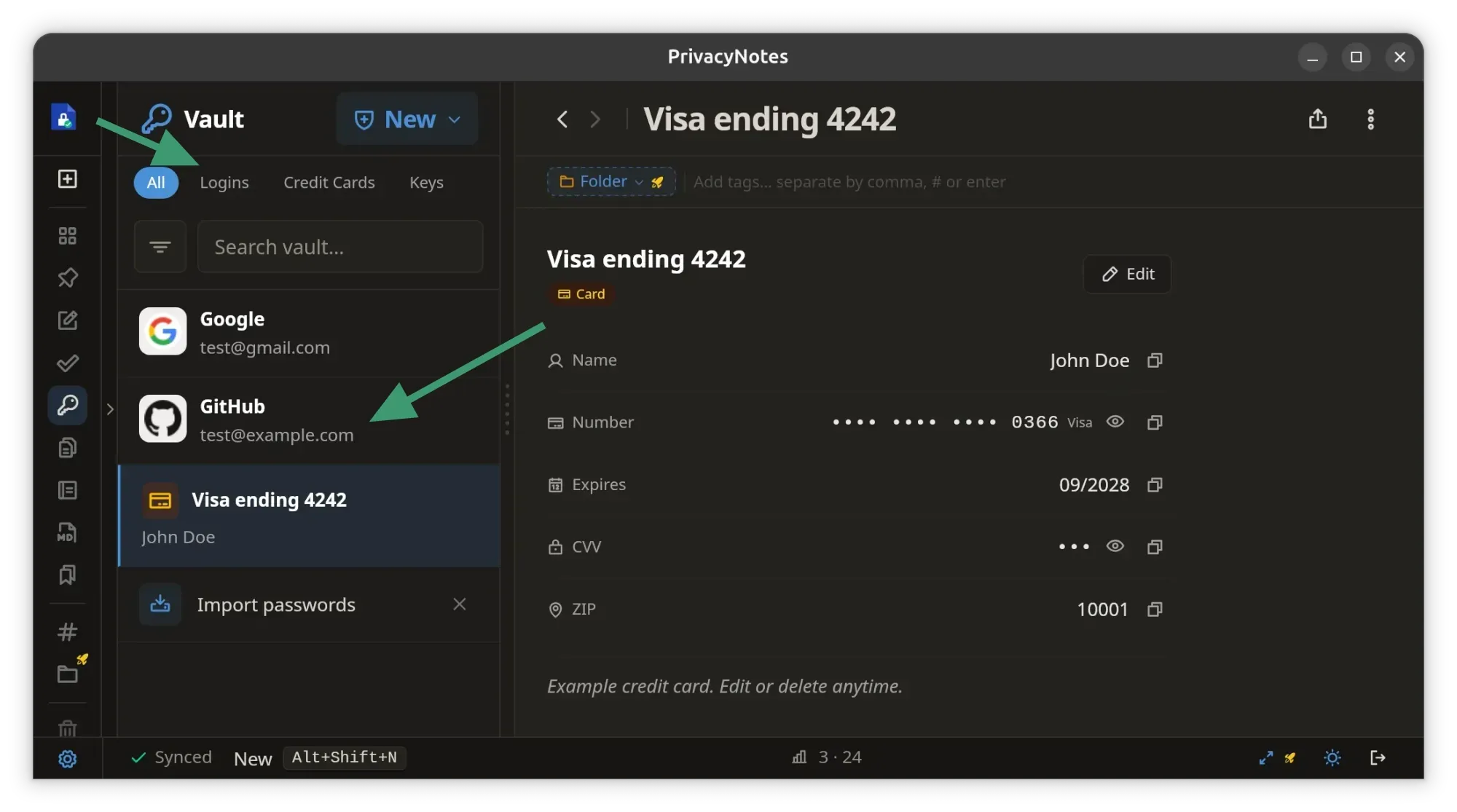
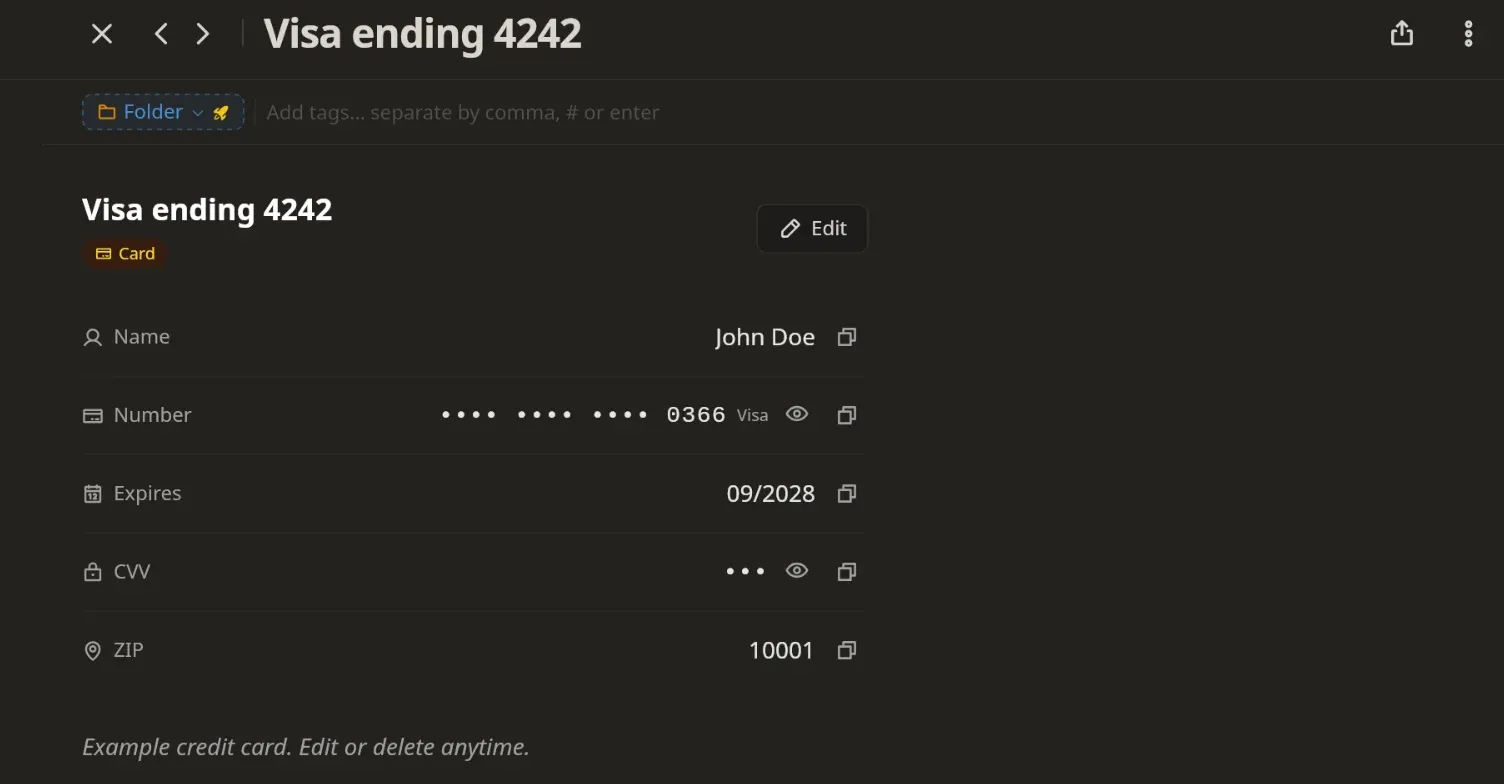
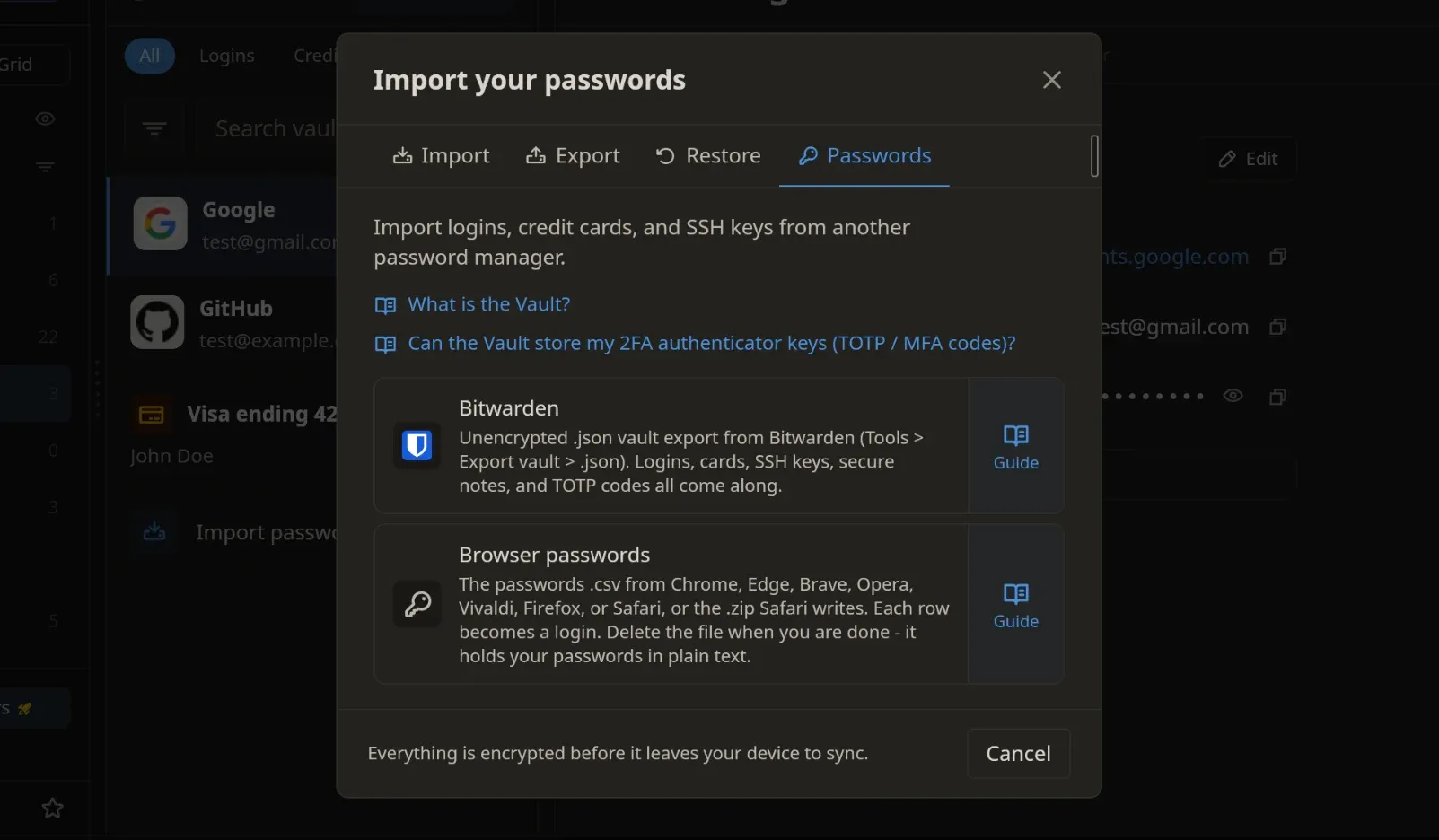
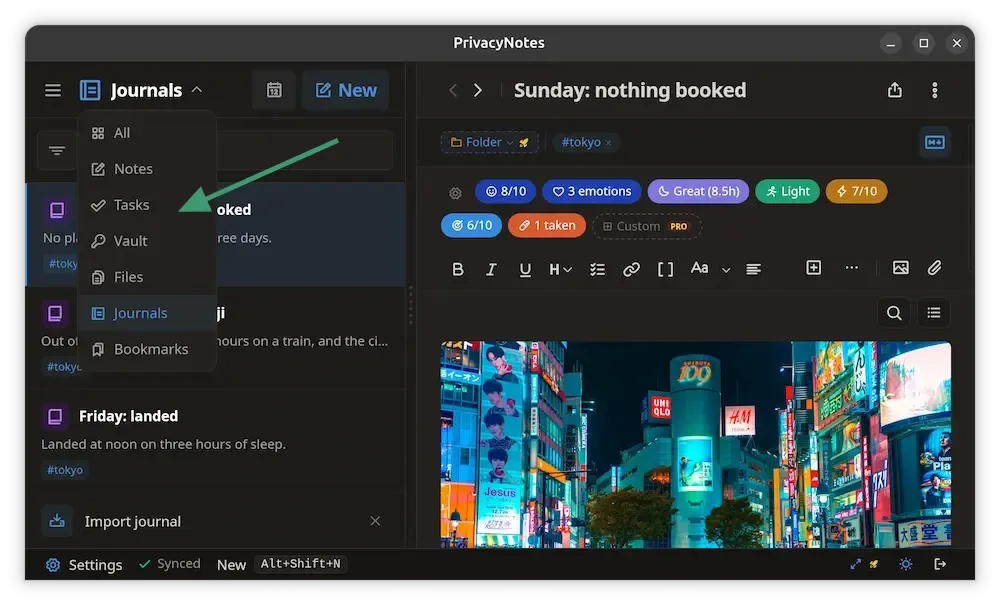
While many applications focus on a single niche—such as password management or markdown editing—Privacy Notes attempts to consolidate several workflows. The integration of a vault for passwords, SSH keys, and GPG keys represents a strategic shift toward becoming a comprehensive "digital safe."
- Integrated Vaulting: The application includes templates for storing login credentials and sensitive cryptographic keys. This functionality mirrors established password managers like Bitwarden or Proton Pass but integrates them directly into the note-taking environment, allowing users to reference secrets alongside documentation.
- Markdown-First Editor: The editor supports standard Markdown with WYSIWYG capabilities, ensuring that users can transition from platforms like Obsidian or Joplin with minimal friction.
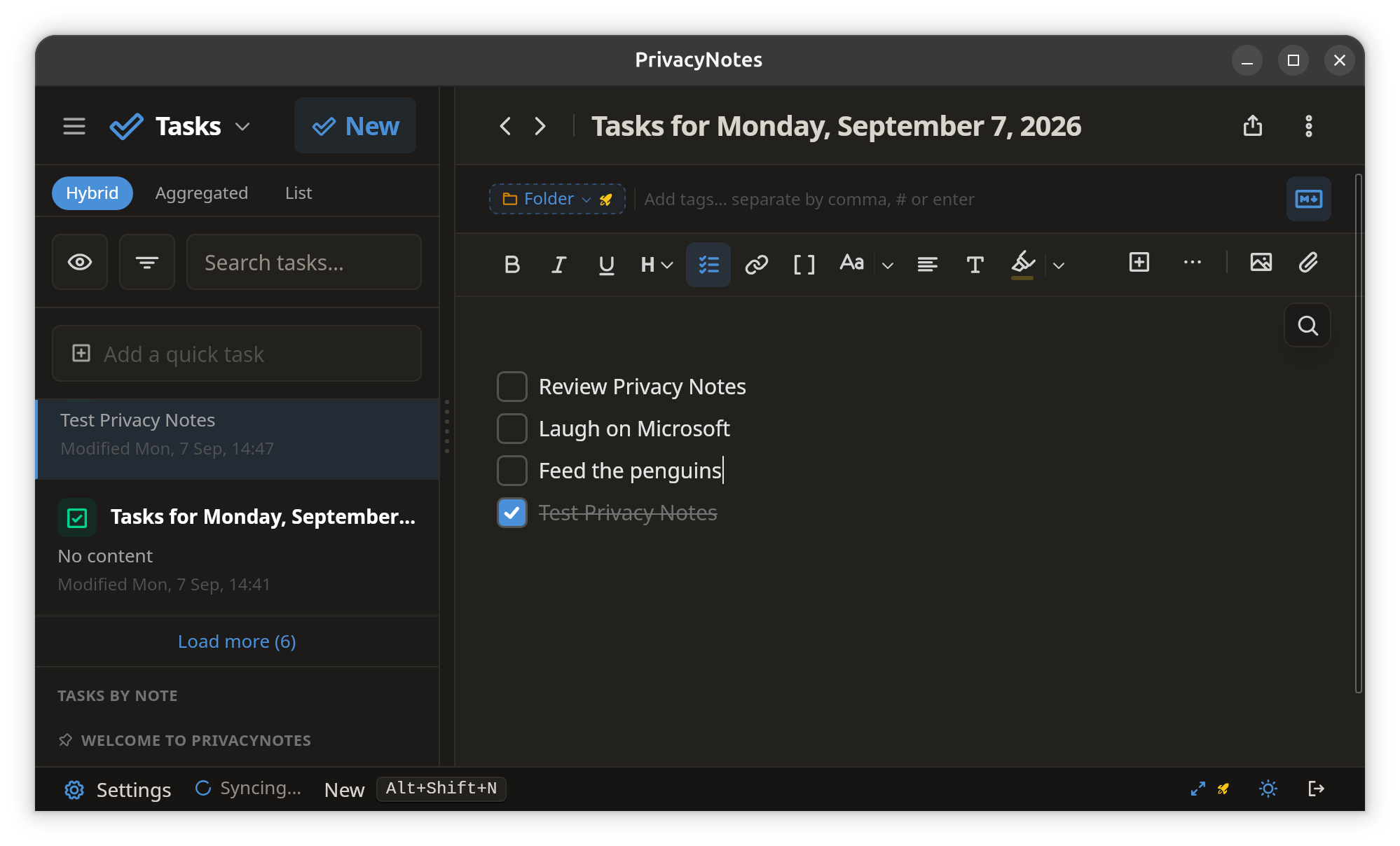
- Task Management: Rather than implementing complex Kanban boards, the platform uses a simplified checklist system. This feature acts as a global index, pulling all checklists from various notes into a centralized dashboard to prevent tasks from becoming lost in large repositories of information.
- "Burn After Reading" Capabilities: Perhaps the most unique feature is the ability to generate self-destructing links for encrypted files. This mechanism functions similarly to secure messaging services, where a file becomes inaccessible after a single access event, providing a secure method for sharing sensitive documents.
Market Context and Economic Strategy
The economic model of Privacy Notes is designed to be sustainable without recurring, long-term subscription fees. Lifetime Labs offers a "lifetime" purchase option for 500 MB of encrypted storage at an initial price of $48, which is scheduled to increase to $89 as the product matures. For users requiring additional space, the company provides a self-serve model for incremental storage, priced at approximately $4.80 per gigabyte per year.
This approach reflects a broader industry movement among smaller developers to move away from the "perpetual subscription" model, which has faced increasing consumer fatigue. By charging for storage rather than access to the software itself, the developers align their revenue with the actual operational costs of server maintenance, creating a more transparent value proposition.
Comparative Analysis: Local vs. Cloud
Privacy Notes differentiates itself through its handling of local files. The desktop application functions as a native Markdown editor capable of reading and writing local files without encryption. This allows power users to maintain a local, plain-text knowledge base—similar to a standard GitHub repository or an Obsidian vault—while selectively choosing which notes to "promote" to the encrypted cloud vault.
This hybrid approach addresses the storage limitations of the platform. By keeping the bulk of non-sensitive notes in a local, unencrypted environment, users can avoid hitting their cloud storage quotas while still benefiting from the security of the encrypted vault for high-value data such as legal documents, financial records, or private keys.
Security Implications and Data Stewardship
The shift toward zero-knowledge applications is often analyzed through the lens of data privacy regulations. With the rise of AI-driven training models, concerns have mounted regarding how cloud-based platforms utilize user data. By enforcing client-side encryption, Privacy Notes effectively mitigates the risk of a service provider inadvertently—or intentionally—using personal documents to train machine learning algorithms.
However, this increased security comes with significant implications for disaster recovery. In traditional enterprise environments, IT administrators can reset passwords or recover lost data. In a zero-knowledge ecosystem, this is physically impossible. Industry experts consistently warn that users must adopt robust backup strategies, such as the 3-2-1 rule (three copies of data, on two different media, with one off-site). The burden of stewardship rests entirely on the individual, making the tool less suitable for non-technical users who may be prone to losing access credentials.
Technical Accessibility for Linux Users
The Linux ecosystem has long been a primary focus for privacy-centric software development. Privacy Notes has prioritized this demographic by offering support for AppImage and .deb formats, covering both x86_64 and ARM64 architectures. This broad compatibility ensures that the application is functional on everything from standard desktop distributions to single-board computers like the Raspberry Pi.
Furthermore, the developers have focused on supply chain security by signing every release and providing SHA-256 checksums. For the mobile sector, the team has bypassed the traditional reliance on the Google Play Store by offering APKs through reputable, privacy-oriented repositories like Zapstore and Obtainium, which emphasize verification of developer signatures.
Future Outlook and Industry Impact
As the digital landscape becomes increasingly fragmented, the demand for "all-in-one" tools that do not sacrifice security is likely to grow. Privacy Notes enters a competitive field occupied by established giants like Evernote and specialized privacy tools like Standard Notes.
The success of the platform will likely depend on its ability to maintain high-performance synchronization across devices while upholding its commitment to open-source transparency. The integration of Wiki-style links and broad import capabilities—from platforms like Obsidian, Evernote, and Apple Notes—suggests that the developers are actively courting power users who are dissatisfied with current proprietary offerings.
In summary, Privacy Notes represents a significant experiment in balancing convenience with cryptographic rigor. By providing a platform that respects the user’s right to total data control, while simultaneously offering the cross-device functionality that modern users expect, it positions itself as a notable alternative to mainstream cloud storage solutions. Whether it achieves widespread adoption will depend on the community’s willingness to embrace the responsibilities of zero-knowledge storage, but the technical foundation appears to be a robust response to the increasing privacy concerns of the digital age.