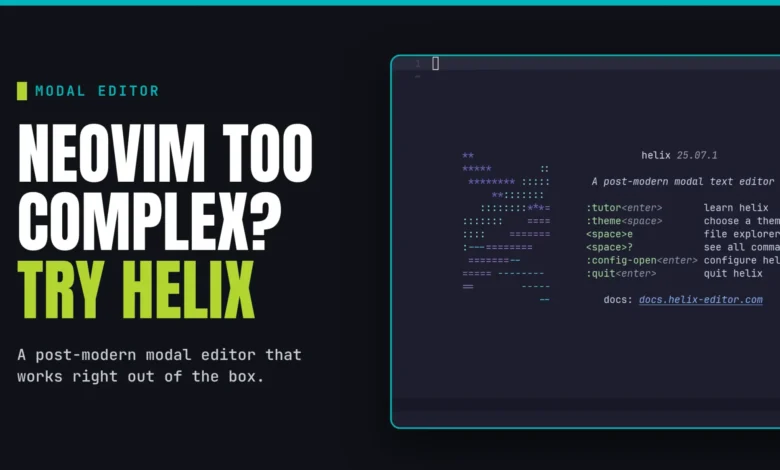
The evolution of text editing within terminal environments has reached a significant milestone with the rise of the Helix editor. Designed as a post-Vim alternative, Helix integrates modern development standards—such as Language Server Protocol (LSP) and Tree-sitter—directly into its core architecture. Unlike its predecessors, which often require extensive manual configuration and third-party plugins to reach a functional state, Helix provides a robust, "batteries-included" experience immediately upon installation. For developers transitioning from Graphical User Interface (GUI) editors like VSCode or Sublime Text, Helix offers a pathway to high-velocity terminal editing without the steep learning curve traditionally associated with legacy modal editors.
The Philosophical Shift: Select-Action vs. Action-Select
At the heart of the Helix experience is a departure from the "Action-Select" paradigm popularized by Vim. In the Vim ecosystem, a user typically defines an action (such as "delete") and then specifies the scope of that action (such as "inner word"). Helix flips this interaction model to a "Select-Action" workflow. Users first highlight the desired segment of text using intuitive selection modes and then apply an operation. This approach reduces the cognitive load on the user, as the visual feedback of a selection confirms the scope of the operation before the command is executed.
This shift in design philosophy is supported by the editor’s modern internal engine. While Vim relies on a command-driven architecture that has been refined over four decades, Helix is built with a focus on consistency. By removing the need for a complex plugin ecosystem, the developers have ensured that the editor remains fast, predictable, and maintainable, addressing the common "configuration fatigue" reported by users of highly customized Neovim setups.
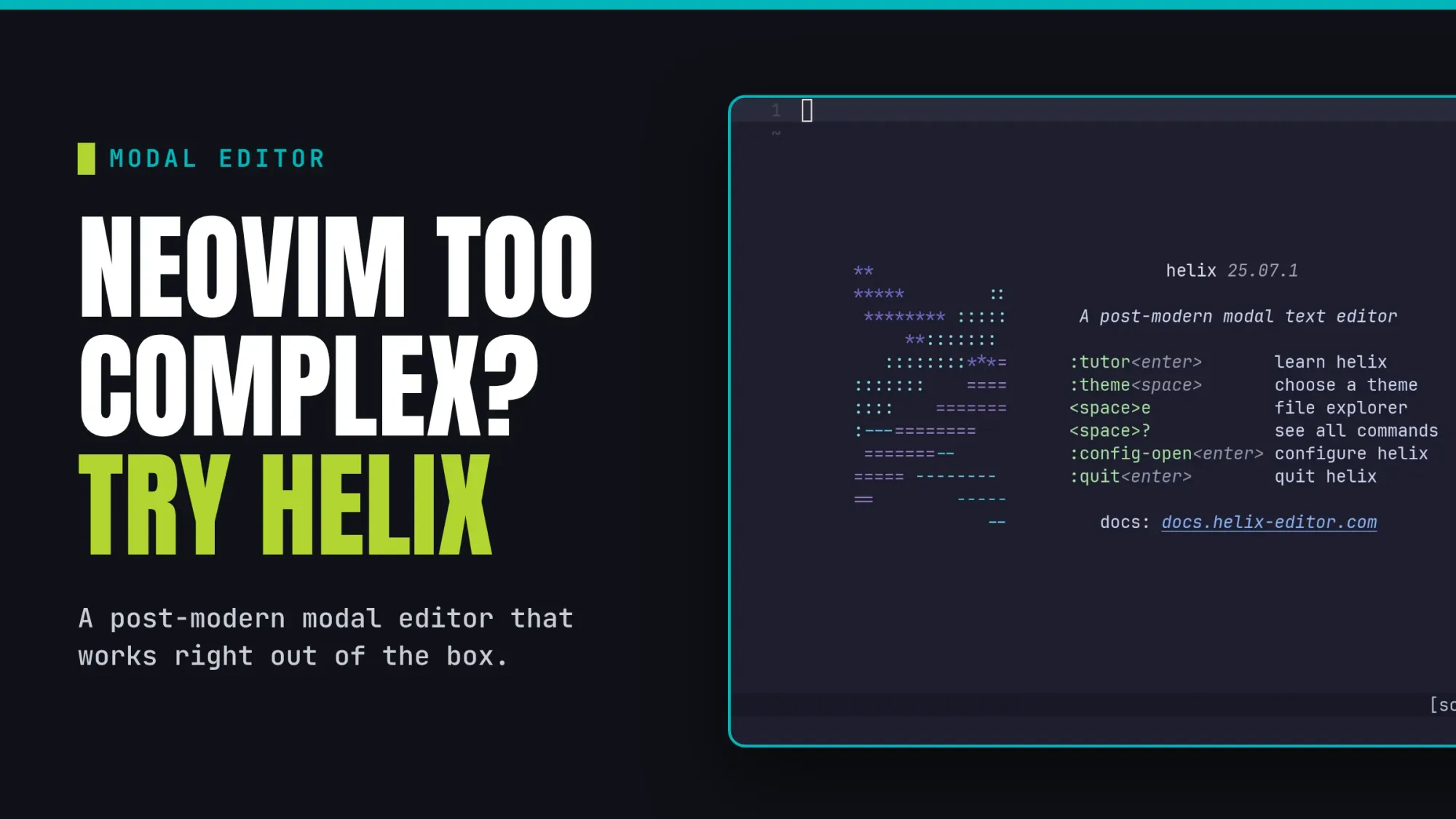
Chronology and Development Context
The Helix editor project gained momentum as a response to the growing demand for a modal editor that leverages modern parsing technologies. While the roots of modal editing trace back to the 1970s with Bill Joy’s Vi, modern developers required better syntax highlighting and auto-completion.
- Foundation: Helix emerged as an open-source project written in Rust, leveraging the language’s safety and performance characteristics.
- Core Integration: Unlike early editors, Helix was designed from the ground up to support Tree-sitter, an incremental parsing library that provides superior syntax highlighting and code structure analysis compared to traditional regex-based methods.
- Standardization: The project prioritized the implementation of Language Server Protocol (LSP), allowing the editor to interface seamlessly with standard language servers for C++, Rust, Python, and TypeScript, effectively bringing IDE-level intelligence to the terminal.
Installation and System Integration
Helix is now available across major Linux distributions, reflecting its growing adoption in the professional development community. Its presence in official repositories facilitates rapid deployment in server and desktop environments.
For users on Arch Linux, the editor is accessible via the Arch User Repository or core channels:
sudo pacman -S helix
On Fedora-based systems, it is distributed via the DNF package manager:
sudo dnf install helix

On Ubuntu 26.04 and subsequent releases, the command is mapped to hx:
sudo apt install hx
For environments where distribution-specific packages are unavailable, the project maintains pre-built binaries on GitHub. These binaries allow for consistent performance across varied Unix-like systems, including macOS, ensuring that the editor’s key-binding logic remains identical across different hardware platforms.
Navigating the Modal Ecosystem
To effectively utilize Helix, a user must navigate four distinct operational states. Understanding these modes is essential for maintaining a high-speed workflow.
- Normal Mode: The default state for navigation and command execution. In this mode, keys are mapped to movement commands (h, j, k, l) and editing operations.
- Insert Mode: Accessible by pressing ‘i’, this mode allows for standard character input. It mimics the behavior of traditional text editors, where keyboard interaction is strictly for typing.
- Select Mode: Triggered by ‘v’, this is the core of the editor’s workflow. It allows for precise highlighting of text, which can then be manipulated using commands like ‘d’ (delete) or ‘y’ (yank/copy).
- Command Mode: Accessed via the ‘:’ key, this mode provides an interface for administrative tasks, such as file management, session saving, and global configuration changes.
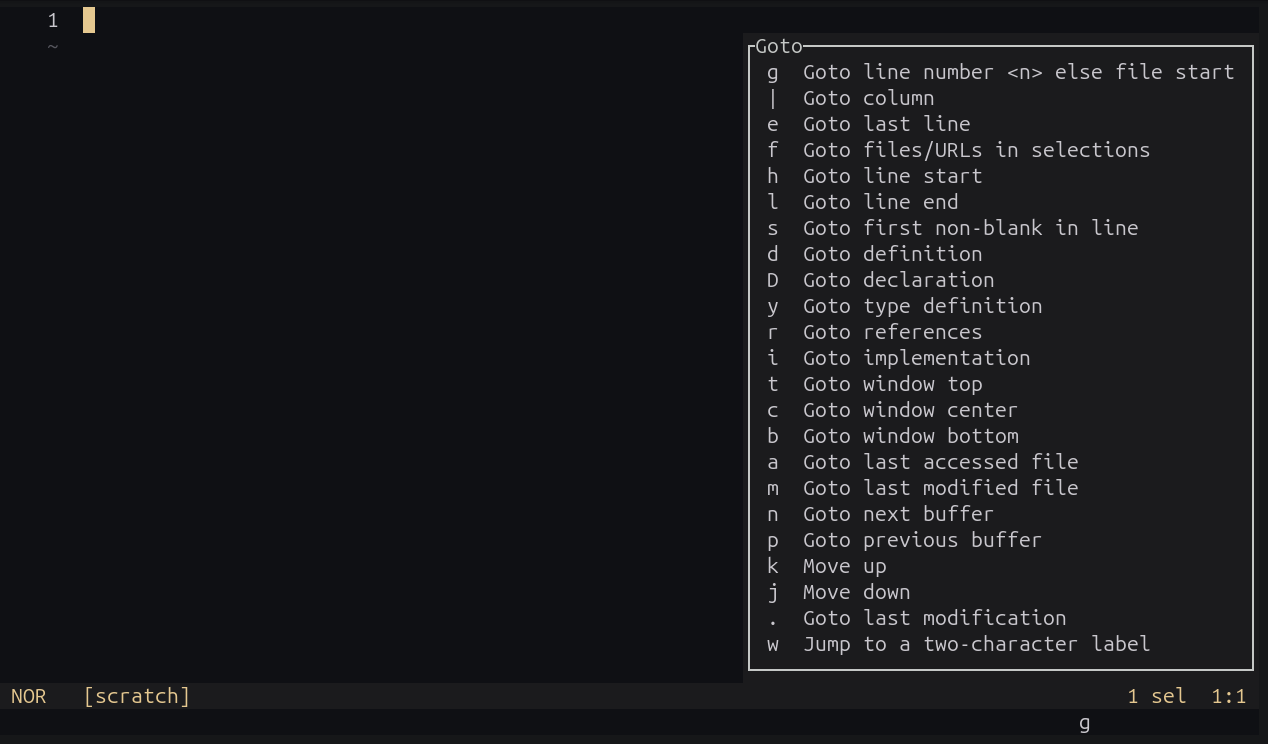
Beyond these, the "Picker" mode, activated by the Space key, provides a fuzzy-finding interface. This feature is particularly useful for project-wide file navigation and buffer management, serving as a built-in replacement for the third-party plugins often required in older terminal editors.

Data-Driven Productivity: Efficiency Metrics
Industry analysis suggests that developers who transition to terminal-based modal editors see an average increase in coding efficiency after the initial two-week "learning hump." The efficiency gain is largely attributed to the reduction in mouse usage. By keeping fingers on the home row, developers can perform complex refactoring tasks—such as multi-line editing using the ‘Shift + c’ command—without breaking their concentration.
The integration of rust-analyzer and other language-specific servers provides immediate feedback on code errors, which, when paired with the editor’s rapid startup time (often under 50ms), creates a significantly lower latency development loop than full-scale IDEs.
Strategic Implications for Modern Software Development
The rise of Helix signifies a broader trend in software engineering: the move toward lightweight, high-performance tooling. As codebases grow in size and complexity, the overhead of heavy IDEs can become a bottleneck. Helix addresses this by offloading the "heavy lifting" to external language servers while keeping the editor interface lean.
Furthermore, the lack of a formal plugin system in Helix is a deliberate design choice that enhances security and stability. By standardizing functionality, the project ensures that any user can sit down at a terminal with Helix installed and expect the same behavior, regardless of the local configuration. This consistency is a critical asset for DevOps engineers and system administrators who frequently rotate between different remote machines.
Learning Path and Future Outlook
For those looking to adopt Helix, the built-in interactive tutor remains the gold standard for skill acquisition. By running hx --tutor, users are guided through a series of exercises that reinforce the modal logic through practical application.
As the development of the project continues, the community is focusing on refining the TOML-based configuration file (~/.config/helix/config.toml). This centralized configuration method allows for easy version control of editor settings, enabling developers to sync their environments across multiple workstations.
In summary, while Helix may not replace the deeply entrenched workflows of veteran Vim users, it provides a compelling, modern, and efficient alternative for the next generation of developers. By blending the efficiency of modal editing with the capabilities of modern language analysis tools, Helix has solidified its position as a primary tool for those who prioritize speed, reliability, and architectural simplicity in their development environment. Whether used for minor script edits on a server or for the development of complex software systems, the editor’s trajectory suggests that it will remain a cornerstone of terminal-based productivity for years to come.