Googlebook Unveils a New Era of Laptop Computing Powered by the Android Ecosystem

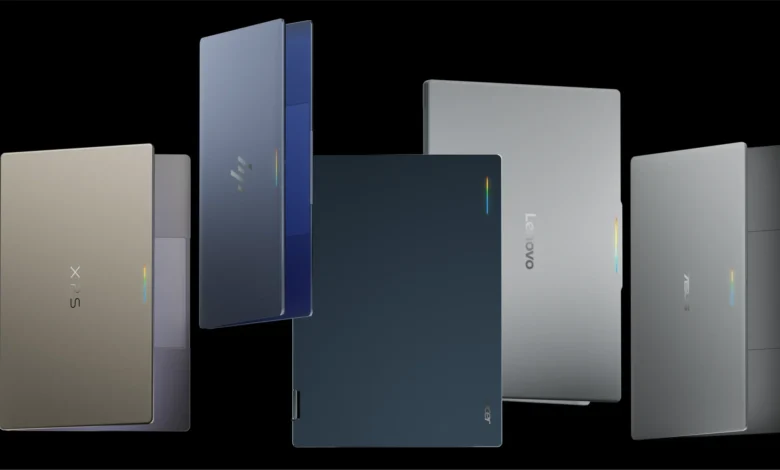
Google has officially introduced Googlebook, a new category of high-performance laptops built upon a shared Android foundation, marking a significant strategic shift in the company’s hardware and software integration efforts. This initiative leverages the collaborative power of industry leaders, including HP, Dell, Lenovo, Acer, and Asus, to merge the portability of mobile devices with the robust processing capabilities of modern desktop computers. These devices feature premium hardware specifications, including high-resolution OLED touchscreens, dedicated keyboards, precision trackpads, and extended battery life, all managed by an OS-level integration of Gemini Intelligence.
The launch of the Googlebook platform represents the culmination of years of development aimed at breaking down the silos between mobile and desktop computing. By utilizing the Android ecosystem as the backbone for this new hardware, Google aims to provide users with a seamless transition between quick, mobile-first interactions and high-density, immersive desktop sessions. This convergence is designed to support a modern workflow where users frequently switch between devices, ensuring that data, applications, and task context follow them fluidly.
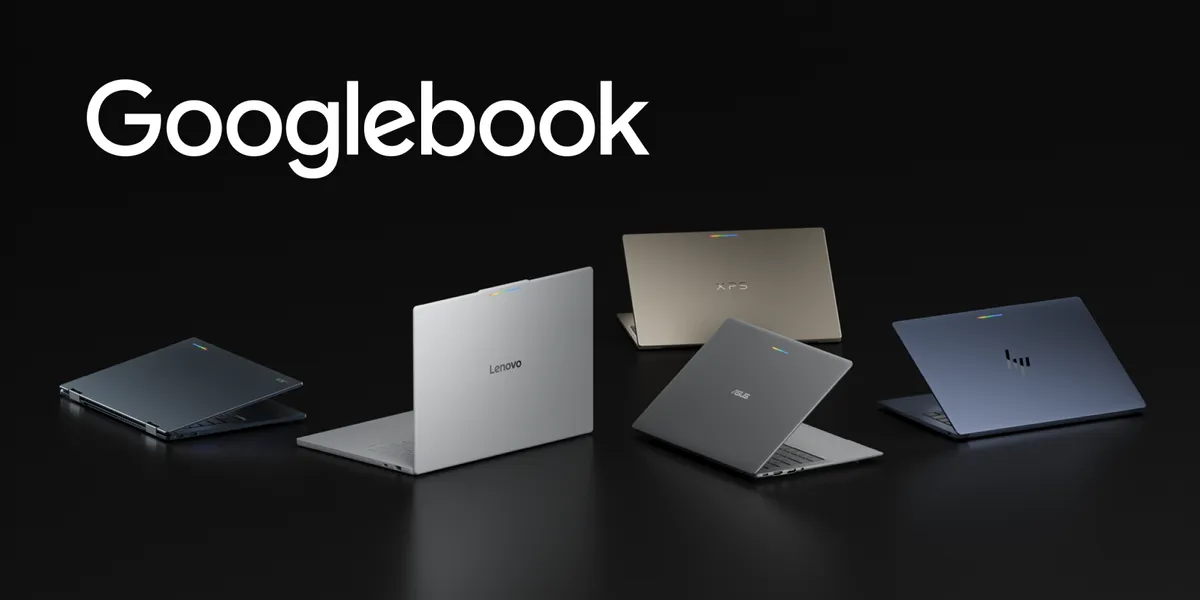
The Strategic Foundation of Adaptive Computing
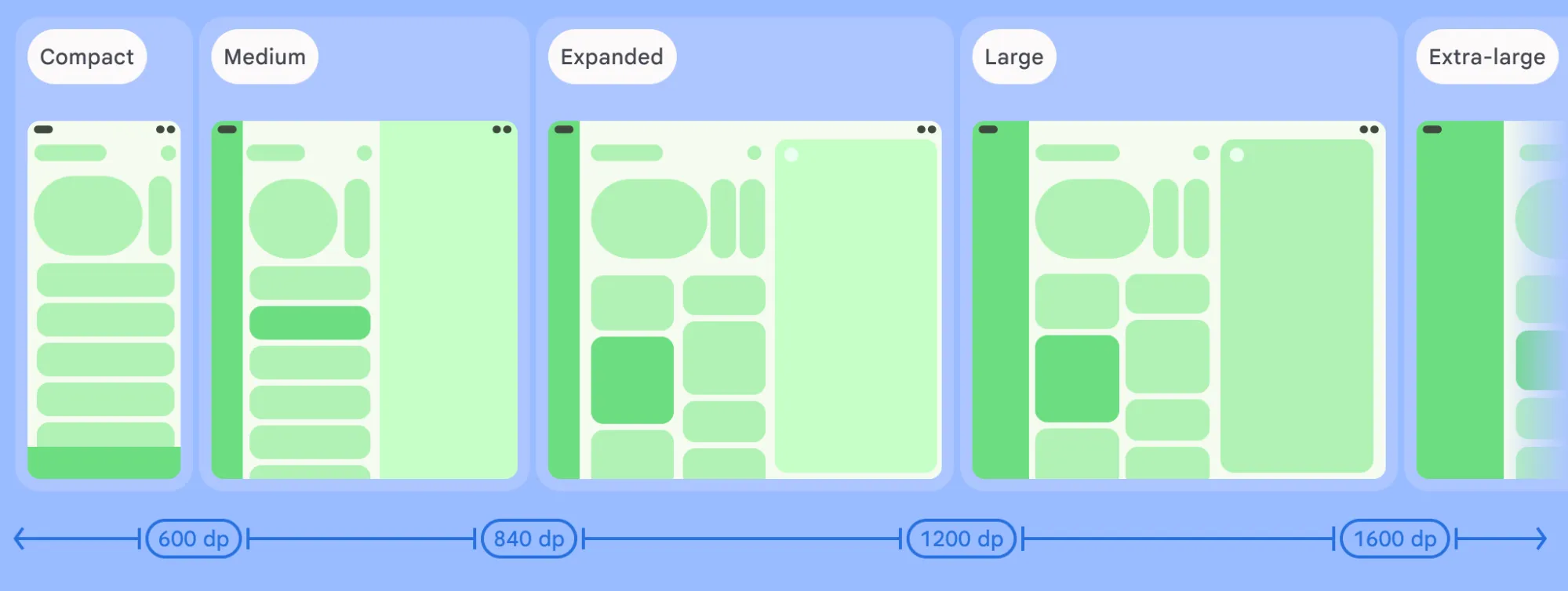
The core philosophy driving Googlebook is "adaptive development." Rather than requiring developers to build separate, siloed applications for laptops, Google is encouraging a methodology where a single, unified codebase scales dynamically across various display sizes, postures, and input methods. This approach is not merely a convenience for developers; it is a fundamental requirement for the modern Android ecosystem, which now spans smartphones, foldables, tablets, and now, high-performance laptops.
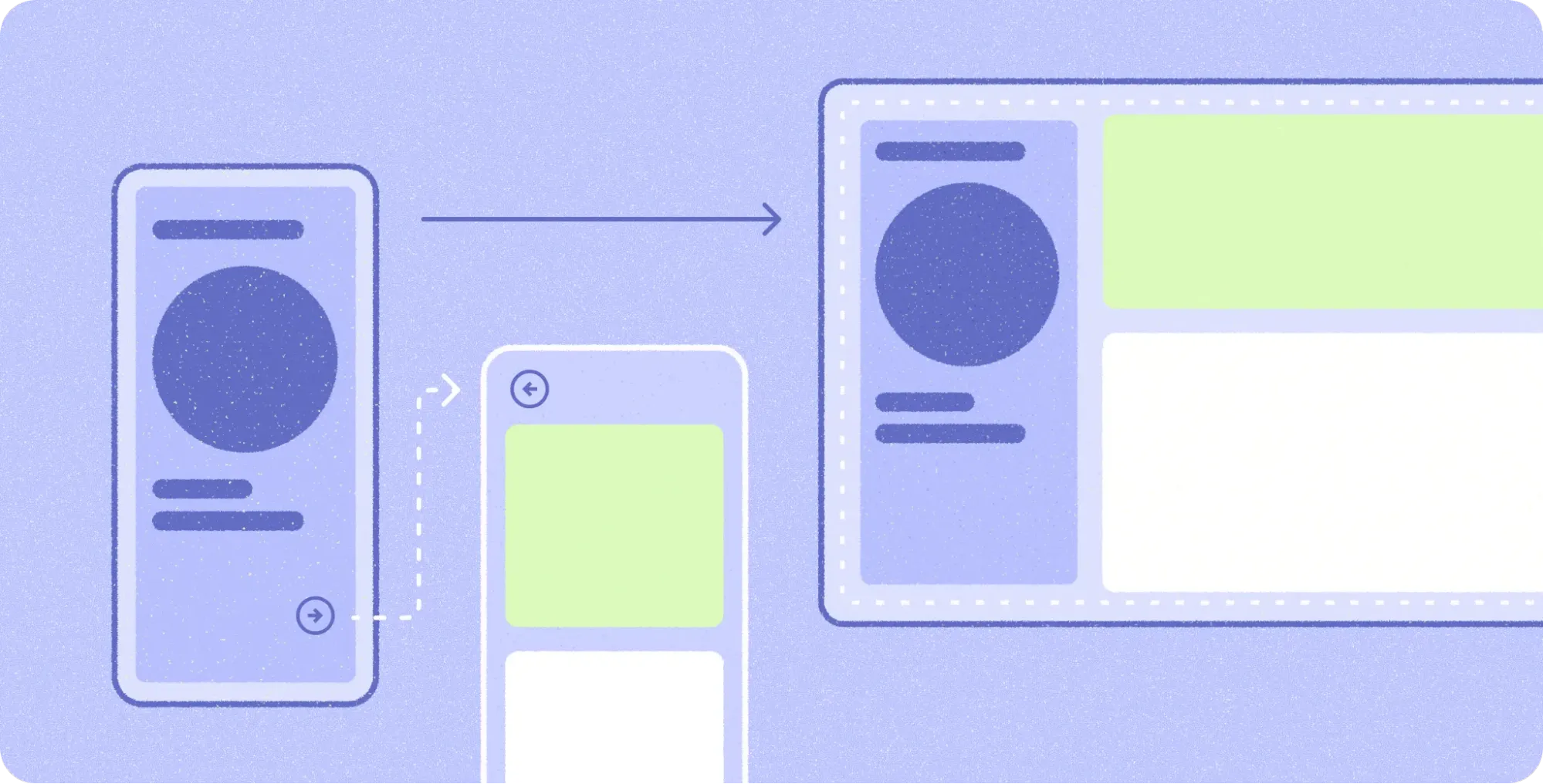
From a technical standpoint, the platform encourages the use of window size classes rather than static display dimensions. This allows applications to reorganize their content into functional groupings as window boundaries shift. For instance, a mobile application that uses a single-pane navigation structure can automatically expand into a multi-pane architecture when opened on a larger screen, providing users with increased information density and more efficient workflow management.
Empowering Developers Through Modern APIs
To support this transition, Google has provided a robust suite of development tools and libraries. Navigation 3, a core component of this strategy, allows for the implementation of adaptive scene strategies, enabling developers to coordinate complex layouts directly from their application’s back stack. Techniques such as ListDetailSceneStrategy and SupportingPaneSceneStrategy facilitate the creation of side-by-side layouts, which are critical for the desktop-like multitasking that Googlebook users will expect.
Furthermore, the introduction of scene decorators allows developers to implement persistent navigation rails, effectively bridging the gap between mobile design patterns and desktop ergonomics. By pairing these patterns with layout primitives like Grid and FlexBox, as well as emerging MediaQuery and Styles APIs, developers can ensure their applications remain visually consistent and functionally performant regardless of the environment.
Desktop Ergonomics and User Experience
A key focus of the Googlebook initiative is the shift in user expectations regarding input and interaction. While mobile interfaces are optimized for touch-based, short-duration interactions, desktop environments demand precision and ergonomic efficiency. Google is providing extensive design guidelines to assist developers in this transition, specifically focusing on type scales for larger displays, explicit click targets to minimize input errors, and the integration of physical keyboard navigation.
The platform natively supports complex input methods through Jetpack Compose. This includes support for contextual cursors—which provide visual feedback for text selection, pane resizing, and tool selection—as well as right-click context menus and hover states. To ensure these features are accessible, Google has integrated a Keyboard Shortcuts Helper, which allows users to discover and utilize application-specific shortcuts without needing to memorize them.
Multitasking and Multi-Window Capabilities
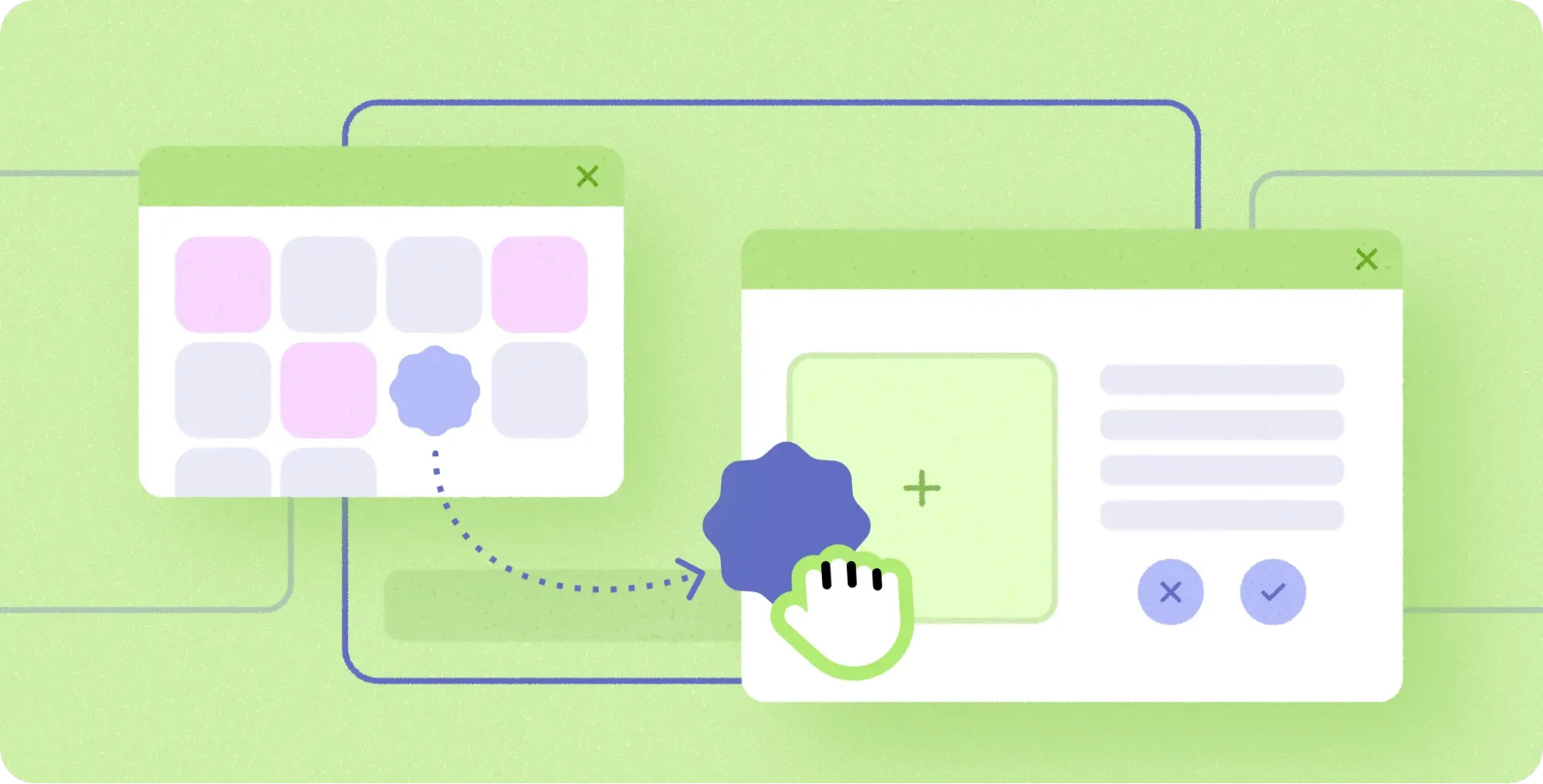
Googlebook devices operate in a free-form windowing environment, a departure from the restricted app-switching found in many mobile operating systems. This environment allows users to open multiple instances of an application simultaneously, facilitating side-by-side workflows that were previously difficult to achieve on Android-based devices.
This capability is complemented by robust support for drag-and-drop functionality, enabling users to move images, text, and files between independent windows or directly into a new workspace. By enabling multi-instance support, developers can ensure that users can, for example, compare two documents side-by-side or drag a photo from a gallery app into a creative project, mirroring the professional-grade workflow found on traditional PC operating systems.
Industry Adoption and Ecosystem Impact
Early adopters, such as the team behind the productivity application Notability, have reported significant success in transitioning their existing tablet-optimized applications to the Googlebook platform. By leveraging pre-existing work with window size classes and adaptive layouts, the development team was able to scale their application with minimal additional effort.
"Scaling Notability up to a laptop-class experience was largely about refining the adaptive foundations we had already established," noted Ryan Shea, an Android Engineering Manager. "This allowed us to focus our resources on high-value features, such as the ‘Continue On’ functionality, which enables a user to begin a note on their smartphone and finish it on their Googlebook, preserving the state of the session across devices."
This "Continue On" feature is a cornerstone of the Googlebook value proposition. By utilizing HandoffActivityData to pass state between devices, the platform ensures that users do not lose their place when switching screens. This bidirectional handoff is expected to be a primary driver for user engagement, as it removes the friction typically associated with cross-device workflows.
Economic and Business Implications
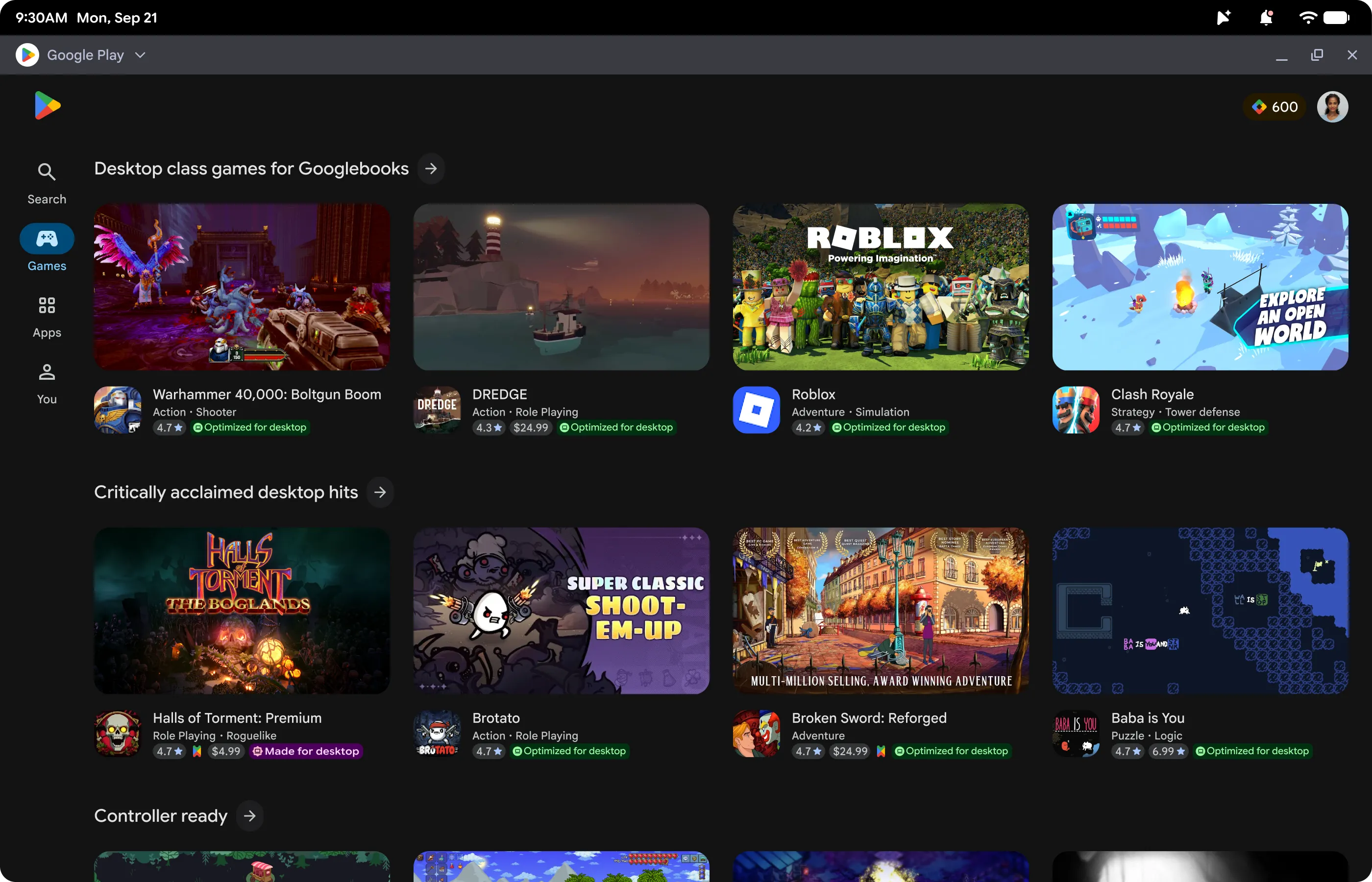
For the broader developer community, Google is offering significant incentives to optimize applications for the Googlebook environment. The Google Play store will highlight optimized titles with dedicated badging and featured placement, which historical data suggests leads to higher discovery rates and increased user trust.
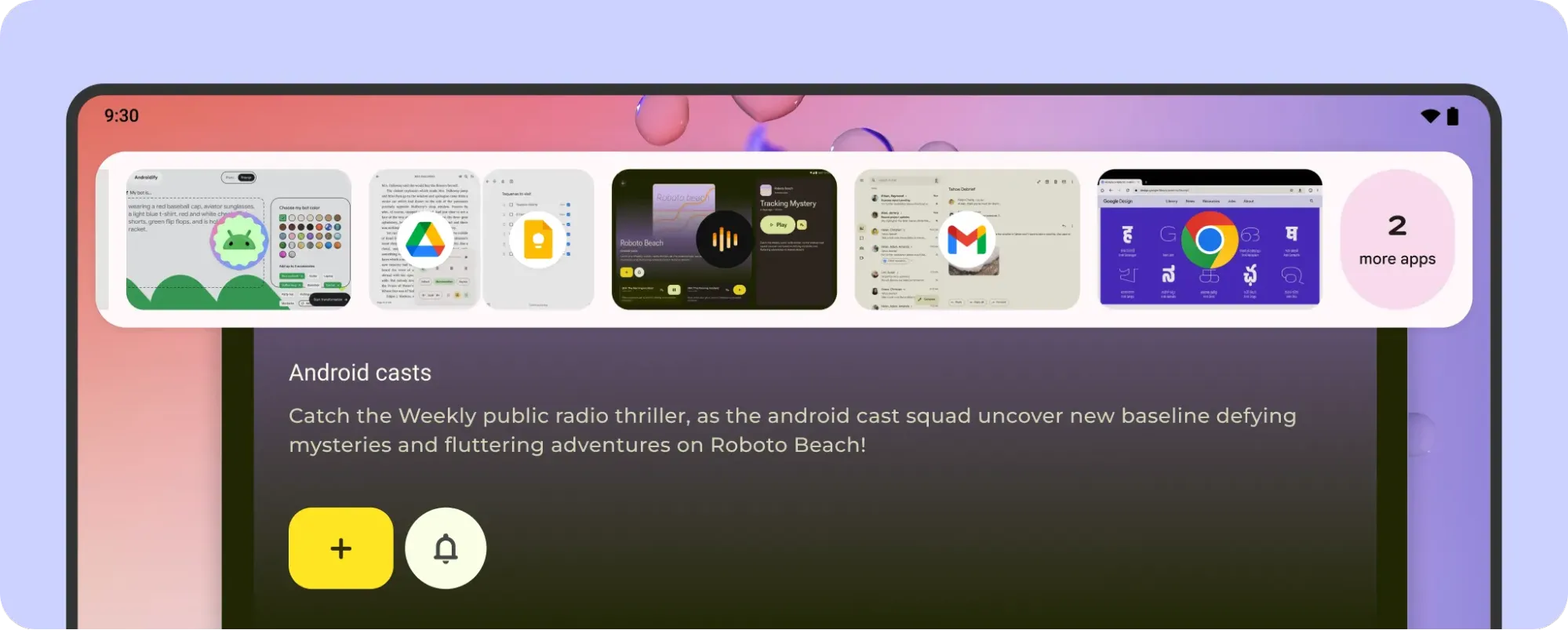
Furthermore, applications that meet high quality standards are eligible for the Apps Experience Program. This program is designed to provide developers with a new rate card that offers more favorable economics, incentivizing the development of high-quality, desktop-ready software. Additionally, the setup process for new Googlebook users includes a feature that highlights optimized apps, ensuring that high-quality, desktop-ready applications have a "day-one" presence on the user’s device.
Development and Testing Frameworks
Google has integrated specialized tools into Android Studio to assist developers in this transition. The desktop emulator allows for the simulation of a virtual desktop environment directly on a developer’s workstation. This enables the testing of free-form window resizing, multi-instance interaction, and the debugging of mouse, trackpad, and keyboard inputs without the need for physical hardware during the early stages of development.
In addition to traditional debugging tools, Google is introducing AI-assisted development resources. The "adaptive skill" for AI agents is designed to assist in refactoring existing mobile layouts into responsive, container-based designs. This tool, available via the Android CLI, provides developers with the context needed to automate the transition from single-pane mobile interfaces to multi-pane desktop layouts.
Looking Ahead: The Future of Android Hardware
The introduction of the Googlebook category marks a significant evolution for the Android ecosystem. By standardizing the desktop experience through a unified framework, Google is positioning Android as a viable competitor in the productivity and professional computing space.
While the initial rollout involves established hardware partners, the success of the platform will largely depend on the willingness of the developer community to adopt adaptive design patterns. The data provided by Google suggests that those who invest in adaptive UI now will not only benefit from the Googlebook launch but will also be better positioned for future form factors that have yet to be introduced.
As the market continues to favor versatile, cross-device workflows, the ability to deliver a consistent experience across different display sizes will become a critical differentiator. Googlebook serves as the proof-of-concept for this vision, providing the tools and incentives for developers to build the next generation of productivity applications that are as comfortable on a 6-inch smartphone as they are on a 15-inch laptop. With comprehensive documentation, dedicated design galleries, and a clear path toward monetization, the infrastructure is in place for a rapid shift in the mobile-to-desktop computing landscape.
Related posts: