Building a Custom Home Automation Interface with the Elecrow CrowPanel Advanced 10.1 Inch ESP32-P4 Display

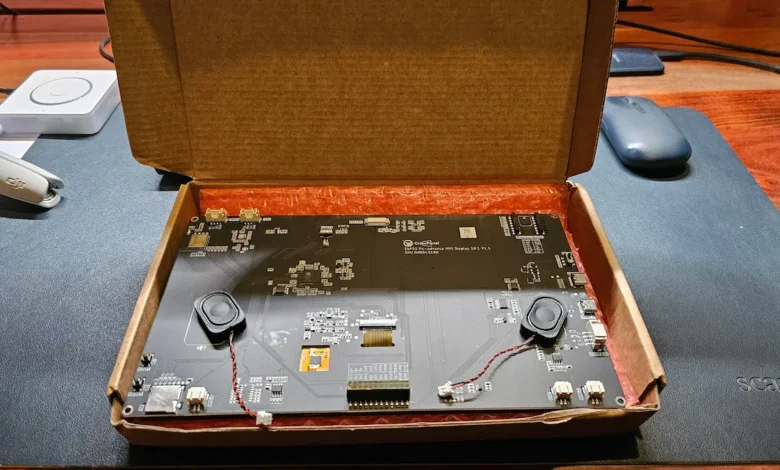
The landscape of modern home automation is dominated by proprietary, cloud-dependent ecosystems that often struggle to accommodate the needs of diverse households. While mobile applications provide comprehensive control for primary users, they create significant barriers for guests, children, or non-technical residents who require immediate, intuitive access to smart home functionality. The Elecrow CrowPanel Advanced 10.1-inch ESP32-P4 HMI display has emerged as a significant development for the DIY automation community, offering a hardware-first solution that bridges the gap between complex backend management and simplified user-facing control interfaces.
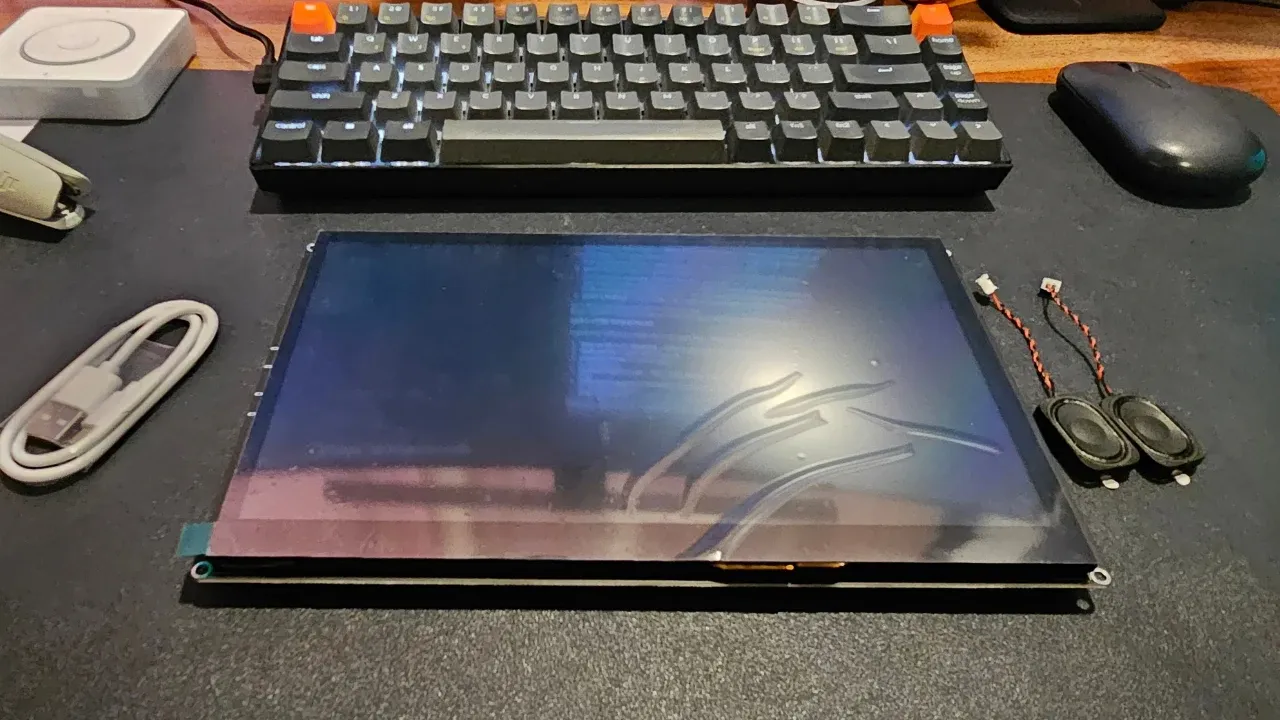
Hardware Architecture and Technical Specifications
At the core of the Elecrow CrowPanel Advanced lies the ESP32-P4, a high-performance, dual-core RISC-V SoC that represents a substantial leap in processing power for the ESP32 ecosystem. Unlike traditional ESP32 iterations, the P4 architecture is optimized for human-machine interface (HMI) applications, providing the necessary overhead to manage high-resolution graphical interfaces without the latency often associated with entry-level microcontrollers.
To facilitate modern connectivity, Elecrow has integrated an ESP32-C6 co-processor. This strategic inclusion enables the device to support Wi-Fi 6 and Bluetooth 5.3, ensuring stable, low-latency communication with local network hubs. The display unit itself is a 10.1-inch IPS panel with a resolution of 1024×600 pixels. While not matching the pixel density of high-end consumer tablets, the display offers sufficient brightness and color reproduction for static dashboards and control iconography.

The technical specifications are summarized as follows:
| Component | Specification |
|---|---|
| Main SoC | ESP32-P4 (Dual-core RISC-V) |
| Connectivity | ESP32-C6 (Wi-Fi 6, Bluetooth 5.3) |
| Display | 10.1" IPS, 1024×600, MIPI-DSI |
| Touch Interface | Capacitive (GT911 Controller) |
| Memory | 16MB Flash, 32MB PSRAM |
| Power Input | USB-C / Integrated Battery Header |
| Expansion | I2C, UART, GPIO headers |
Chronology of Development and Deployment
The development of custom HMI panels for smart homes has historically followed a trajectory from simple LED-based indicators to full-blown Raspberry Pi-based tablets. The introduction of the CrowPanel marks a middle-ground evolution.
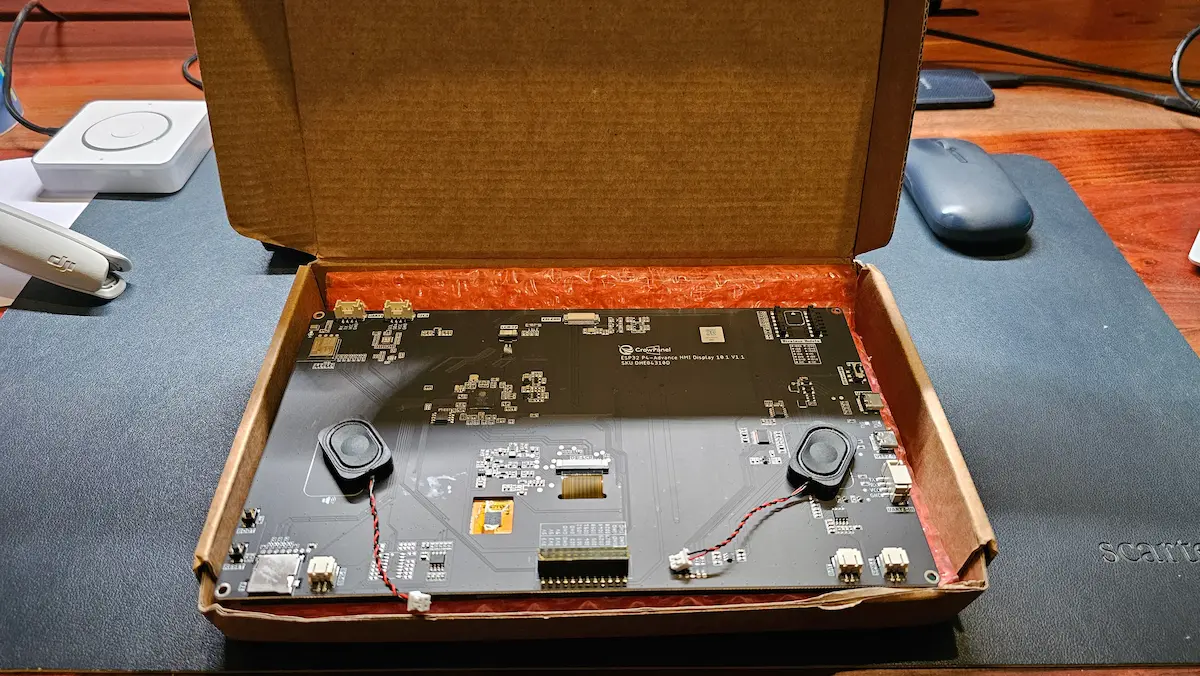
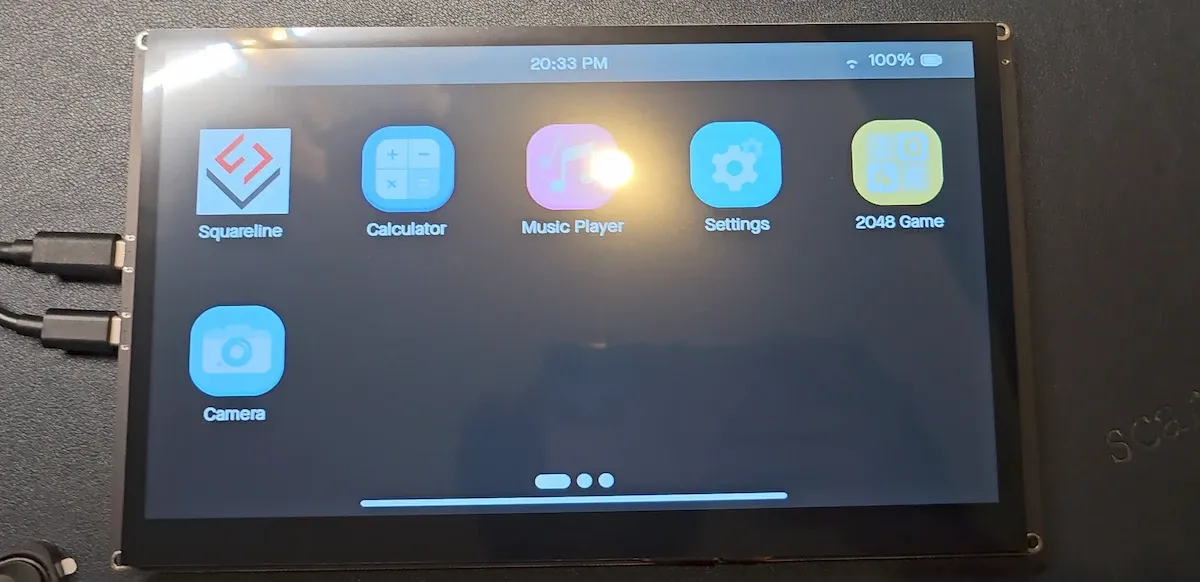
- Initial Prototyping: The device ships with a demonstration firmware designed to validate display functionality and touch sensitivity. This phase is critical for verifying the integrity of the MIPI-DSI interface and the GT911 capacitive touch controller.
- Firmware Migration: The transition from stock firmware to an ESPHome-based environment marks the primary hurdle for most integrators. Because the ESP32-P4 utilizes the ESP32-C6 for wireless radio functions, standard configuration files often fail to initialize the internal SDIO bridge correctly.
- Interface Design: Using platforms like SquareLine Vision, developers translate logic from Home Assistant—such as switch states, climate control, or sensor data—into graphical elements.
- Integration Testing: The final stage involves mapping these graphical elements to the Home Assistant native API, ensuring that real-time state changes on the server are reflected on the panel and vice versa.
Integration with Home Assistant
The primary appeal of the Elecrow CrowPanel within the smart home sector is its native compatibility with ESPHome. By bypassing the need for a Supervisor add-on or complex bridge software, the device interacts directly with the Home Assistant API. This architecture reduces the point of failure to the local network connection, eliminating the latency typically introduced by cloud-based processing.
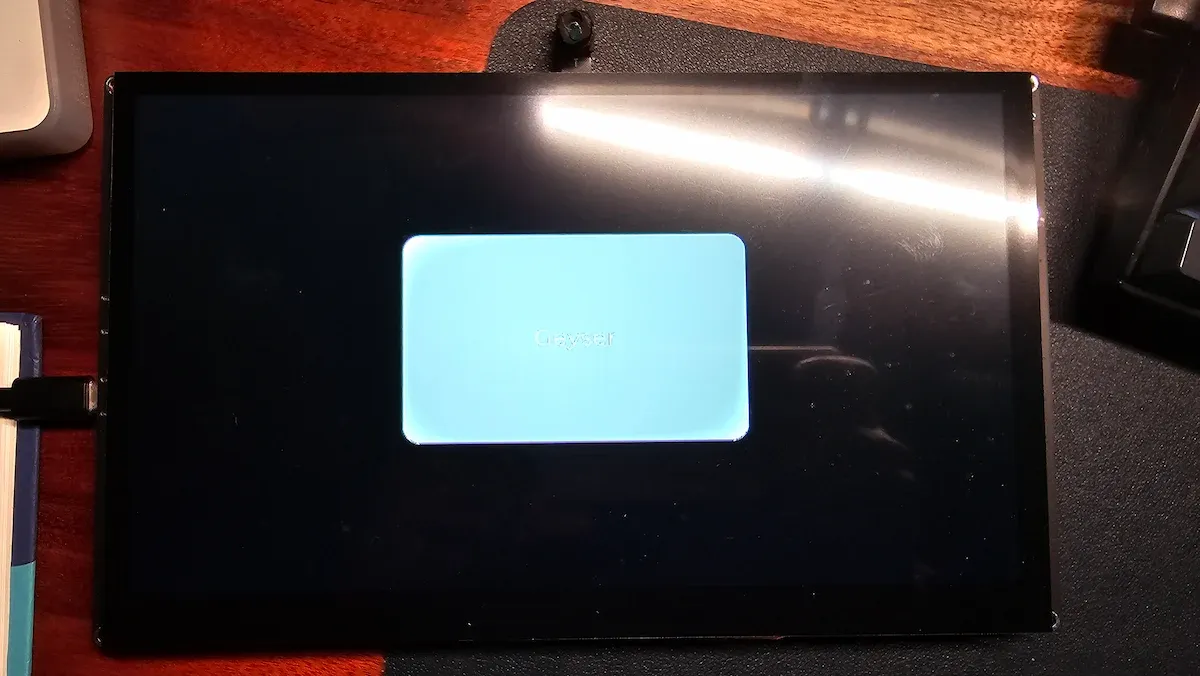
In practical application, the device functions as a "dumb" terminal that gains intelligence through the Home Assistant backend. For instance, a user can configure a single button on the panel to toggle a geyser plug. Because the communication is bidirectional, flipping the switch via the mobile companion app triggers an immediate state update on the CrowPanel’s display. This synchronization is essential for maintaining consistency across multiple access points within a home.
Challenges in Implementation
Despite the potential for a streamlined user experience, the Elecrow CrowPanel is explicitly categorized as a developer-centric tool. The "out-of-the-box" experience is intentionally minimal. Users must possess a foundational understanding of firmware flashing, data line mapping, and the limitations of RISC-V architectures.
A documented challenge in early hardware revisions (specifically V1.1) involves the data line order for the internal SDIO connection. Users attempting to follow standard reference configurations often encountered persistent boot loops. Such issues highlight the necessity for a high level of technical competency, as the device does not provide the "plug-and-play" experience expected of mainstream consumer electronics. Furthermore, the reliance on external tools like SquareLine for UI design requires a departure from standard web-based configuration methods.
Broader Implications for the Smart Home Market
The arrival of affordable, high-performance HMI boards like the CrowPanel signals a shift in how smart home infrastructure is viewed. For years, the industry has pushed for "All-in-One" hubs, often locking users into proprietary software stacks. The rise of these boards suggests a counter-movement: the "Modular Home Lab."
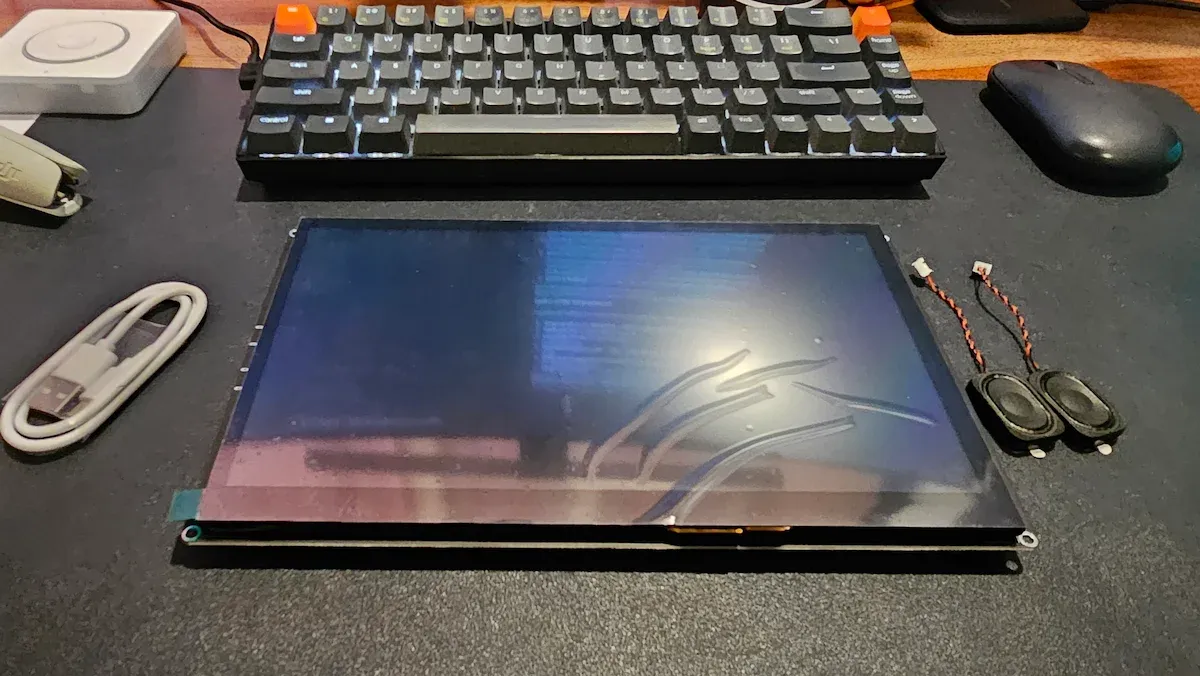
By decoupling the display hardware from the central controller (Home Assistant), users gain unprecedented flexibility. The inclusion of an optional 2MP camera and dedicated audio headers allows for the integration of advanced features such as local voice control via Home Assistant Assist and facial recognition for security applications. While these features currently require significant manual configuration, they provide a blueprint for a future where smart home hardware is as modular and upgradeable as desktop computing hardware.
Economic and Practical Considerations
At a price point of approximately $60, the CrowPanel is positioned as a disruptive alternative to dedicated wall-mounted tablets, which often range from $200 to $500. While the cost is low, the "true" cost includes the labor hours required for configuration. This device is not intended for the general consumer but rather for the growing demographic of "homelabbers" who value privacy, control, and the satisfaction of bespoke engineering.
The integration of edge AI capabilities, facilitated by the ESP32-P4’s processing overhead, is an area of significant future interest. Rather than relying on cloud-based AI models—which raise significant privacy concerns—these devices can potentially run localized vision models. While current implementations focus on basic visual feedback, the hardware is capable of hosting lightweight models for presence detection or gesture-based control.
Conclusion and Future Outlook
The Elecrow CrowPanel Advanced 10.1-inch display is a testament to the maturation of the DIY smart home movement. It offers the necessary hardware foundation for a sophisticated, wall-mounted control panel that can be tailored to the specific needs of a household. While the barrier to entry remains high due to the requirement for manual firmware flashing and UI design, the end result is a highly responsive, private, and customizable interface.
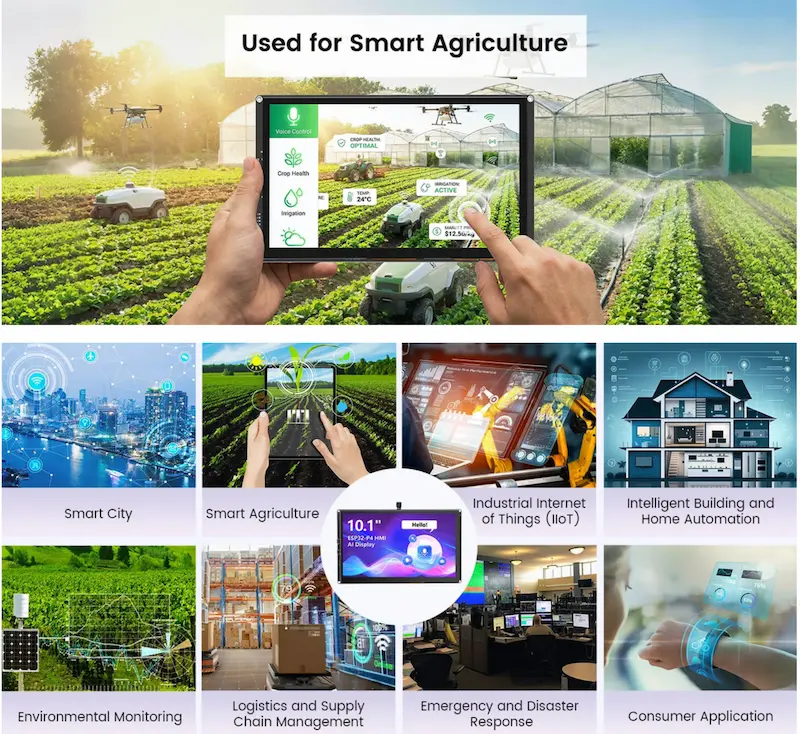
As the ESPHome ecosystem continues to evolve, it is likely that pre-configured templates will become more widely available, potentially lowering the barrier for entry. For now, the CrowPanel stands as an essential component for those seeking to move beyond mobile-app-centric control, providing a tactile, permanent, and locally managed interface for the modern connected home. Whether used in a residential setting or scaled for light industrial monitoring, the device provides a versatile platform that rewards technical curiosity with a deeply personalized automation experience.
Related posts: