Kitty 0.50 terminal emulator update brings session persistence and advanced visual features to Linux and macOS users.

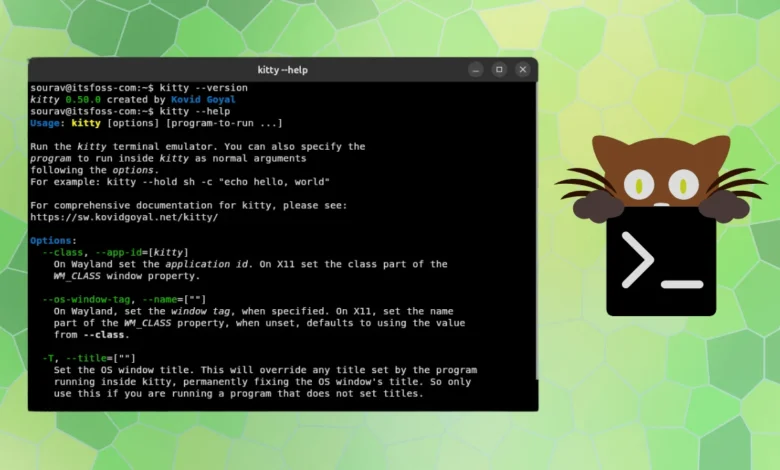
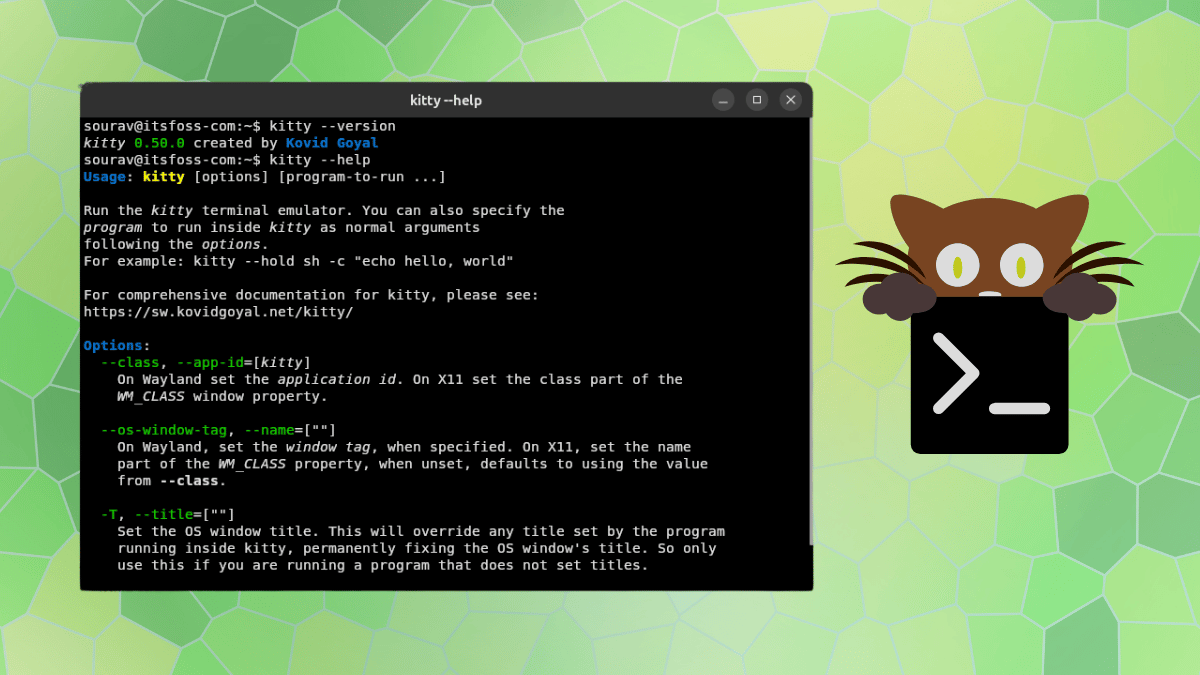
The release of Kitty 0.50 marks a significant milestone in the evolution of terminal emulators, introducing long-awaited features that bridge the gap between high-performance command-line tools and modern, user-friendly desktop applications. Developed by Kovid Goyal, Kitty has long been celebrated as a GPU-accelerated powerhouse. By offloading rendering tasks to the graphics processing unit via OpenGL, it maintains exceptional responsiveness even under heavy terminal loads, distinguishing itself from traditional CPU-bound emulators.
A New Era of Session Persistence
The most impactful addition in the v0.50 release is the introduction of session restoration. Historically, terminal emulators would lose the state of open tabs and windows upon system logout or unexpected termination, forcing users to manually rebuild their workspace. With this update, Kitty now preserves the state of every operating system window, tab, and internal window, including their respective scrollback buffers.
This feature is toggled via the restore_session_after_logout configuration setting in the kitty.conf file. The implementation demonstrates a commitment to security; on Linux, the state is stored in a readable format for the user, while on macOS, the application utilizes the system keychain to encrypt the saved state. This distinction reflects the different security architectures of the platforms, ensuring that sensitive command-line data remains protected while providing a seamless user experience.
Advancing the Terminal Interface: Docked Windows
Kitty 0.50 introduces "docked windows," a feature designed to enhance spatial organization within the terminal. Unlike standard layouts, docked windows function as persistent UI elements that remain anchored to the edges of a tab or window. This is particularly useful for users who require constant visibility of status bars, file trees, or system monitoring tools like top or htop.
These docked windows exist outside the standard tiling layout. When a window is docked to a tab, it remains visible regardless of the internal window switching, providing a stable reference point for the user. This feature effectively transforms the terminal from a mere text-display engine into a more sophisticated, customizable desktop workspace.
Aesthetic Refinement and Shaders
Beyond functionality, the update introduces three new cursor trail shaders: cursor-trail-railgun, cursor-trail-torpedo, and cursor-trail-pixiedust. These shaders provide a visual effect reminiscent of the popular Neovide editor, emitting dynamic particle effects as the cursor moves across the screen. While primarily cosmetic, these additions emphasize Kitty’s capability to handle complex real-time rendering. The ability to trigger these shaders via key bindings allows power users to toggle high-fidelity visuals on demand, further highlighting the terminal’s flexibility.
Wayland Integration and Input Improvements
For users running Linux distributions on the Wayland display server protocol, the v0.50 update provides significantly improved touchscreen support. Users can now interact with the terminal using standard touch gestures, such as tapping to click, swiping to scroll, and performing long-presses to initiate text selection.
Furthermore, the integration with GNOME and similar compositors has been deepened. Kitty now draws native-looking window decorations that respect the system’s titlebar font and button layout. This alignment with the host operating system’s design language ensures that the terminal feels like a first-class citizen within the modern Linux desktop environment.
Chronology and Development Background
The development of Kitty began with a focus on simplicity, performance, and cross-platform compatibility, leveraging a combination of C, Python, and Go. Since its inception, the project has maintained a rapid release cycle, frequently addressing security vulnerabilities and user feature requests.

The path to v0.50 has been characterized by iterative improvements. In previous releases, the developer focused on optimizing the GPU rendering pipeline and refining the "kitten" architecture—the modular, small-scale programs that allow users to extend Kitty’s functionality without bloating the core codebase. The transition to v0.50 specifically focused on stabilizing these features while addressing technical debt, including the remediation of several memory safety bugs and a vulnerability that previously allowed unauthorized users to bypass remote control password authentication.
Technical Analysis and Implications
The shift toward session persistence and desktop-like integration signals a broader trend in command-line interface (CLI) development. Modern developers increasingly rely on complex, multi-pane terminal workflows, and the overhead of restarting these environments has become a notable friction point in productivity. By introducing robust session management, Kitty is directly addressing the needs of professional software engineers and system administrators who spend the majority of their time within the terminal.
The decision to leverage system-level portals for session management on Linux highlights the growing maturity of the Linux desktop stack. By utilizing the inhibit interface (v3), Kitty ensures that the terminal state is handled in accordance with modern desktop environment standards, preventing data loss during system sleep or power-off events.
Security and Maintenance
The inclusion of security patches in v0.50 is of critical importance. Terminal emulators are often the primary gateway for system administration, making them a high-value target for security exploits. The patch for the remote control authentication bypass demonstrates the project’s responsiveness to security audits. By fixing these memory safety issues, the developer has reinforced the project’s reputation for reliability—a vital characteristic for a tool that serves as the foundation for user interaction with the operating system.
Installation and Future Outlook
As of the release of v0.50, the terminal remains available via a universal installation script:
curl -L https://sw.kovidgoyal.net/kitty/installer.sh | sh /dev/stdin
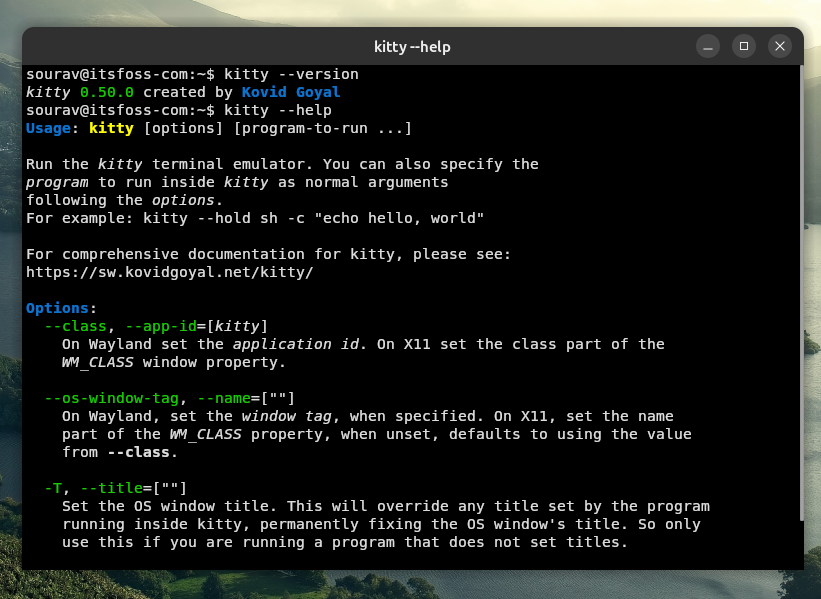
While many Linux distributions package Kitty, the rapid pace of development often means that repository versions are outdated. Users requiring the latest features—particularly those related to Wayland support and the new cursor shaders—are encouraged to use the official installer or build the emulator from the source code provided in the project’s official repository.
Broader Industry Impact
The terminal emulator space has seen renewed competition in recent years, with entries such as Warp and Alacritty pushing the boundaries of what is expected from command-line software. Kitty’s ability to remain competitive while maintaining its GPLv3 license and modular architecture underscores the vitality of the open-source ecosystem.
The introduction of docked windows and advanced shaders demonstrates that the "terminal-as-a-workspace" philosophy is gaining traction. As these tools continue to incorporate features traditionally reserved for integrated development environments (IDEs), the distinction between terminal emulators and terminal-based IDEs will likely continue to blur. For the end user, this means a more efficient, visually cohesive, and functionally dense environment that is capable of scaling with the complexity of modern cloud-native development workflows.
Conclusion
Kitty 0.50 is a comprehensive update that balances functional utility with aesthetic innovation. By solving the persistent problem of session loss and introducing intuitive spatial organization through docked windows, the release enhances the efficiency of power users. Simultaneously, the focus on Wayland integration and security hardening ensures that Kitty remains a top-tier choice for Linux and macOS professionals. As the terminal continues to evolve, Kitty stands as a testament to the power of modular, GPU-accelerated design in the modern computing landscape.
Related posts: