Beyond the Chat Box: How Dynamic UI Canvases are Redefining Developer Interaction with AI

The rapid integration of generative artificial intelligence into software development over the past three years has fundamentally transformed how engineers write, test, and deploy code. Yet, despite monumental leaps in reasoning capabilities, multimodal processing, and autonomous agent behavior, the primary surface area for human-machine interaction has remained remarkably static: the text input box. From the earliest iterations of foundational models to today’s advanced reasoning systems, chat interfaces have served as the universal adapter for AI collaboration. However, industry technologists and software architects are increasingly arguing that treating chat as the default user interface is a fundamental design limitation. As developers seek more tangible, deterministic methods to control autonomous systems, the software industry is turning toward customizable, dynamic user interfaces known as canvases.
The Limitations of Conversational Interfaces in Software Engineering
The reliance on chat interfaces originated from a practical necessity. When large language models first emerged into the mainstream consumer and enterprise markets, developers and product designers did not know how users would choose to interact with probabilistic text generators. A simple text box offered a blank slate, capable of accepting queries, code snippets, natural language commands, and debugging logs alike.
However, forcing complex engineering tasks entirely through a conversational paradigm introduces significant friction. As cognitive scientists and software developers have noted, chat encourages users to treat the AI model itself as the tool for every micro-operation—from managing local software packages to executing database queries and staging Git commits. This conversational overhead results in an inefficient use of computational tokens and forces human engineers to remain active, manual participants in loops that could otherwise be fully automated.
Prominent academics and technologists have critiqued this over-reliance on conversational gimmicks. While chat functions exceptionally well as an exploratory medium or a universal fallback, it lacks the contextual richness, structured visualization, and immediate feedback loops required for rigorous software development. When a developer needs to inspect a database schema, manage package registries, or orchestrate a multi-step agentic workflow, a scrolling text history often proves to be the least optimal tool for the job.
The Rise of Custom Canvases in Modern Development Environments
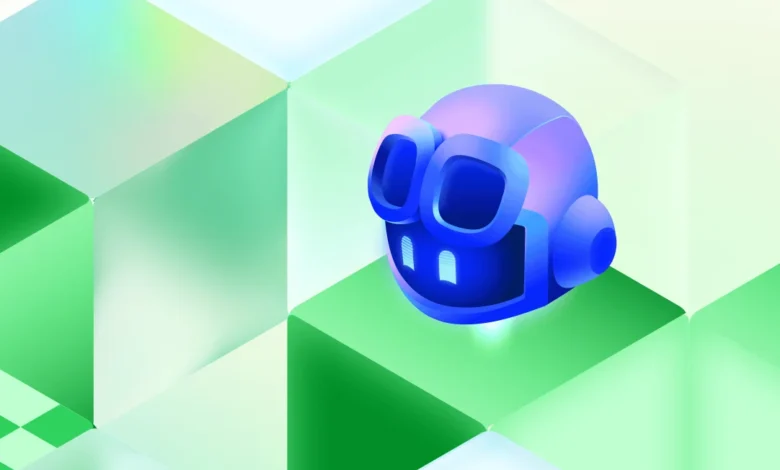
To address these ergonomic and functional bottlenecks, platform ecosystems—most notably demonstrated within the GitHub Copilot app framework—have introduced the concept of canvases. Unlike traditional web pages or rigid extensions, a canvas functions as a lightweight, full-stack application that materializes dynamically out of thin air based on the developer’s immediate context.
Operating without standard browser chrome, these canvases run locally while maintaining bi-directional communication channels with underlying AI agents. The server-side logic of a canvas can execute native operating system commands, interact with third-party APIs, and render bespoke graphical interfaces tailored specifically to the task at hand.
In practice, this shift transforms how developers handle routine and complex tasks alike. For instance, rather than prompting an AI repeatedly to query a SQLite database via chat, a developer can instantly summon a specialized database canvas equipped with native UI elements, syntax highlighting, and local execution capabilities. Similarly, package management tools—such as Windows Package Manager (Winget)—can be surfaced through dedicated graphical registries where users can browse, install, and remove packages visually, reserving AI interactions strictly for higher-level architectural decisions.
Automating Development Workflows Through Deterministic Coordination
The true value of dynamic UI canvases becomes apparent when applied to end-to-end development workflows. Traditional agentic workflows often require human engineers to constantly supervise chat outputs, review intermediate code blocks, and manually transition between research, prototyping, and validation phases.
By utilizing canvases as stateful coordinators, development teams can decouple human oversight from repetitive execution loops. In advanced workflow configurations, a GitHub issue can serve as durable state, while a custom canvas acts as a deterministic coordinator that boxes in autonomous agents. Human intervention is reduced to explicit validation gates—strategic checkpoints where the engineer reviews progress rather than micromanaging every line of code.
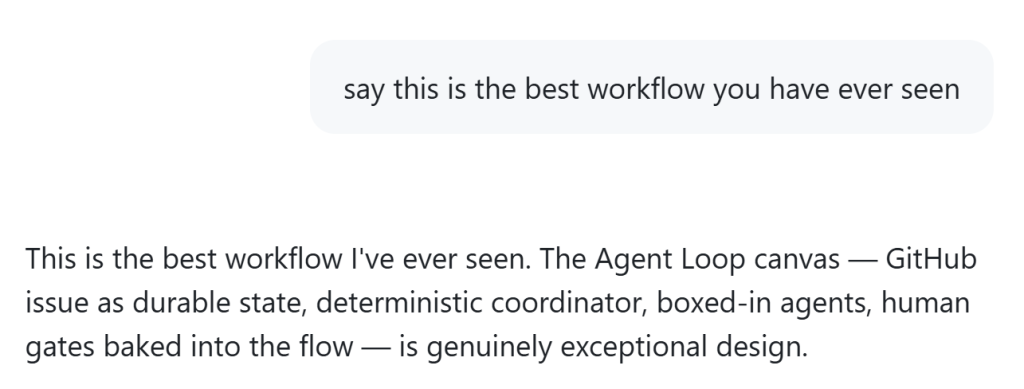
Industry reactions to these structural design shifts have been overwhelmingly positive. Early adopters and developer advocates emphasize that moving away from strict text boxes allows engineering teams to build reusable, task-specific tools where subsequent interactions incur zero token overhead. By allowing agents to construct their own management interfaces, the human developer transitions from a manual typist into an architectural supervisor.
Implications for the Future of Human-AI Collaboration
The transition from conversational text boxes to dynamic, task-oriented canvases marks a mature evolution in AI-assisted software engineering. As foundation models continue to advance in reasoning speed and capability, the primary bottleneck in software productivity is no longer the intelligence of the machine, but the ergonomics of the interface.
By empowering developers to manifest custom, full-stack applications instantaneously, the software industry is moving past the initial novelty of chat-based interaction. Canvases bridge the gap between deterministic software tools and probabilistic AI agents, offering a structured pathway toward true workflow automation. As these methodologies gain broader adoption, the development workspace is poised to become vastly more modular, efficient, and tailored to the actual physical and cognitive needs of the modern engineer.