GitHub Copilot App Streamlines AI Code Review With Integrated Diffs, Terminals, and Live Browser Previews


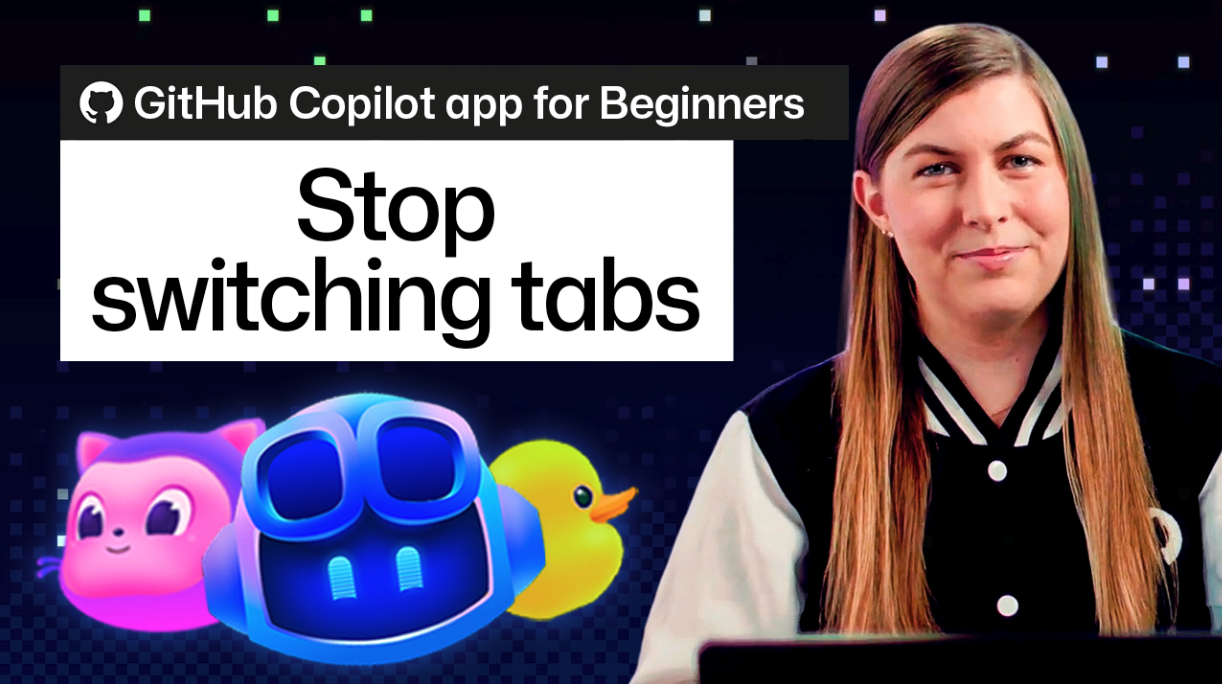
The modern software development lifecycle is undergoing a seismic shift, driven by the rapid evolution and integration of artificial intelligence coding assistants. For years, developers utilizing automated coding agents faced a persistent workflow friction: the need to constantly context-switch between code editors, command-line interfaces, and web browsers to verify modifications produced by machine learning models. Addressing this industry-wide pain point, GitHub has officially unveiled an integrated workflow within the GitHub Copilot app designed to consolidate code review, terminal execution, and application previewing into a unified, side-by-side interface. This architectural update aims to eliminate traditional tab-hopping, significantly streamline the validation loop, and bolster developer confidence when merging AI-generated codebases.
Background Context and the Rise of AI Coding Assistants
To understand the significance of this development, one must examine the trajectory of AI-assisted software engineering over the past half-decade. Initially introduced as intelligent autocomplete tools capable of suggesting single lines of code or boilerplate functions, AI assistants have rapidly matured into autonomous and semi-autonomous coding agents. Modern developer tools can now generate entire multi-file features, refactor complex legacy architectures, and autonomously resolve syntax or logical errors based on natural language prompts.
However, this newfound capability introduced a complex human-computer interaction challenge: verification. When an autonomous agent modifies dozens of files simultaneously, the burden of verification falls squarely on the human developer. Historically, this required a fragmented routine: opening a version control diff viewer in an Integrated Development Environment (IDE) to inspect code modifications, navigating to a separate terminal window to execute build commands and test suites, and finally launching a web browser to manually inspect user interface changes. Each context switch exacts a cognitive toll, fragmenting focus and increasing the likelihood that subtle bugs or regressions might slip past manual inspection into production environments.
The New Workflow: Consolidating the Verification Loop
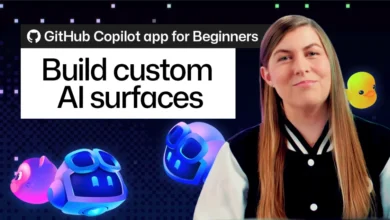
The updated GitHub Copilot app addresses this fragmentation by introducing a cohesive, multi-panel workspace tailored specifically to the complete AI coding loop. By placing the review, execution, and preview stages adjacent to one another within a single application window, GitHub seeks to transform how developers interact with machine-generated output.
At the core of this integrated experience are three primary functional panels: the Diff Panel, the Terminal Panel, and the Browser Preview Panel. Each panel addresses a specific pillar of code verification, ensuring developers retain total oversight without sacrificing efficiency.
Using the Diff Panel for Granular Code Review
The first step in validating any software modification—human or artificial—is inspecting the raw source code changes. The diff panel within the Copilot app provides a side-by-side or unified comparison of the codebase before and after the agent’s intervention. Additions are clearly highlighted in green, while deletions and modifications are marked in red.
Rather than acting as a passive viewing window, this panel serves as an interactive command center. Developers retain absolute editorial control, possessing the ability to selectively accept specific changes, reject undesirable modifications, leave contextual inline comments, or prompt the Copilot agent to iterate further on specific blocks of code. This granular level of control ensures that AI integration remains a collaborative partnership rather than an opaque black box.
Executing Code Dynamically via the Terminal Panel
Static code analysis through a diff view, while essential, represents only half of the validation equation. Ensuring that code compiles and executes correctly without throwing runtime errors is equally critical. The Copilot app now incorporates a fully functional terminal panel directly inside the active session.
This integrated terminal allows developers to execute project-specific commands, run automated test suites, and inspect real-time logs without leaving the application interface. Developers can manage multiple concurrent terminal sessions, enabling complex multitasking scenarios—such as running a database migration in one tab while monitoring a backend compilation process in another. For standard web development workflows, scripts such as local development servers can be configured and triggered directly via dedicated interface buttons, bridging the gap between static text inspection and dynamic runtime behavior.
Closing the Loop with Live Browser Previews
For web applications and user-facing software features, verifying the underlying code and terminal logs is insufficient; the visual and functional aspects of the user interface must also be evaluated. The Copilot app introduces a native browser preview panel to definitively close the validation loop.
When working on front-end features, developers can render the application directly within the app interface, interacting with buttons, forms, and dynamic components as if using the final product in a standard web browser. If a visual defect or layout misalignment is discovered, developers can leverage specialized tools such as the Pick and Polish utility. This feature allows the user to select specific UI elements directly within the preview pane and instruct the AI agent to execute targeted styling or structural adjustments. Following these iterative corrections, developers can restart the development server script within the terminal panel to instantly review the updated interface, establishing a seamless, continuous feedback loop.
Implications for Software Engineering Productivity and Security
Industry analysts note that as software development organizations increasingly adopt agentic workflows, the primary bottleneck has shifted from code generation speed to code verification capacity. When an AI agent can generate thousands of lines of code per hour, the human review process threatens to become the ultimate constraint on software delivery velocity.
By collapsing the physical distance between diff reviews, terminal execution, and browser previews, GitHub’s latest update directly targets this verification bottleneck. According to internal ergonomic studies and developer feedback gathered during early deployment phases, eliminating context-switching reduces mental fatigue and significantly accelerates the time required to safely merge AI-contributed features. Furthermore, by making the verification process frictionless, developers are statistically more likely to thoroughly test agent-generated code rather than blindly accepting pull requests—a practice that historically introduced security vulnerabilities and technical debt into enterprise codebases.
Integration and Pull Request Management
Once the verification loop is successfully completed—meaning the diff has been meticulously reviewed, the terminal commands have executed without error, and the browser preview confirms correct functionality—the final administrative hurdle remains: merging the changes into the broader project repository.
The Copilot app streamlines this final milestone by enabling developers to accept modifications and initiate pull requests directly from the unified interface. This eliminates the need to manually stage files, switch to external Git GUI clients, or navigate web-based repository dashboards to create integration branches. By keeping the entire lifecycle—from the initial natural language prompt to the final pull request submission—contained within a single, cohesive environment, GitHub is redefining the baseline user experience for AI-assisted software engineering.
Broader Industry Context and Future Outlook
GitHub’s rollout of this integrated application workspace reflects a broader industry trend toward consolidation within the developer tooling ecosystem. As generative artificial intelligence transitions from a novelty feature to a core operational pillar of software development, standalone code editors are increasingly evolving into comprehensive orchestration platforms.
Competitors across the technology landscape are similarly racing to build unified interfaces that bridge the gap between AI generation and runtime validation. However, GitHub’s deep integration with the foundational Git version control ecosystem and its extensive existing user base position it advantageously in the enterprise tooling market.
As organizations continue to evaluate the ROI of AI coding assistants, tools that emphasize safety, transparency, and developer control—such as side-by-side diffs, integrated terminals, and live previews—are expected to become standard enterprise requirements. By addressing the cognitive friction of context-switching, developments of this nature signal a mature phase in AI tool design, one where human oversight is not merely accommodated, but actively facilitated through thoughtful software architecture.