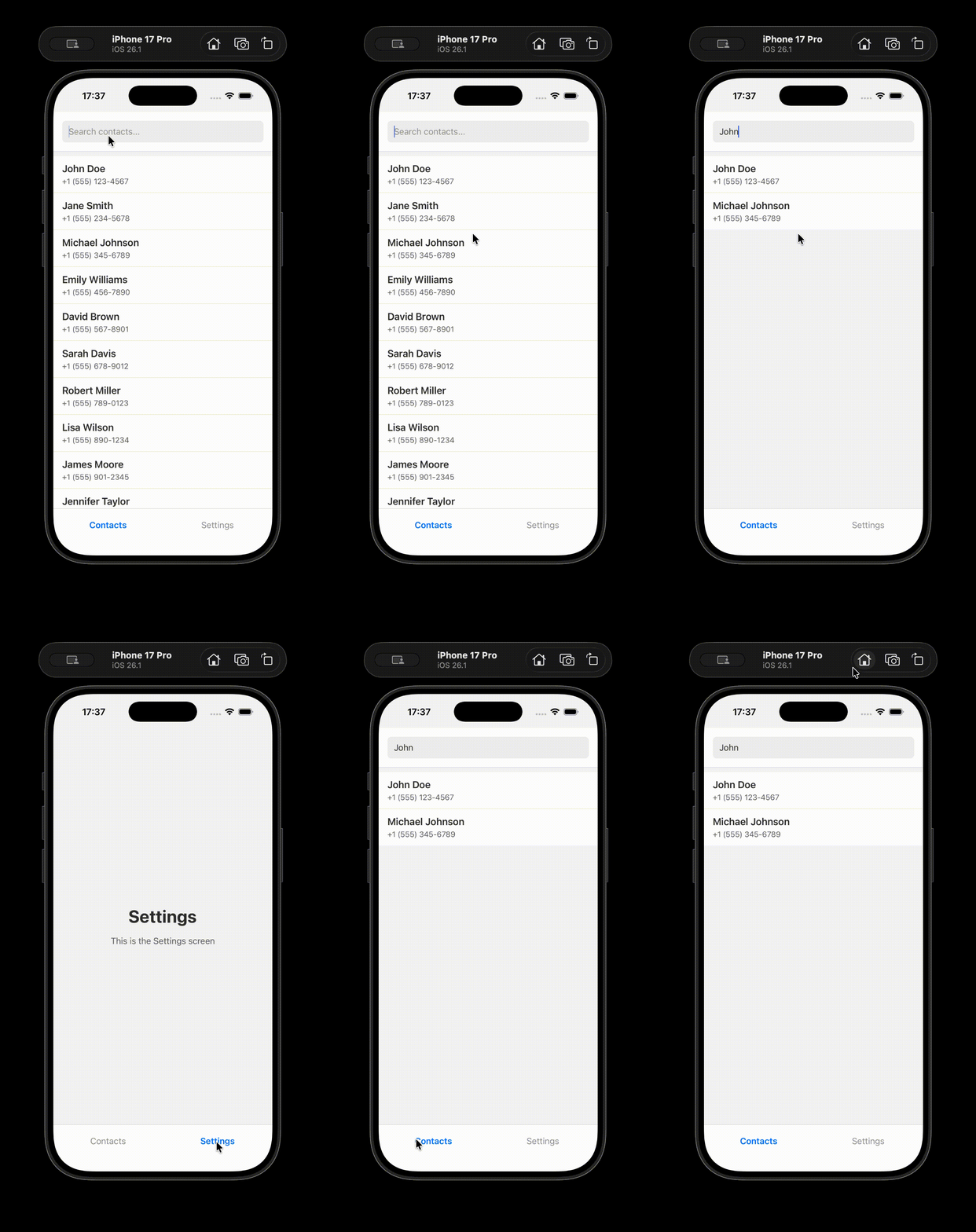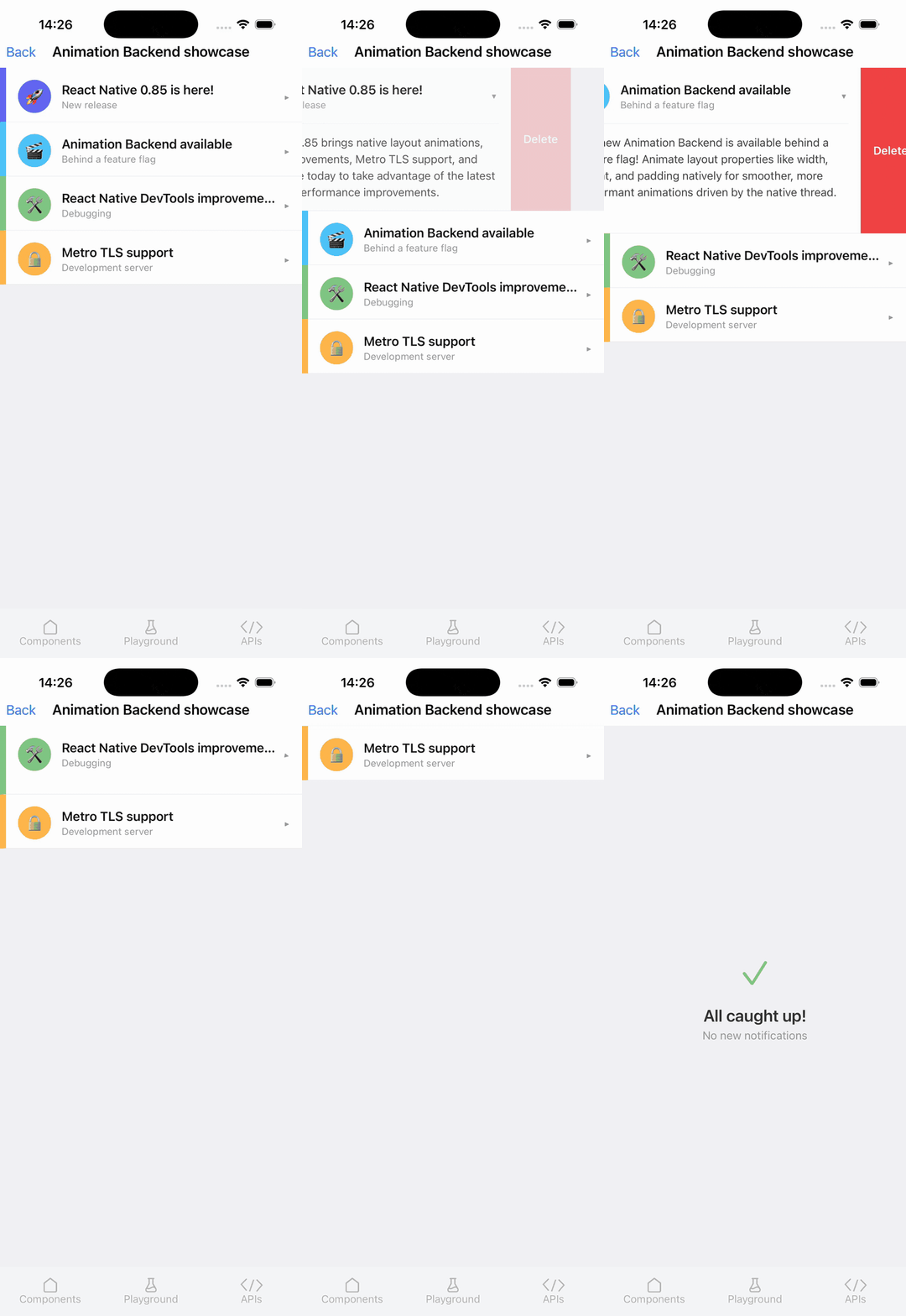
The React Native development team has officially launched version 0.85, a significant update that introduces a revamped animation backend, streamlines development workflows, and lays the groundwork for future enhancements. This release, building upon months of iterative development and community feedback, marks a pivotal moment for developers building cross-platform applications with React Native, promising improved performance, stability, and developer experience. The headline features include a sophisticated new animation system developed in partnership with Software Mansion, a dedicated package for the Jest preset, and a suite of improvements to React Native DevTools.
The release of React Native 0.85 signifies a proactive approach by the core team to address long-standing performance bottlenecks and enhance the framework’s extensibility. By modularizing key components and introducing foundational architectural changes, the team aims to empower developers with more robust tools and greater control over their application’s behavior. This update is not merely an incremental step but a strategic evolution designed to meet the ever-increasing demands of modern mobile application development.
A Leap Forward in Animation Performance and Flexibility
At the forefront of React Native 0.85’s advancements is the introduction of the new Shared Animation Backend. This collaborative effort with Software Mansion, a renowned firm specializing in React Native development and performance optimization, represents a fundamental shift in how animations are handled under the hood. The new backend serves as an internal engine that governs the animation processes for both the built-in Animated API and the popular third-party library Reanimated.
By migrating the core animation update logic into the React Native core, developers leveraging Reanimated can now benefit from performance enhancements that were previously unattainable. This architectural change ensures that Reanimated can more seamlessly integrate with React Native’s reconciliation process, guaranteeing increased stability and compatibility with future framework updates. This symbiotic relationship between the core and community libraries is a testament to React Native’s commitment to fostering a vibrant and innovative ecosystem.
One of the most impactful implications for developers using the core Animated API is the removal of a long-standing limitation. Previously, animating layout properties such as flex and position with the native driver was not fully supported. React Native 0.85 liberates developers from this constraint, allowing for smoother, more performant animations of these crucial layout attributes directly on the native thread. This capability is particularly beneficial for creating fluid user interfaces and dynamic layouts that respond instantaneously to user interactions.
To illustrate the power of these new animation capabilities, the React Native team has provided comprehensive examples within the react-native/packages/rn-tester/js/examples/AnimationBackend/ directory on GitHub. These examples serve as practical guides for developers looking to explore and implement the advanced animation features now available.
The new animation backend is being rolled out as an experimental feature, requiring developers to opt into an experimental channel for React Native. This phased approach allows for thorough testing and feedback collection before a stable, widespread release. Importantly, this experimental functionality will be accessible starting with React Native version 0.85.1, which is slated for release shortly after the initial 0.85 rollout. This careful deployment strategy underscores the team’s dedication to delivering polished and reliable features.
How to Animate Layout Props with the New Backend:
Developers can now leverage the enhanced animation capabilities to animate a wider range of properties. For instance, animating the width of an Animated.View component with useNativeDriver: true is now straightforward. This example demonstrates how to bind an Animated.Value to the width property and animate it to a new value using Animated.timing.
import
  Animated,
  Button,
  View,
  useAnimatedValue,
 from 'react-native';

function MyComponent()
  const width = useAnimatedValue(100);

  const toggle = () =>
    Animated.timing(width,
      toValue: 300,
      duration: 500,
      useNativeDriver: true,
    ).start();
  ;

  return (
    <View style=flex: 1>
      <Animated.View
        style=width, height: 100, backgroundColor: 'blue'
      />
      <Button title="Expand" onPress=toggle />
    </View>
  );
This code snippet showcases a simple yet effective implementation of animating the width of a view, demonstrating the ease with which complex animations can be achieved with the new backend.
Enhancements to React Native DevTools and Metro
Beyond the core animation system, React Native 0.85 introduces significant improvements to the developer experience through enhancements to React Native DevTools and the Metro bundler. These updates aim to streamline debugging, improve performance monitoring, and provide greater flexibility in development environments.
React Native DevTools have received a series of upgrades designed to offer developers more powerful insights and control over their applications. These improvements are crucial for identifying and resolving issues efficiently, thereby accelerating the development cycle. While the specific details of each DevTools improvement are extensive, the overarching goal is to provide a more intuitive and feature-rich debugging environment.
A notable visual enhancement includes the integration of native tabs on macOS within the DevTools. This feature offers a more streamlined and familiar user interface for macOS users, improving navigation and accessibility within the debugging suite.
Furthermore, the Metro development server now supports TLS configuration, enabling HTTPS and WSS (for Fast Refresh) during development. This is a critical feature for developers working with APIs that enforce secure connections, allowing them to test these integrations seamlessly within their development environment without encountering certificate errors. Developers can configure TLS by adding a tls object to the server configuration in their metro.config.js file, specifying paths to CA certificates, server certificates, and private keys. For simplified local certificate generation, the mkcert tool is recommended, providing a hassle-free way to create locally trusted certificates.
Breaking Changes and Migration Considerations
As with any major software release, React Native 0.85 includes several breaking changes that developers must be aware of to ensure a smooth upgrade process. These changes, while potentially requiring adjustments to existing codebases, are generally aimed at improving the framework’s long-term maintainability and performance.

Jest Preset Moved to a Dedicated Package:
To reduce the core package size and offer greater flexibility in testing configurations, React Native’s Jest preset has been extracted into a new, dedicated package: @react-native/jest-preset. This modularization allows projects to manage their testing dependencies more granularly. Developers will need to update their jest.config.js file to reflect this change, updating the preset property from 'react-native' to '@react-native/jest-preset'.
- preset: 'react-native',
+ preset: '@react-native/jest-preset',
Dropped Support for EOL Node.js Versions:
In line with industry best practices for maintaining secure and performant development environments, React Native 0.85 officially drops support for end-of-life (EOL) Node.js versions. This includes any Node.js releases prior to version 20.19.4. Developers are strongly advised to ensure they are using a supported version of Node.js before upgrading to React Native 0.85 to avoid compatibility issues.
StyleSheet.absoluteFillObject Removed:
The deprecated StyleSheet.absoluteFillObject API has been removed in this release. Developers are encouraged to migrate to the more concise StyleSheet.absoluteFill or define their absolute positioning styles manually. This change promotes the use of modern and more explicit styling patterns.
- const styles = StyleSheet.absoluteFillObject;
+ const styles = StyleSheet.absoluteFill;
Other Breaking Changes:
The release notes also detail other breaking changes across general, Android, and iOS platforms. While these are less prominent than the aforementioned points, developers should consult the official release notes for a comprehensive understanding of all modifications that might impact their projects. These changes often involve minor API adjustments or internal refactoring that may require code updates.
Other Notable Changes and Acknowledgements
React Native 0.85 incorporates numerous other improvements and fixes that contribute to the overall stability and performance of the framework. These range from minor bug fixes to enhancements in core functionalities, all aimed at providing a more robust development experience.
The release is a testament to the collective effort of the React Native community. Version 0.85 includes over 604 commits from 58 contributors, highlighting the vibrant and active nature of the React Native ecosystem. The core team extends its gratitude to all individuals who contributed to this release, acknowledging the significant efforts of community members who shipped substantial contributions. Special thanks are also extended to those who played a role in documenting the new features for the release post, ensuring that developers have access to clear and comprehensive information.
Upgrading to React Native 0.85
React Native 0.85 is now the latest stable version, and previous versions in the 0.82.x series are moving to an unsupported status. This shift aligns with React Native’s support policy, which prioritizes maintaining security and actively developing the most recent stable releases. Developers are encouraged to review the official support policy for detailed information on version lifecycles.
For developers looking to upgrade their existing projects, the React Native Upgrade Helper tool remains an invaluable resource. This web-based utility provides a diff view of code changes between different React Native versions, simplifying the process of migrating existing codebases. Complementing the Upgrade Helper, the official Upgrading documentation offers detailed guidance and best practices for a smooth transition.
To initiate a new project with React Native 0.85, developers can utilize the following command with the latest version of the React Native CLI:
npx @react-native-community/cli@latest init MyProject --version latestFor users of the Expo managed workflow, React Native 0.85 will be included in the upcoming SDK 56. This ensures that Expo developers will also benefit from the latest advancements in the React Native framework.
The release of React Native 0.85 represents a significant step forward in the evolution of the framework. With its enhanced animation capabilities, improved developer tools, and a commitment to a robust and extensible architecture, this update empowers developers to build even more sophisticated and performant mobile applications. The proactive management of breaking changes and the continued support for community contributions ensure that React Native remains a leading choice for cross-platform mobile development.