Passbolt Review: A Professional Analysis of Secure Team-Based Password Management Solutions

In the modern digital landscape, the informal sharing of credentials via insecure channels such as instant messaging platforms, unencrypted spreadsheets, or physical notes has become a significant liability for organizations of all sizes. The risk of unauthorized access due to credential leakage—often precipitated by human error or social engineering—has forced businesses to reconsider how they handle sensitive access data. Passbolt, a Luxembourg-based cybersecurity entity, has emerged as a prominent solution in this sector, specifically addressing the friction between convenience and robust security. By utilizing OpenPGP encryption, the platform provides a decentralized model for sharing secrets where each team member retains an independently encrypted copy, ensuring that a compromise of one account does not inherently expose the entirety of the organization’s credential vault.

The Evolution of Credential Management
The history of password management has transitioned from simple, localized text files to sophisticated, cloud-native enterprise platforms. Historically, password managers were designed for individual use, focusing on local vault encryption. However, the rise of remote work and the necessity for cross-departmental collaboration necessitated a paradigm shift. Organizations began demanding solutions that offer granular access control, activity auditing, and integration with existing identity management frameworks.
Passbolt SA, established in Luxembourg, entered the market with a distinct emphasis on open-source transparency. Unlike proprietary "black box" solutions that require total trust in the vendor’s internal security audits, Passbolt leverages the OpenPGP standard—a battle-tested protocol for data encryption and signing. This architectural choice aligns with the growing industry trend toward "sovereign" data management, where companies retain control over their security keys, thereby mitigating the risk associated with third-party cloud providers.
Architectural Foundations and Security Protocols
At its core, Passbolt operates on a zero-knowledge architecture. When a user creates an account, the platform utilizes a private key and a passphrase to secure data. This means that even in a hosted environment, the service provider cannot access the plaintext credentials of the users. This security posture is critical for organizations operating under strict regulatory compliance frameworks, such as GDPR in Europe or HIPAA in the United States, where the protection of digital identities is a legal requirement.
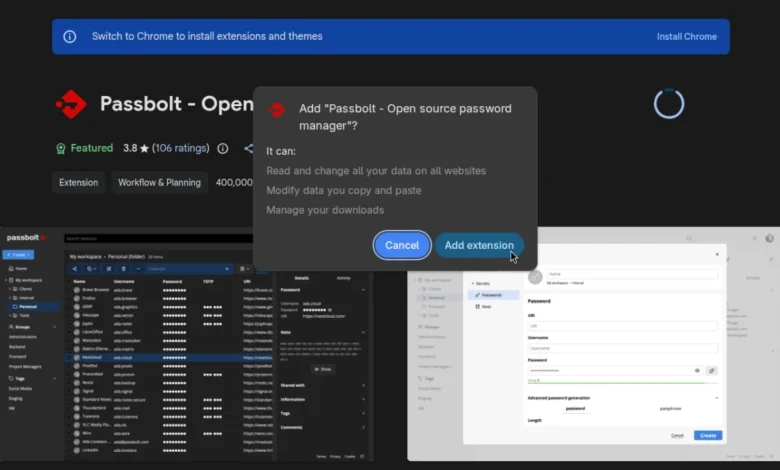
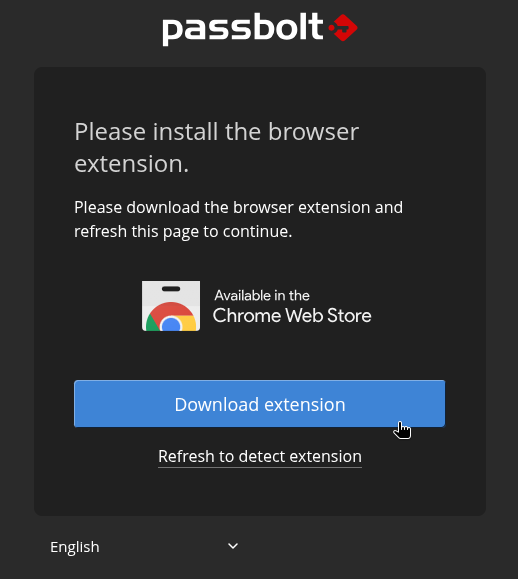
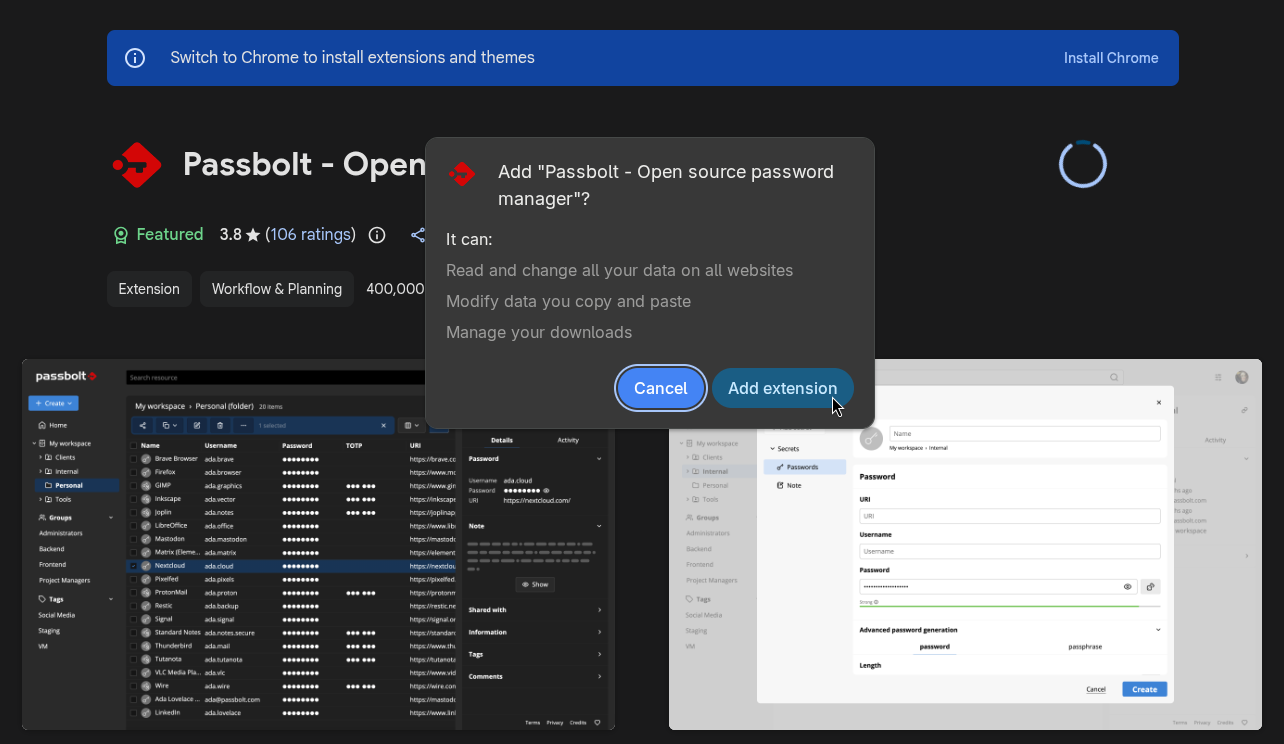
The platform’s reliance on browser-based extensions for autofill functionality and security operations is a standard, albeit sensitive, implementation. By requiring the extension to handle encryption locally, Passbolt ensures that sensitive credentials are not transmitted in plaintext over the network. However, this necessitates a high level of trust in the browser’s extension permission model. Users are prompted to grant permissions that include reading and modifying data on websites, which, while necessary for the functionality of an autofill engine, serves as a point of scrutiny for security-conscious IT administrators.

Comparative Tiers: Community vs. Enterprise
Passbolt employs a dual-track strategy to cater to both the open-source community and the enterprise market. The Community Edition (CE) remains the backbone of their offering, licensed under the AGPL-3.0. This ensures that the fundamental security architecture remains auditable by the global developer community. The availability of Docker and Helm charts for this edition facilitates deployment within Kubernetes clusters, making it a favorite for DevOps teams managing private infrastructure.
Conversely, the Pro and Enterprise editions are structured to meet the needs of larger corporations. These tiers include features such as Single Sign-On (SSO) integration, LDAP provisioning, and comprehensive activity logging. These features are not merely convenience-oriented; they are essential for forensic auditing in the event of a security incident. The subscription-based model for these tiers functions as a service-and-support agreement, where the loss of a subscription key results in the cessation of updates and official technical support.
Operational Workflow: The User Experience
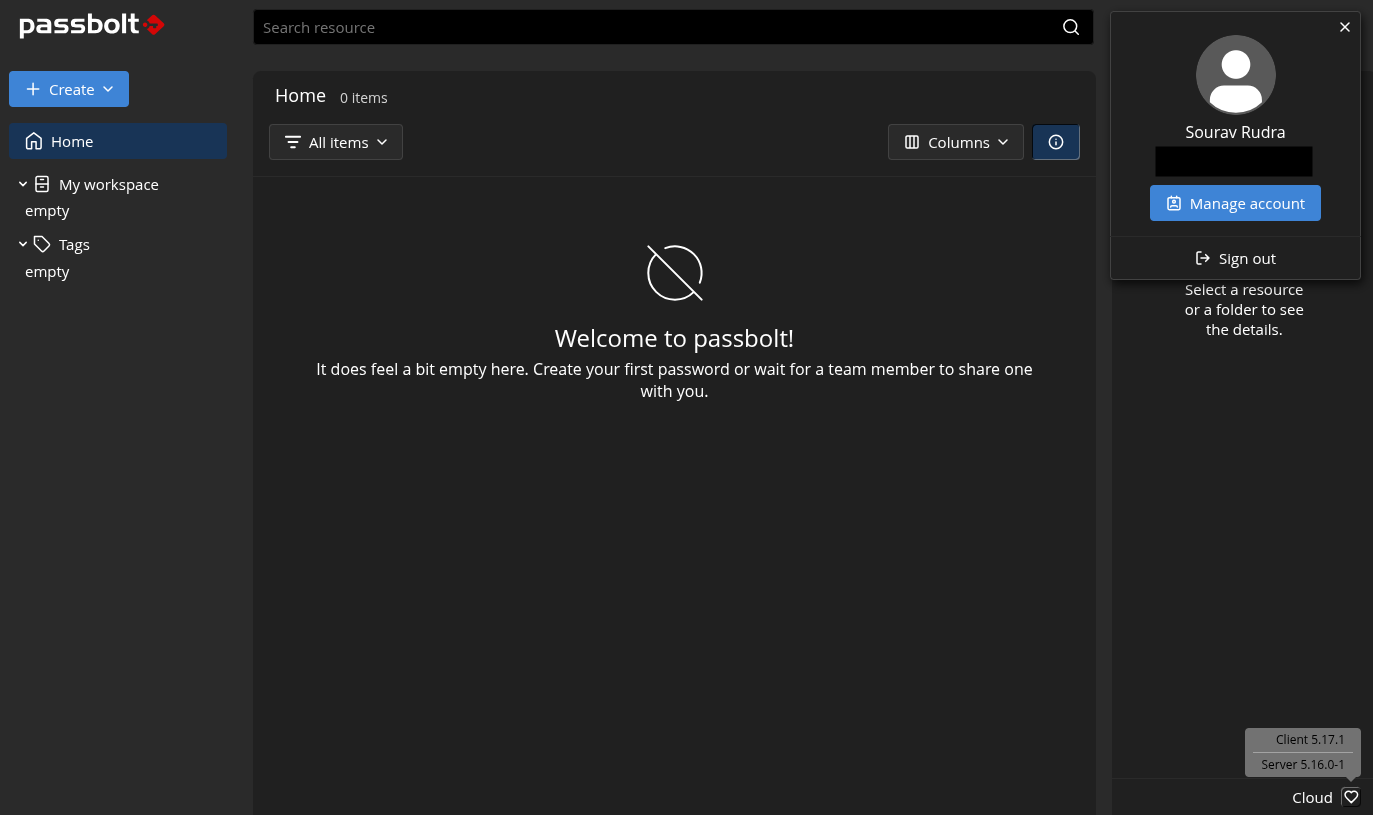
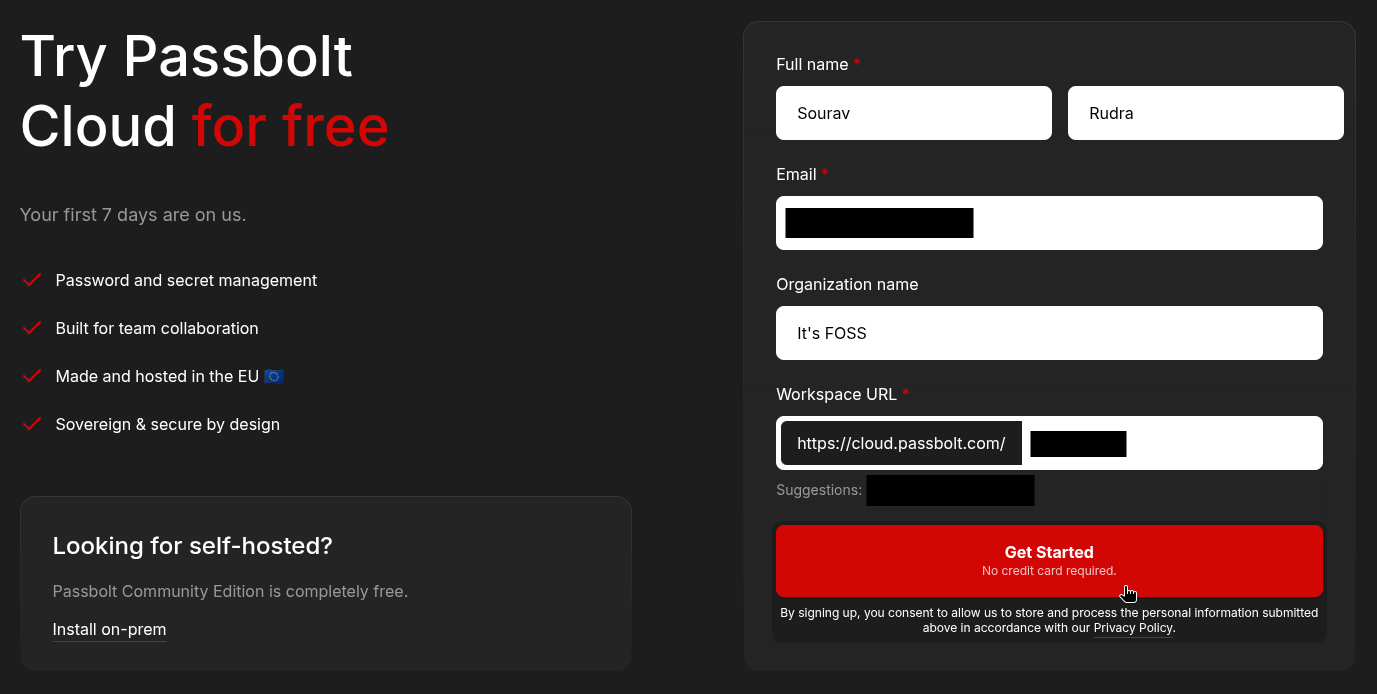
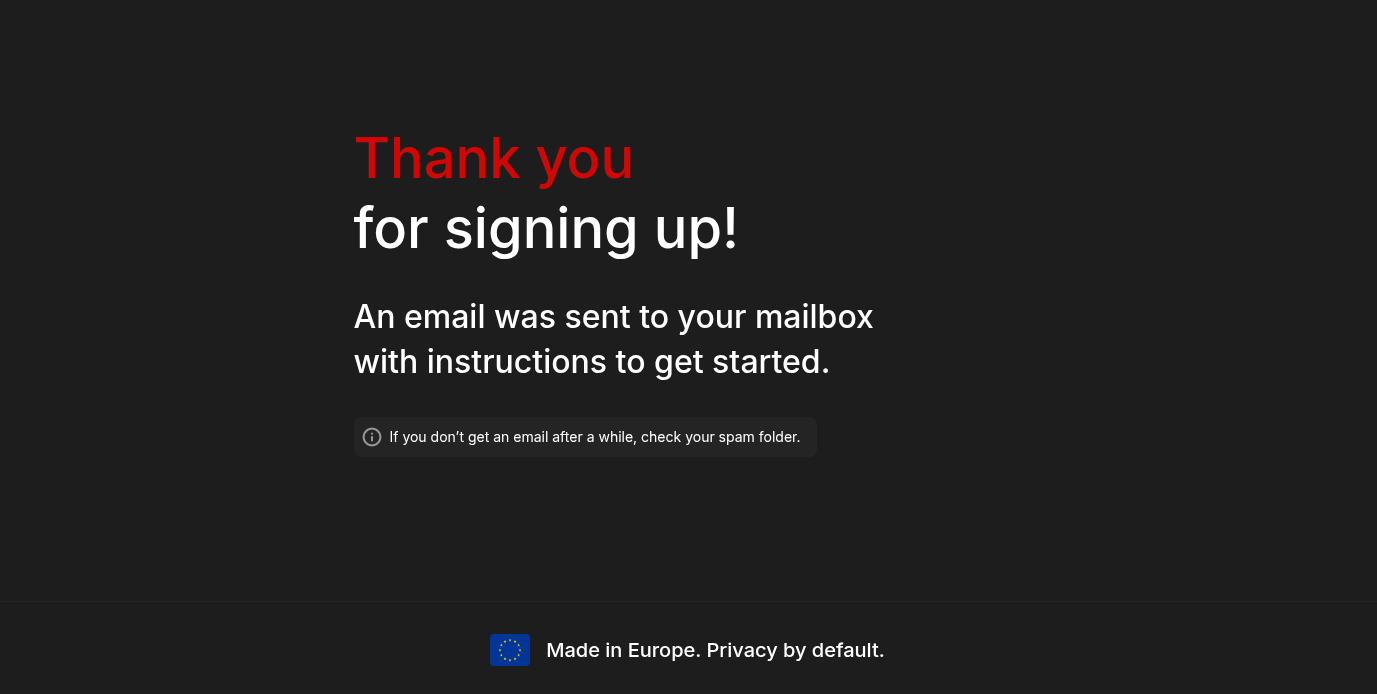
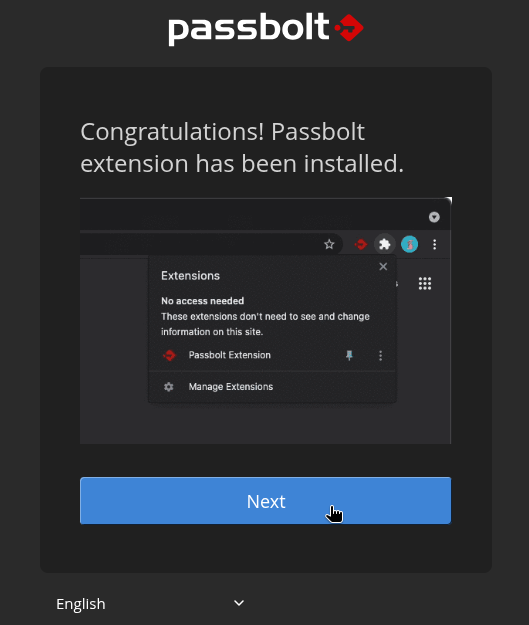
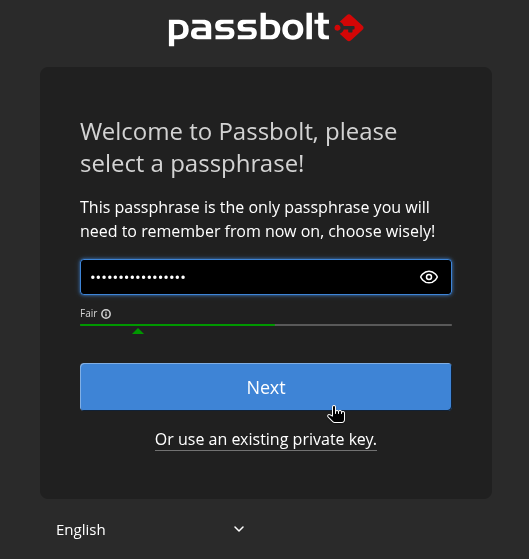
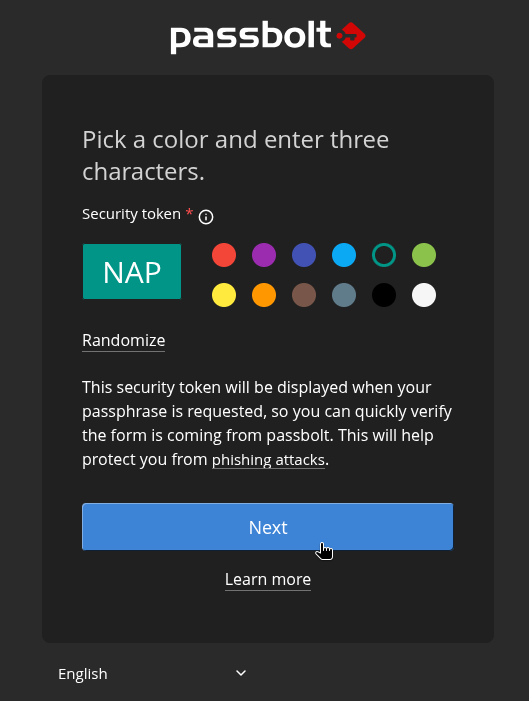
The onboarding process for Passbolt Cloud reflects a modern, streamlined approach to identity management. Upon registration, users are guided through a configuration phase that prioritizes security tokens over traditional, easily phishable password recovery methods. The interface design focuses on minimalism, which is intentional; by reducing the cognitive load on the user, the platform aims to decrease the likelihood of configuration errors.
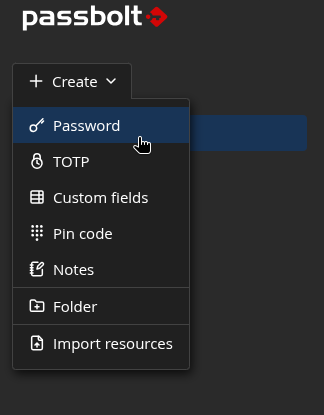
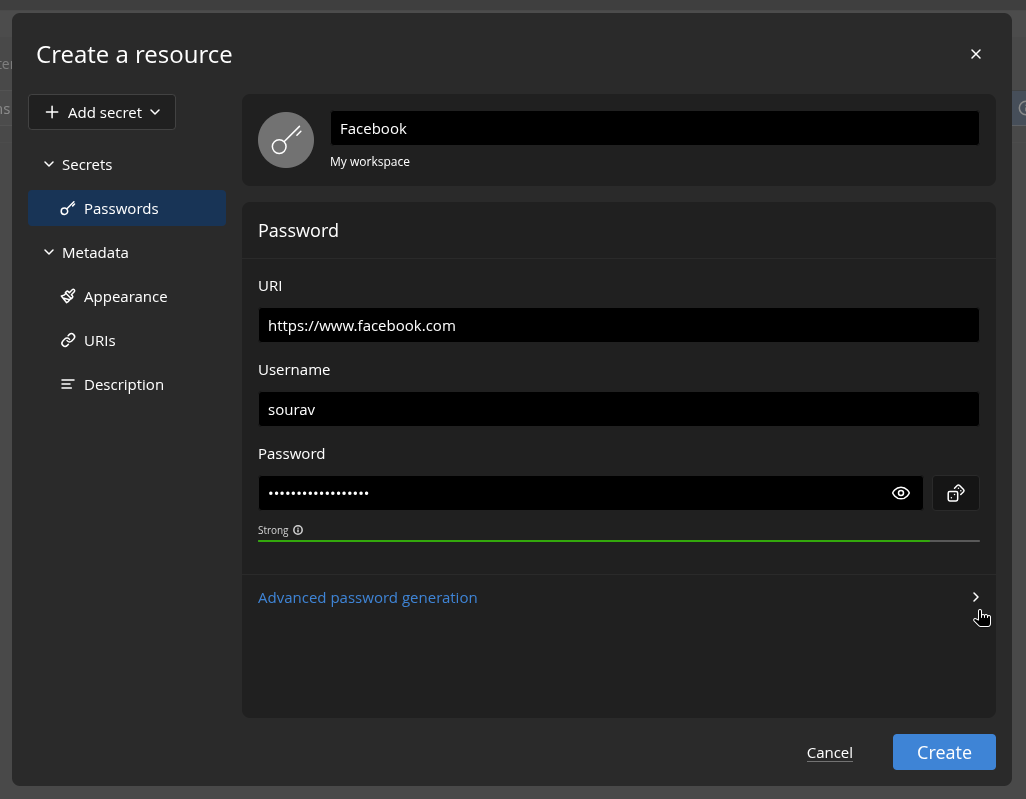
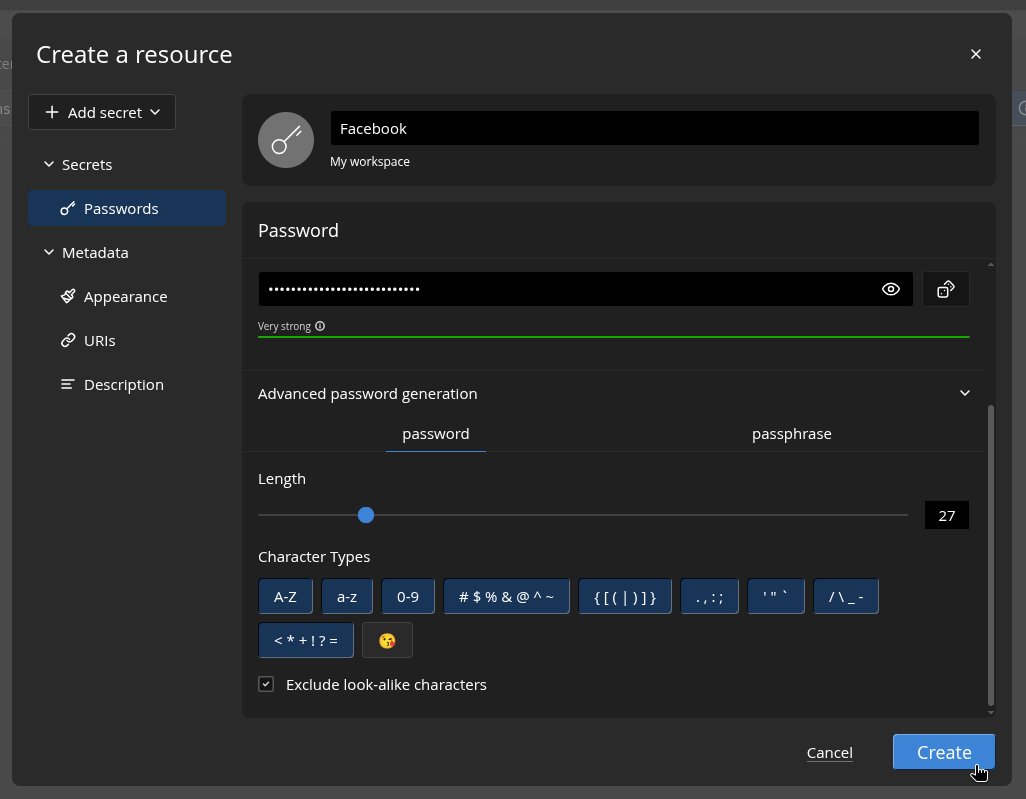
In practical testing, the creation of entries—including TOTP (Time-based One-Time Password) codes, pin codes, and custom fields—demonstrates the platform’s versatility. The inclusion of a robust password generator that allows for the creation of high-entropy passphrases is a vital feature for enforcing organizational security policies. A notable hurdle in the user experience remains the URI-matching logic. In instances where a credential is saved for a specific subdomain or top-level domain (e.g., threads.net vs. threads.com), the autofill mechanism may fail to trigger. While this is a common challenge among all password managers, it highlights the importance of user education regarding the storage and labeling of credentials.
Collaborative Dynamics and Administrative Control
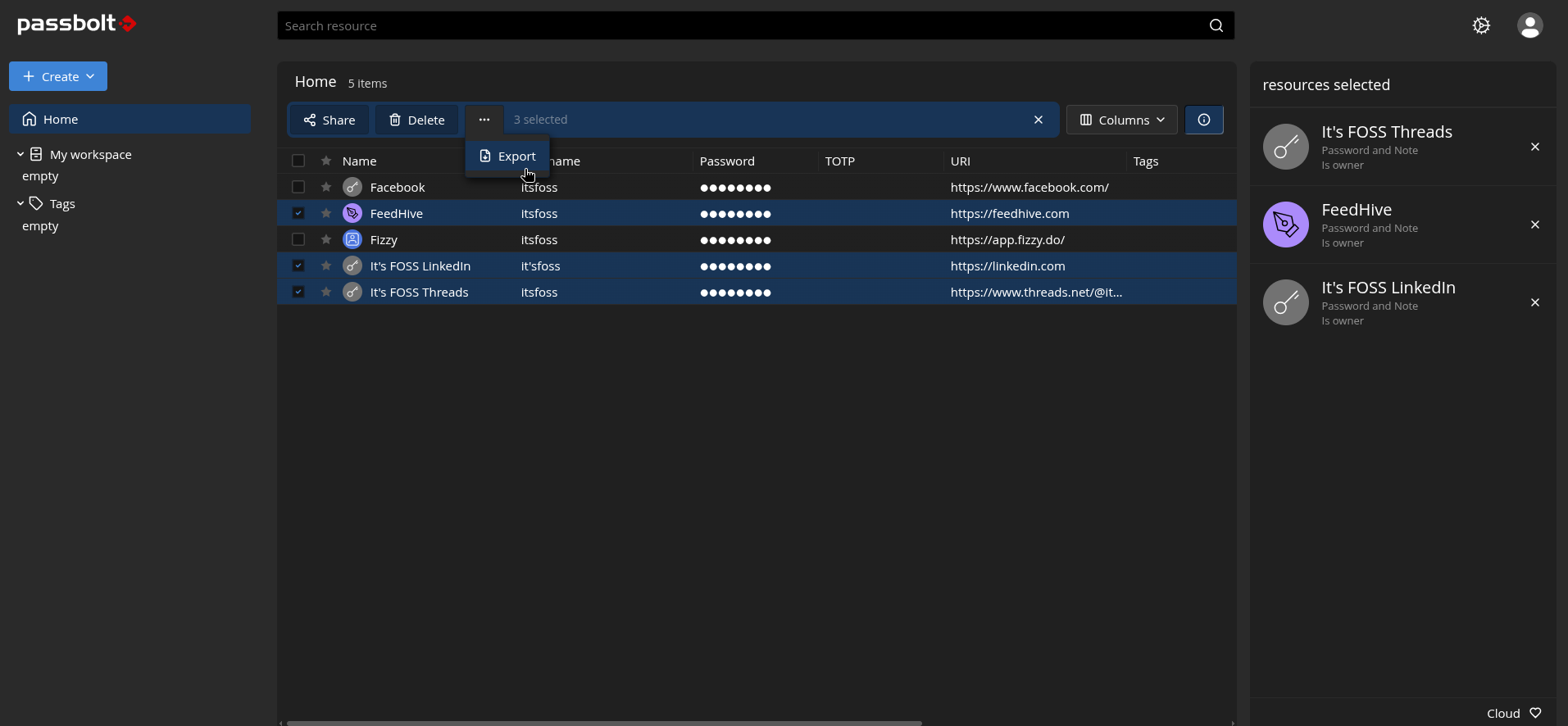
The true value proposition of Passbolt lies in its collaborative capabilities. Administrative users possess the ability to manage users and groups through a centralized console, assigning specific permissions to folders and entries. The "Share" functionality enables granular access, allowing for "read-only" access to sensitive credentials. This is particularly useful for contractors or temporary staff who require access to specific services without needing the ability to modify or export those credentials.
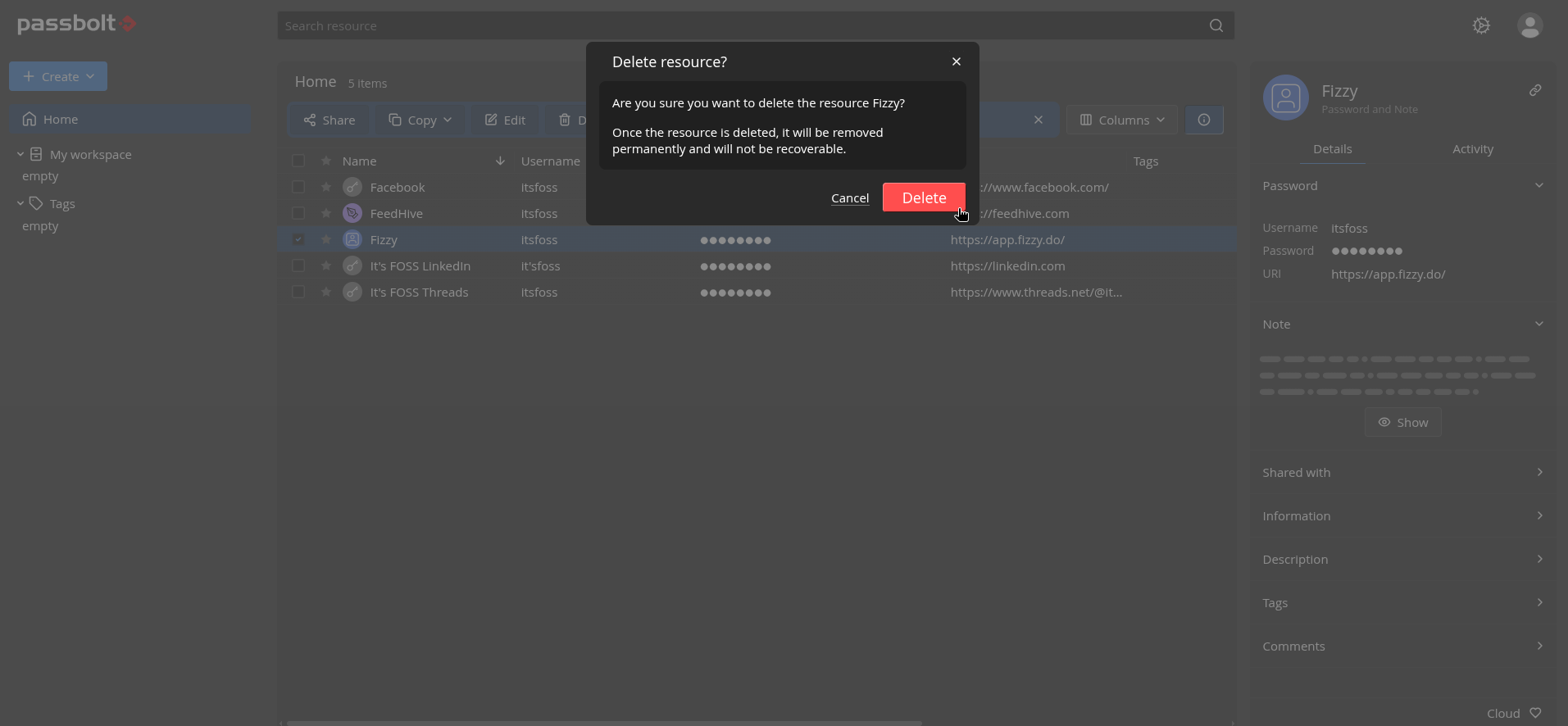
The ability to promote users to administrative status or suspend access immediately provides an essential "kill switch" for organizations undergoing personnel changes. In a corporate environment, the rapid offboarding of an employee is a critical security task; Passbolt’s ability to revoke access across the entire organization instantly mitigates the risk of "orphaned" credentials remaining in the hands of former staff.
Market Implications and Future Outlook
The cybersecurity market for password management is currently undergoing a period of intense consolidation and competition. Alternatives such as Proton Pass and specialized tools like AliasVault offer compelling features for individual users, yet the enterprise-grade collaboration features of Passbolt position it uniquely for business environments.
The decision to offer a CLI tool alongside browser extensions is a strategic nod to the Linux and developer communities, acknowledging that many power users prefer command-line interaction for managing secrets. This, combined with the ability to host the infrastructure locally, makes Passbolt a serious contender against incumbent enterprise solutions that rely exclusively on SaaS (Software as a Service) delivery.
Data Privacy and Compliance
Passbolt’s adherence to privacy regulations is highlighted by its transparency in data processing. By requiring explicit consent for the storage and processing of personal information, the company aligns itself with current European digital privacy expectations. For global firms, the ability to choose between a cloud-hosted environment (Cloud Sovereign) and a self-hosted one allows for the localized management of data, a key consideration for companies dealing with cross-border data transfer restrictions.
Conclusion: Weighing the Risks and Benefits
For organizations currently utilizing insecure methods to share passwords, the transition to a managed solution like Passbolt represents a significant leap in security maturity. The platform’s strengths—open-source transparency, robust encryption, and granular access control—are balanced by the inherent complexities of self-hosting or managing enterprise subscriptions.
Ultimately, the effectiveness of any password manager is dependent on the organization’s willingness to enforce usage policies and invest in employee training. Passbolt provides the technical scaffolding to secure a company’s digital keys, but its success depends on the disciplined execution of its administrative features. As credential-based attacks continue to dominate the threat landscape, tools that prioritize, encrypt, and audit access to digital secrets will remain a fundamental pillar of modern enterprise IT strategy. For businesses seeking a balance between high-end security and operational flexibility, Passbolt remains an industry-leading option that continues to evolve in alignment with the needs of the modern, distributed workforce.
Related posts: